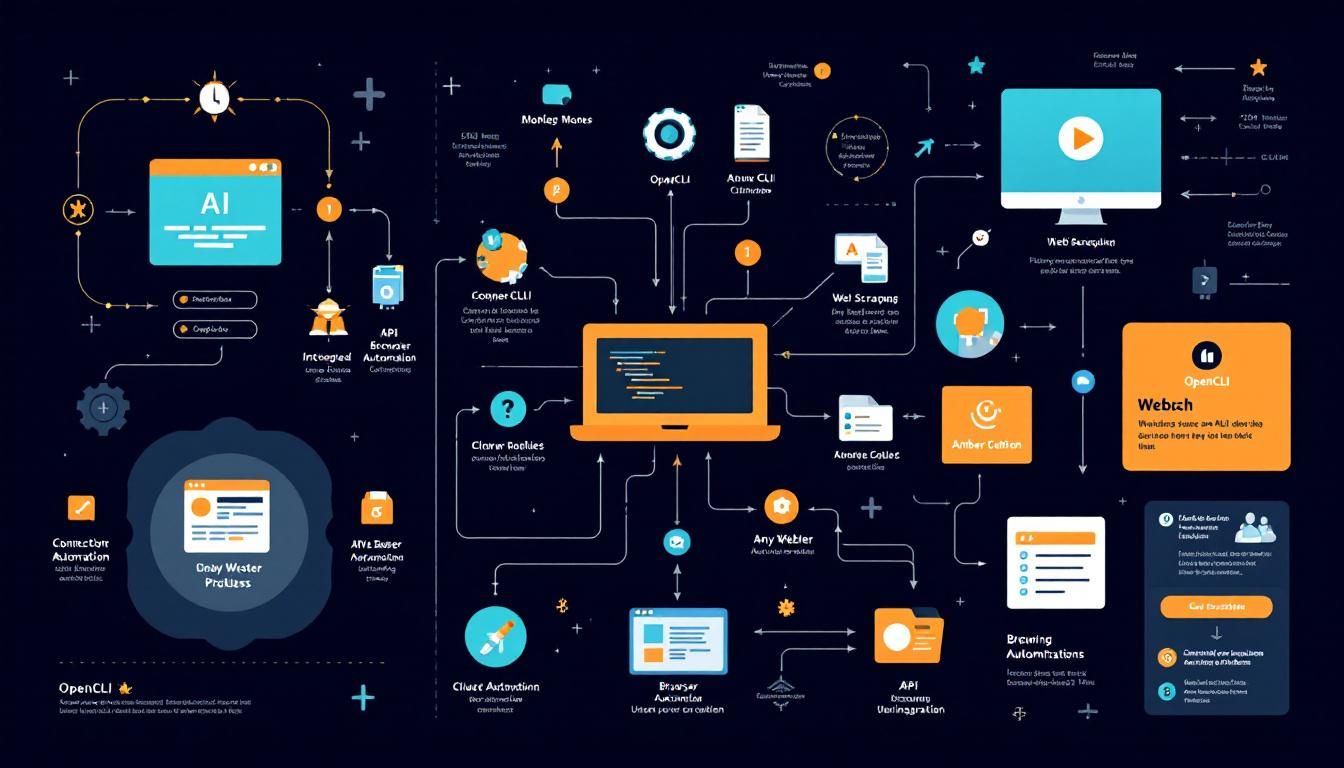
OpenCLI Transforms Any Website Into a Claude-Controlled Command Line Interface
A new open-source tool just hit 2,000 GitHub stars by solving a fundamental problem: turning any website into a CLI that Claude can control directly. No APIs, no complex browser automation setup—just point, click, and automate through natural language commands.
Browser AutomationCLI ToolsAPI IntegrationWeb ScrapingOpenCLIClaude CodeGitHubRedditCursorTwitter
OpenCLI just landed on GitHub a few days ago and immediately caught fire—2,000 stars and climbing. But the real story isn't the popularity; it's what this tool represents for AI-powered automation.
Why This Changes Everything
Most websites don't have APIs. Even when they do, they're often limited, poorly documented, or locked behind authentication walls. Meanwhile, browser automation tools like Selenium or Playwright require substantial setup, maintenance, and coding expertise.
OpenCLI cuts through this complexity entirely. It transforms any website, Electron app, or local tool into a command-line interface that Claude (or other AI models) can control directly through natural language.
Think of OpenCLI as a universal translator between AI models and the visual web—no API keys required, no complex automation scripts to maintain.
This isn't just another CLI tool. It's browser automation reimagined for the AI era, where your AI assistant becomes the interface between natural language commands and visual web interactions.
How OpenCLI Works Under the Hood
OpenCLI operates on a deceptively simple principle: it runs a controlled browser session in the background and translates CLI commands into browser actions. But the magic happens in the implementation details.
The Adapter Architecture
The tool ships with 53 pre-built adapters for popular platforms:
- Reddit - Post, comment, vote, and browse without API limitations
- Hacker News - Submit stories, comment, and track discussions
- Twitter - Tweet, follow, and engage (bypassing API costs)
- Codecs - Development tool integration
- Cursor - Code editor automation
- And dozens more
Each adapter understands the specific UI patterns and workflows of its target platform. When you run a command like opencli reddit --post "My thoughts on AI automation", the Reddit adapter knows exactly which buttons to click, forms to fill, and sequences to execute.
Browser Automation That Actually Works
Traditional browser automation breaks constantly. Websites change their layouts, update their selectors, and implement anti-bot measures. OpenCLI addresses this through:
- Visual element recognition that adapts to minor layout changes
- Smart waiting mechanisms that handle dynamic content loading
- Error recovery that can navigate around common automation failures
- Human-like interaction patterns that avoid detection
OpenCLI succeeds where traditional browser automation fails because it's built for resilience, not just functionality.
Claude Integration: Where the Real Power Lives
Claude Code integration is where OpenCLI transforms from a useful tool into a game-changer. Your AI assistant can now:
Execute Complex Multi-Step Workflows
Instead of manually clicking through Reddit to research a topic, you can ask Claude:
"Use OpenCLI to search Reddit for discussions about AI automation tools from the past week, summarize the top 5 threads, and post a thoughtful comment on the most active discussion."
Claude will:
- Execute the search command through OpenCLI
- Parse the results
- Analyze the content
- Craft an appropriate response
- Post the comment
Handle Platform-Specific Nuances
Each platform has unwritten rules and optimal posting strategies. Claude can learn these patterns and apply them consistently:
- Reddit: Understanding subreddit culture and posting etiquette
- Hacker News: Crafting technical discussions that resonate with the community
- Twitter: Managing character limits and hashtag strategies
Scale Personal Automation
What used to require hours of manual work becomes a single command. Research competitors, engage with communities, monitor discussions, and maintain your online presence—all through natural language instructions to Claude.
The combination of OpenCLI and Claude Code turns every website into a programmable interface controllable through conversation.
Practical Implementation Walkthrough
Let's walk through setting up OpenCLI with Claude for a real automation scenario: monitoring competitor discussions on Hacker News.
Step 1: Installation and Setup
git clone https://github.com/opencli/opencli
cd opencli
npm install
The installation includes all 53 adapters by default—no additional configuration needed for supported platforms.
Step 2: Test Basic Functionality
opencli hackernews --search "AI automation tools"
This command launches a browser session, navigates to Hacker News, performs the search, and returns structured results to your terminal.
Step 3: Claude Integration
In Claude, you can now reference OpenCLI commands directly:
"I want to monitor Hacker News for any mentions of [your company name] or [your product category]. Set up a daily check and summarize any relevant discussions."
Claude can construct the appropriate OpenCLI commands, execute them, analyze the results, and provide intelligent summaries.
Step 4: Building Complex Workflows
The real power emerges when you chain multiple platforms:
"Monitor Reddit and Hacker News for discussions about AI coding tools. When you find interesting threads, cross-post relevant insights to Twitter with appropriate hashtags, and save detailed summaries to a local markdown file."
This single request triggers:
- Multi-platform monitoring through OpenCLI
- Content analysis and synthesis by Claude
- Cross-platform posting automation
- Local documentation generation
OpenCLI turns complex multi-platform workflows into simple conversational requests.
Beyond the Obvious Use Cases
While social media automation gets attention, OpenCLI enables more sophisticated applications:
Competitive Intelligence
- Monitor competitor product launches across multiple platforms
- Track sentiment and feature requests in community discussions
- Analyze pricing strategies and customer feedback patterns
Content Research and Distribution
- Research trending topics across platforms before creating content
- Test different messaging strategies with A/B posting
- Maintain consistent brand voice across diverse communities
Development Workflow Integration
- Automatically update project documentation based on code changes
- Cross-post release notes to appropriate developer communities
- Monitor technical discussions for feature inspiration
Market Research Automation
- Survey customer sentiment across review platforms
- Track emerging trends in niche communities
- Identify potential partnership or acquisition targets
The Bottom Line
OpenCLI represents a fundamental shift in how we think about web automation. By making every website commandable through natural language, it eliminates the traditional barriers between AI capabilities and web-based workflows. Combined with Claude Code, it transforms complex multi-platform operations into simple conversations. The tool's rapid adoption (2,000 stars in days) signals that developers are hungry for this kind of seamless automation. Whether you're building competitive intelligence systems, automating community engagement, or streamlining research workflows, OpenCLI provides the missing link between AI reasoning and web action.
Try This Now
- 1Install OpenCLI from GitHub and test basic functionality with a Reddit or Hacker News adapter
- 2Integrate OpenCLI commands into Claude Code for automated social media monitoring workflows
- 3Build a competitive intelligence system using OpenCLI to monitor multiple platforms simultaneously
- 4Create automated content research workflows that span Reddit, Hacker News, and Twitter using OpenCLI adapters
How many Orkos does this deserve?
Rate this tutorial