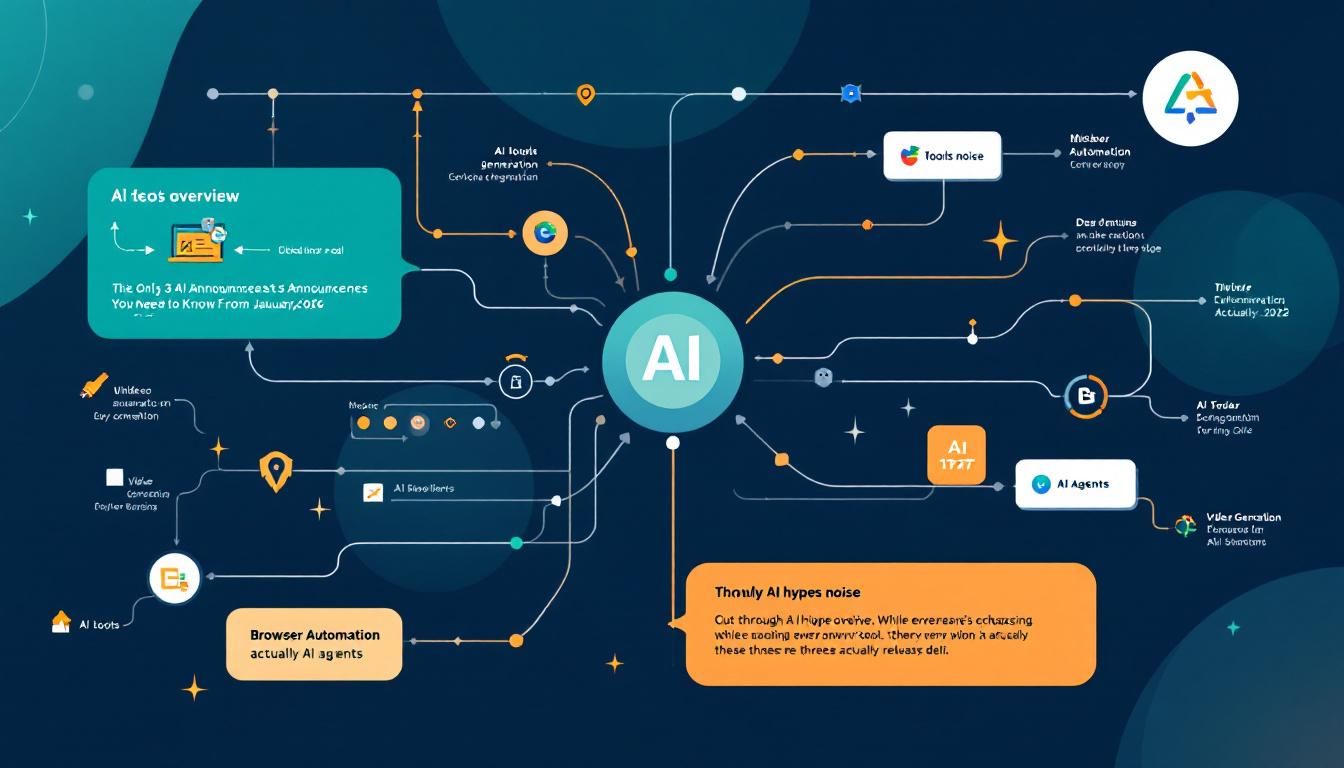
The Only 3 AI Announcements You Need to Know From January 2026
Cut through the AI hype noise. While everyone's chasing every shiny new tool, these three January releases actually deliver practical value — and one of them might replace your entire video creation workflow.
AI tools overviewvideo generationbrowser automationAI agentsClaude CoWorkClaude CodeRemotionAgents OpusAtlasPerplexity Comet
The AI announcement circus never stops. Every day brings another "revolutionary" tool that promises to change everything, and frankly, most of it is noise.
But January 2026 delivered three genuinely useful developments that cut through the hype. While everyone was getting distracted by flashy demos and marketing copy, these tools quietly solved real problems that people actually have.
Why This Matters
We're drowning in AI tool announcements. The average person tracking this space sees dozens of new releases weekly, most promising the moon and delivering lukewarm results. The real skill isn't knowing about every new tool — it's knowing which ones are worth your attention.
These three tools represent a shift from "cool demo" to "practical utility." They're not just impressive in controlled environments; they're actually useful for everyday work.
The best AI tools don't just showcase impressive capabilities — they solve annoying problems you didn't realize could be automated.
Claude Computer Use in Chrome: Browser Automation That Actually Works
Everyone expected Claude CoWork to be the headline grabber, but the real story is Claude Computer Use finally working reliably in Chrome. This isn't just another browser automation tool — it's already outperforming established players.
While Atlas from OpenAI and Perplexity Comet have been making promises, Claude's Chrome integration delivers practical browser automation that handles complex workflows. Think beyond simple form filling or clicking buttons. This system can:
- Navigate multi-step processes across different websites
- Handle dynamic content that changes based on user interactions
- Manage authentication flows and session management
- Adapt when websites update their layouts or functionality
The difference isn't just technical capability — it's reliability. Browser automation has always been brittle, breaking whenever websites change. Claude's approach seems more resilient to the constant flux of web interfaces.
Browser automation finally works reliably enough for daily use, not just impressive demos.
What Makes This Different
Previous browser automation required extensive setup, constant maintenance, and usually broke within weeks. Claude Computer Use in Chrome handles the complexity behind the scenes, adapting to changes without requiring you to rebuild your workflows.
This matters because browser-based work represents a huge chunk of knowledge work — research, data entry, content management, customer service. Reliable automation here saves hours daily, not just minutes.
Claude + Remotion: AI Video Creation That Understands Context
The second development combines Claude's coding capabilities with Remotion, a programmatic video creation tool. This partnership creates something genuinely new: AI that doesn't just generate video content, but understands context and brand consistency.
Here's what this combination can do:
- Motion graphics creation: Generate animated elements that match your brand guidelines
- Smart B-roll selection: Pull relevant footage based on your content theme
- Asset integration: Analyze your website and extract brand elements, colors, fonts, and positioning for video consistency
- Template generation: Create reusable video frameworks based on your content style
Beyond Generic Video Generation
Most AI video tools create generic content that looks obviously AI-generated. The Claude-Remotion combination produces videos that feel intentional and branded. It's not just generating random visuals — it's creating coherent visual stories that align with your brand and message.
The website analysis feature is particularly clever. Give it your company URL, and it extracts visual elements, tone, and positioning to create videos that feel like they came from your marketing team, not a generic AI tool.
AI video creation finally understands the difference between "making a video" and "making your video."
Practical Applications
This isn't just for social media content. The tool handles:
- Product demos that maintain brand consistency
- Educational content with proper visual hierarchy
- Marketing videos that align with existing campaigns
- Internal communications that match company style guides
Agents Opus: From Text Prompt to Social-Ready Video
Agents Opus takes a different approach to AI video creation. Instead of requiring technical setup or brand asset management, it focuses on one thing: turning simple text descriptions into polished, social media-ready videos.
The workflow is straightforward:
- Provide a text description of what you want
- The agent analyzes your prompt for visual themes, pacing, and content structure
- It generates a complete video optimized for social platforms or presentations
- The output includes appropriate sizing, timing, and visual elements for your chosen platform
Current Limitations and Promise
Agents Opus isn't perfect yet. The biggest limitation is editing — you generally get what the first generation produces, with limited ability to refine specific elements. If the initial output doesn't match your vision, you're mostly starting over.
But the quality of that first generation is impressive. The tool understands platform conventions, proper pacing for different social networks, and how to structure visual information for maximum impact.
Sometimes the best tool is the one that gets you 80% of the way there with zero setup time.
When to Use This vs. Other Options
Agents Opus works best for:
- Quick social content creation
- Presentation visuals
- Concept validation before investing in more polished production
- Teams without video editing expertise
For more controlled, brand-specific work, the Claude-Remotion combination offers better customization. For quick turnaround and social media volume, Agents Opus delivers faster results.
The Honorable Mention: Google Pixie
While not in the top three, Google Pixie deserves recognition as a significant upgrade in world modeling capabilities. Unlike previous attempts that focused on generating realistic-looking scenes, Pixie demonstrates better understanding of physics, object relationships, and temporal consistency.
This matters for applications requiring realistic simulations — training scenarios, architectural visualization, or complex scene planning. It's not ready for mainstream adoption yet, but it represents meaningful progress in AI's ability to understand and model reality.
The Bottom Line
January 2026's AI releases prove that we're moving from the "wow factor" phase to the "practical utility" phase. Claude Computer Use in Chrome makes browser automation reliable enough for daily use. Claude-Remotion creates branded video content that doesn't look obviously AI-generated. Agents Opus turns text into social-ready videos without technical expertise. These aren't just impressive demos — they're tools you can actually integrate into your workflow tomorrow. The AI tool landscape is finally maturing from novelty to necessity.
Try This Now
- 1Test Claude Computer Use in Chrome for your most repetitive browser-based tasks
- 2Experiment with Claude-Remotion integration using your company website for brand-consistent video creation
- 3Try Agents Opus for quick social media content generation and compare output quality to your current workflow
How many Orkos does this deserve?
Rate this tutorial