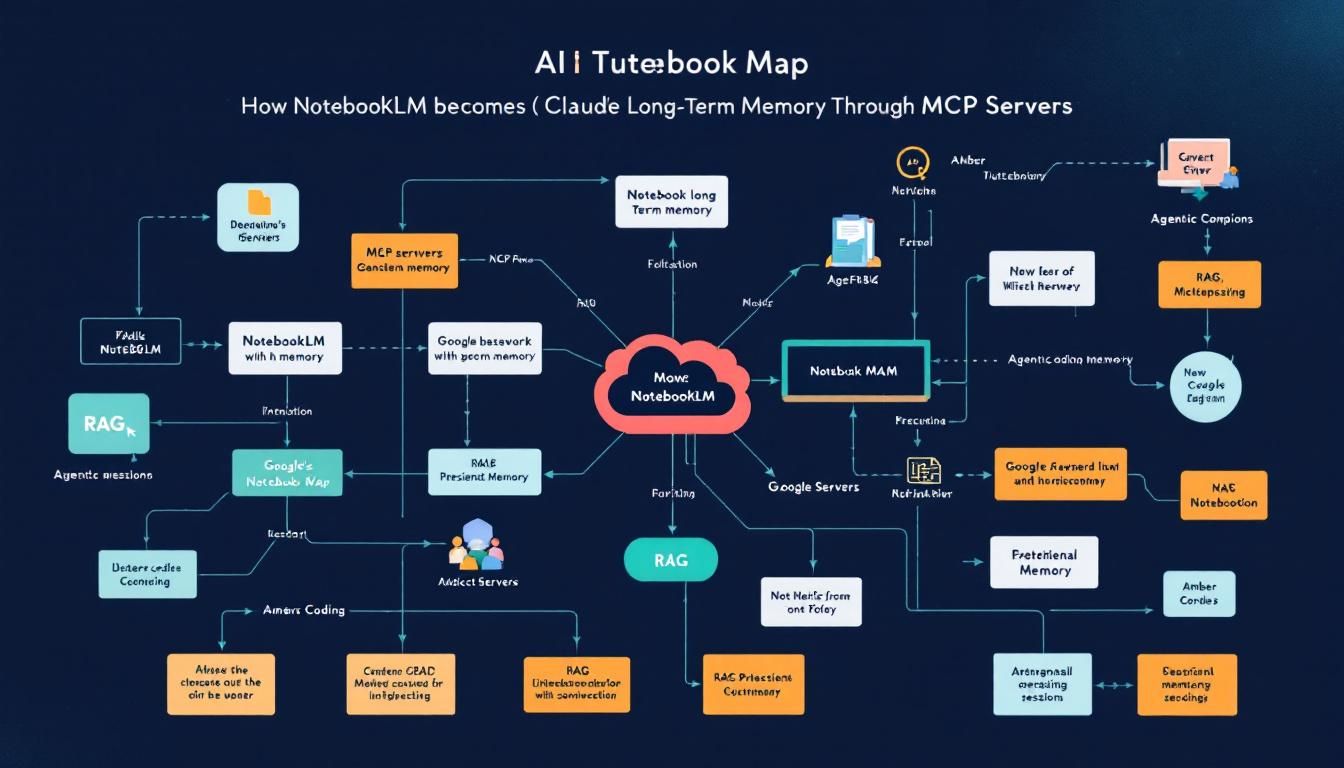
How NotebookLM Becomes Claude's Long-Term Memory Through MCP Servers
Google's NotebookLM just became the easiest way to give Claude persistent memory across coding sessions. Here's how one developer is using MCP servers to turn NotebookLM into a plug-and-play knowledge database that remembers everything.
MCP serverslong-term memoryagentic codingRAGdocument indexingClaude CodeNotebook LM
When Claude forgets everything the moment you close your coding session, it's not just annoying—it's a productivity killer. Every new conversation starts from scratch, every context needs rebuilding, and complex projects become exercises in constant repetition.
But what if Claude could remember? What if it could accumulate knowledge across sessions, building institutional memory for your codebase like a senior developer who's been on the team for years?
Why Long-Term Memory Changes Everything
The fundamental limitation of current AI coding assistants isn't intelligence—it's amnesia. Claude can write brilliant code, architect complex systems, and debug the trickiest problems. But ask it about a decision made yesterday, or reference a pattern established last week, and you're back to square one.
This memory gap creates several pain points:
- Context rebuilding: Every session starts with lengthy explanations of project structure and requirements
- Lost institutional knowledge: Design decisions, architectural choices, and lessons learned vanish between sessions
- Inefficient iterations: Claude can't learn from previous attempts or build on established patterns
- Broken continuity: Complex projects feel fragmented rather than cohesive
Traditional solutions involve complex vector databases, custom RAG implementations, or heavyweight memory systems that require significant setup and maintenance. But there's a simpler path that leverages tools you might already know.
The best memory system is the one you'll actually use consistently—complexity is the enemy of adoption.
NotebookLM as Memory Infrastructure
Google's NotebookLM wasn't designed as a memory system for AI agents, but its architecture makes it surprisingly perfect for the job. Under the hood, NotebookLM uses sophisticated document indexing and retrieval augmented generation (RAG) to synthesize information across multiple sources.
Here's why this matters for agentic coding:
Built-in Document Understanding
NotebookLM excels at ingesting diverse document types—code files, markdown documentation, architecture diagrams, meeting notes. It doesn't just store these files; it understands relationships between concepts and can surface relevant information based on semantic similarity.
Intelligent Synthesis
Unlike simple document storage, NotebookLM can combine insights from multiple sources. Ask about a specific coding pattern, and it might pull from your architectural decisions document, relevant code examples, and previous debugging sessions to give comprehensive context.
Zero-Setup RAG
Building a proper RAG system typically requires vector database configuration, embedding model selection, and careful tuning of retrieval parameters. NotebookLM handles all of this behind the scenes with Google-scale infrastructure.
Project Organization
NotebookLM's project structure maps naturally to coding projects—each codebase gets its own memory space with relevant documents, decisions, and accumulated knowledge.
Think of NotebookLM as a senior developer's notebook—capturing not just what happened, but why decisions were made and how pieces fit together.
The MCP Bridge: Connecting Claude to Memory
Model Context Protocol (MCP) servers are the missing link that transforms NotebookLM from a manual research tool into automated memory infrastructure for Claude. The NotebookLM MCP server exposes all of NotebookLM's capabilities as programmatic functions that Claude can call directly.
This integration enables several powerful workflows:
Automatic Memory Storage
As you work with Claude on a project, it can automatically save important artifacts to the project's NotebookLM instance:
- Architectural decisions and rationale
- Code patterns and their use cases
- Debug sessions and solutions
- Requirements changes and their impact
- Learning from failed approaches
Contextual Memory Retrieval
When starting new work, Claude can query the memory system to understand:
- Existing codebase patterns and conventions
- Previous decisions that might impact new features
- Lessons learned from similar implementations
- Project-specific constraints and requirements
Cross-Session Continuity
Each new Claude conversation can begin by consulting the memory system, effectively continuing previous work rather than starting fresh.
Setting Up Your Memory-Enabled Workflow
Implementing this system involves several straightforward steps:
1. Install the NotebookLM MCP Server
The MCP server acts as the bridge between Claude and NotebookLM. Installation typically involves:
- Adding the server to your MCP configuration
- Authenticating with your Google account
- Configuring project access permissions
2. Create Project-Specific Memory Spaces
For each major coding project, create a corresponding NotebookLM project that will serve as its memory repository. This keeps different projects' contexts separate and organized.
3. Establish Memory Patterns
Develop consistent patterns for what gets stored and how:
- Decision logs: Major architectural choices with reasoning
- Pattern library: Reusable code patterns with documentation
- Issue resolution: Problems encountered and solutions applied
- Context summaries: High-level project state at key milestones
4. Create Retrieval Workflows
Train yourself (and Claude) to consult memory at key moments:
- Beginning new features or major changes
- Encountering similar problems to previous work
- Making decisions that might impact future development
- Onboarding new team members or collaborators
The key to effective AI memory is consistency—irregular updates create gaps that undermine the entire system's value.
5. Iterate and Refine
Like any knowledge management system, your AI memory will improve with use. Pay attention to:
- Which types of stored information prove most valuable
- Where memory gaps cause repeated work
- How to structure information for easiest retrieval
- Balancing detail with conciseness
Understanding the Trade-offs
While the NotebookLM approach offers remarkable ease of setup, it's important to understand its limitations:
Token Efficiency
Every memory query consumes tokens, and NotebookLM's responses can be verbose. For high-frequency operations, this approach may become expensive compared to purpose-built vector databases.
Response Speed
The round-trip through NotebookLM adds latency compared to local memory systems. For real-time coding assistance, this delay might be noticeable.
Dependency Risk
Relying on Google's external service introduces potential availability and pricing risks that self-hosted solutions avoid.
Limited Customization
NotebookLM's indexing and retrieval algorithms aren't configurable—you get Google's approach whether it fits your specific needs or not.
However, for many developers and teams, these trade-offs are worthwhile for the dramatically simplified setup and maintenance compared to building custom memory infrastructure.
Sometimes the best solution isn't the most optimized—it's the one that actually gets implemented and used consistently.
The Bottom Line
The NotebookLM MCP server represents a fascinating convergence: taking a consumer research tool and repurposing it as enterprise-grade AI memory infrastructure. While it may not be the most token-efficient or fastest solution, it's arguably the most accessible way to give Claude persistent, searchable memory across coding sessions. For developers who want to experiment with agentic coding workflows without diving deep into vector databases and custom RAG implementations, this approach offers a remarkably low barrier to entry. The real test isn't whether it's technically perfect—it's whether it actually changes how you code with AI assistants.
Try This Now
- 1Install and configure the NotebookLM MCP server in your Claude development environment
- 2Create a NotebookLM project specifically for your current coding project as a memory repository
- 3Establish a pattern for storing architectural decisions and code patterns in NotebookLM after each major coding session
- 4Test memory retrieval by having Claude query NotebookLM for project context at the start of your next coding session
How many Orkos does this deserve?
Rate this tutorial