The Nano Banana Pro Prompt Library: 200+ Ready-to-Use AI Prompts for Character Creation and Image Generation
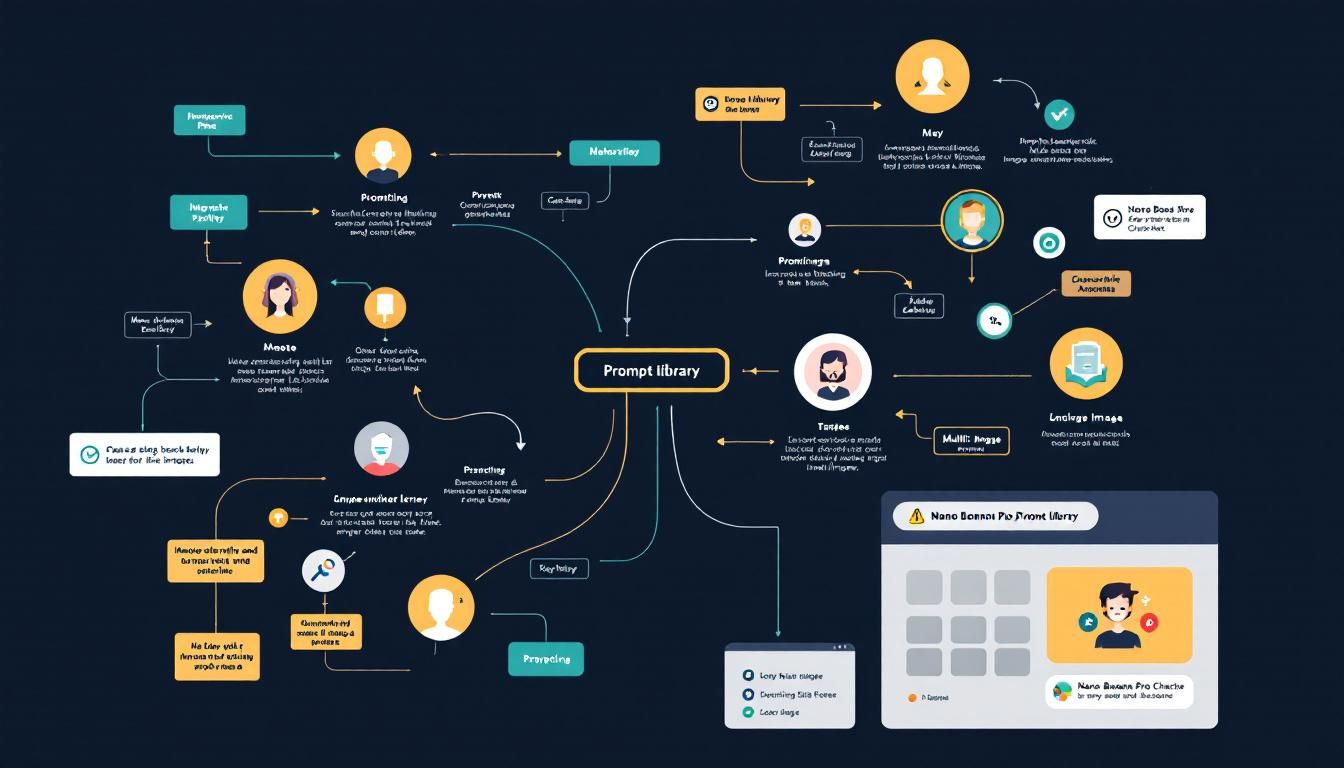
A comprehensive prompt library with over 200 categorized prompts for character creation, image editing, and multi-image blending — complete with example outputs that show you exactly what each prompt creates. No more guessing whether your AI prompt will work.
promptingprompt librariesimage generationcharacter creationChatGPTGemini
The AI prompt game just got a major upgrade. While most people are still fumbling around with vague instructions and hoping their ChatGPT or Midjourney outputs turn out decent, smart creators are building systematic prompt libraries that deliver consistent, professional results every time.
Why This Matters
Here's the brutal truth about AI prompting: most people treat it like throwing spaghetti at the wall. They type something generic like "create a cool character" and wonder why their results look amateur. Meanwhile, the creators producing viral AI content aren't just lucky — they're using battle-tested prompt frameworks.
The Nano Banana Pro prompt library represents exactly this systematic approach. With over 200 categorized prompts spanning character creation, image editing, and multi-image blending, it's essentially a cheat sheet for anyone serious about AI-generated content.
The difference between amateur and professional AI results isn't talent — it's having the right prompts at the right time.
The Three Pillars of Professional AI Prompting
Character Creation That Actually Works
Most character creation attempts fail because people don't understand the relationship between descriptive detail and AI interpretation. The Nano Banana Pro library solves this by providing style-specific prompts that explain not just what to write, but when to use each approach.
For example, creating a fantasy character requires different prompt architecture than generating a realistic portrait. The library breaks this down by:
- Fantasy and mythical characters — prompts optimized for Midjourney and DALL-E that emphasize magical elements without overwhelming the AI
- Realistic human portraits — structured prompts that balance facial features, lighting, and composition
- Cartoon and stylized characters — prompts that work particularly well with Stable Diffusion and custom models
Each category includes specific guidance on when to use certain techniques. Creating a character for a game concept art piece? There's a prompt structure for that. Need a consistent character across multiple scenes? Different approach entirely.
The best character creation prompts don't just describe appearance — they guide the AI's artistic interpretation.
Image Editing and Transformation Mastery
This is where the library gets genuinely impressive. Image editing through AI prompts is notoriously finicky — you're essentially asking the AI to understand and modify existing visual information. The Nano Banana Pro collection provides proven frameworks for:
Outfit swapping that maintains body proportions and lighting consistency. Anyone who's tried to change clothing on an AI-generated person knows how easily this can go wrong. The wrong prompt structure results in warped bodies, mismatched lighting, or clothing that defies physics.
Background replacement techniques that preserve foreground subject quality while seamlessly integrating new environments. This is particularly valuable for content creators who need to place characters in multiple settings without losing visual coherency.
Object removal prompts that fill gaps naturally rather than creating obvious patches or distortions. This requires understanding how different AI models interpret negative space and surrounding context.
The key insight here is that image editing prompts need to be more specific than creation prompts — you're working within existing constraints rather than building from scratch.
Multi-Image Blending for Consistency
Here's where most prompt libraries fall short, but Nano Banana Pro delivers something genuinely useful: systematic approaches to combining multiple images while maintaining visual consistency.
This matters more than you might think. Creating a series of images for a story, brand, or project requires maintaining consistent:
- Character appearance across different scenes and angles
- Lighting and mood that supports narrative flow
- Style coherence that doesn't jar the viewer between images
The library provides specific prompt structures for maintaining these elements across image sequences. This isn't just about copy-pasting the same description — it's about understanding which elements need to remain constant and which can vary.
Multi-image consistency separates professional AI projects from amateur experiments.
What Makes This Library Actually Useful
Example Outputs Change Everything
The game-changer isn't just having 200+ prompts — it's having example outputs for every single prompt. This eliminates the guesswork that kills productivity in AI workflows.
Instead of:
- Writing a prompt
- Running it through ChatGPT or Claude
- Getting unexpected results
- Tweaking and re-running
- Repeating until something works
You can:
- Browse example outputs
- Find the style that matches your vision
- Use the proven prompt
- Get professional results immediately
This approach saves hours of iteration and produces more consistent results. When you can see exactly what a prompt creates before using it, you're making informed decisions rather than educated guesses.
Organization That Actually Works
Prompt libraries often fail because they're just massive, unsorted lists. Nano Banana Pro organizes prompts by intended outcome rather than by tool or technique. This means you start with your goal ("I need a fantasy character for a game concept") and find the appropriate prompt, rather than starting with a technique and hoping it fits your needs.
The categories include:
- Style transfers for converting images between artistic styles
- Photo enhancement for improving image quality and detail
- Text generation prompts that work across ChatGPT, Claude, and Gemini
- Creative writing frameworks for storytelling and content creation
Getting Started: Your First Professional AI Workflow
- Identify your specific use case — don't just grab random prompts that look cool
- Review the example outputs in your chosen category to understand what's possible
- Test 2-3 related prompts to understand how variations affect results
- Document what works for your specific AI tools and style preferences
- Build your own variations based on successful base prompts
The goal isn't just to use these prompts forever — it's to understand the underlying structure that makes them work, then adapt that knowledge to your specific projects.
The best prompt libraries teach you to fish rather than just giving you fish.
The Bottom Line
The Nano Banana Pro prompt library represents what AI prompting looks like when you move beyond random experimentation. With over 200 categorized prompts, example outputs, and systematic organization, it's essentially a masterclass in professional AI workflows disguised as a resource collection. Whether you're creating characters for games, editing images for social media, or blending multiple images for complex projects, having proven prompt frameworks eliminates the guesswork that kills productivity and professional results. The difference between amateur and professional AI output isn't access to better tools — it's having better prompts.
Try This Now
- 1Comment 'prompt' on the original TikTok video to request access to the Nano Banana Pro library
- 2Test 3 character creation prompts from the library with your preferred AI tool (ChatGPT, Claude, or Midjourney)
- 3Document which prompt variations work best for your specific AI tools and content style
- 4Create a personal prompt collection based on successful results from the library
How many Orkos does this deserve?
Rate this tutorial