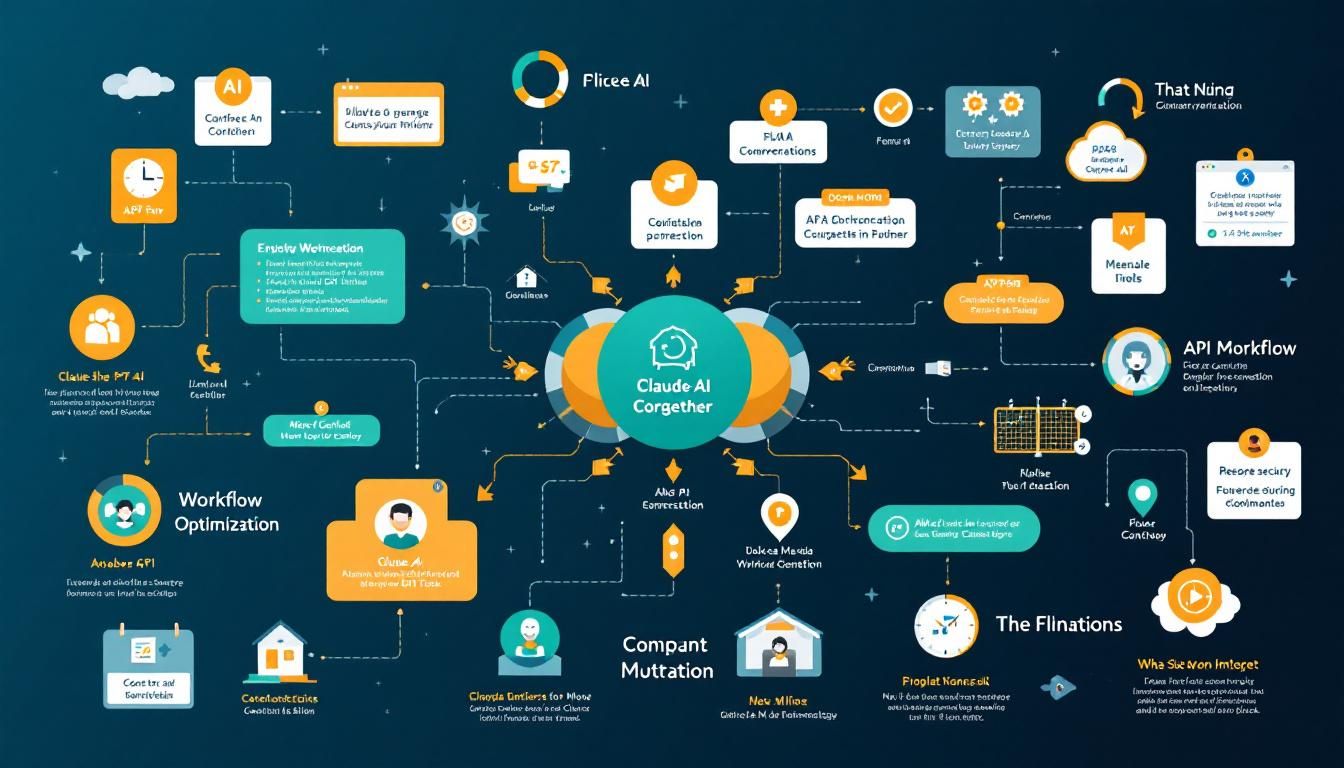
The Multi-AI Strategy That Actually Works: Why I Use Claude + GPT Together
A seasoned software agency founder reveals why he built a custom skill that lets Claude AI call GPT-4 when stuck. The 98/2 split strategy that's changing how developers approach complex coding problems.
AI agent integrationcustom toolingworkflow optimizationmulti-AI orchestrationClaude CodeCursorGPTOpenAI API
Most developers are having the wrong debate about AI coding tools.
While Twitter argues Claude vs GPT and Reddit obsesses over Cursor vs VSCode, a software agency founder in New York City quietly built something more interesting: a system where his AI tools work together instead of competing.
Why Single-AI Strategies Hit Walls
Pete runs a software development agency that builds products for both startups and Fortune 500 companies. Like many developers, he started with the conventional wisdom: pick one AI tool and master it. Claude Code became his primary driver, handling 99% of his coding work.
But that last 1% was brutal.
"About 98% of the time, Claude Code handles everything for me, but that last 2% can be really painful sometimes."
Every developer knows this pain point. You're deep in a complex problem, your AI assistant has been helping for hours, and suddenly it hits a wall. The context is polluted. The suggestions become repetitive. You're stuck.
The typical response? Start a fresh chat, re-explain everything, and hope for better results. Pete built something smarter.
The Fresh Brain Strategy
Instead of abandoning Claude when it gets stuck, Pete created a bridge to GPT-4. Not through tab-switching or copy-pasting, but through a custom skill he calls "ask GPT" that lives inside Claude itself.
Here's how it works:
- Context packaging: The skill automatically gathers relevant files, error messages, and current state
- Prompt enhancement: It adds Pete's specific question or problem description
- Cross-AI query: Everything gets sent to GPT-4 through the OpenAI API
- Fresh perspective: GPT responds with the "different brain" approach Claude might have missed
The genius isn't in the technical implementation—it's in the psychological understanding of how AI tools fail.
"GPT is effectively another brain. It's like a different brain with a fresh perspective and a less polluted context."
Why This Beats Tool-Switching
Most developers handle AI limitations by manually switching between tools. Open Cursor, copy the code, paste into ChatGPT, explain the context again, hope for breakthrough insights.
This workflow breaks down because:
- Context loss: You lose the conversation history and project state
- Manual overhead: Constant copy-pasting kills momentum
- Cognitive switching: Your brain has to reframe the problem for each tool
- Fragmented solutions: Insights get scattered across different conversations
Pete's approach keeps him in flow state. When Claude hits a wall, he types ask GPT plus a brief description of the stuck point. The skill handles the context transfer automatically.
The 98/2 Split in Practice
This isn't about replacing Claude with GPT-4. It's about optimizing for different strengths:
- Claude handles the bulk: Primary coding, refactoring, feature implementation
- GPT provides breakthrough moments: Fresh angles on stuck problems, different architectural approaches
The 98/2 split means Pete spends almost all his time in his preferred environment (Claude Code) while getting the benefits of multi-AI thinking when he needs it most.
Building Your Own Multi-AI Workflow
The specific implementation Pete built involves:
- A Python script that interfaces with the OpenAI API
- A Claude skill that packages context and calls the script
- API key configuration for seamless authentication
But the broader principle applies regardless of your tech stack:
Start with your primary AI tool
- Choose the environment where you're most productive
- Build your main workflows around that tool's strengths
- Don't try to make it do everything
Identify the failure modes
- When does your primary tool consistently struggle?
- What types of problems cause repetitive, unhelpful responses?
- Where do you find yourself starting fresh conversations?
Build bridges, not replacements
- Create easy ways to get second opinions without losing context
- Automate the handoff between tools
- Keep the cognitive overhead minimal
"When I hit a wall with Claude Code I call a skill that I built called ask GPT. It packages the relevant context, files, errors, plus my prompt and then sends it to GPT."
The Bigger Picture: AI Orchestration
Pete's approach hints at something larger than just Claude + GPT integration. As AI tools multiply and specialize, the winning strategy won't be finding the "one perfect tool." It'll be orchestrating multiple AI systems effectively.
Consider where this leads:
- Code generation: Claude for implementation, GPT for architecture decisions
- Documentation: One AI for technical specs, another for user-facing content
- Debugging: Primary AI for standard fixes, secondary AI for novel problem-solving approaches
- Code review: Multiple AI perspectives on the same codebase changes
The developers who master multi-AI orchestration will have a significant advantage over those still fighting single-tool battles.
The Bottom Line
Pete's "ask GPT" skill represents a shift from AI tool competition to AI tool collaboration. Instead of choosing sides in the Claude vs GPT debate, he built a system where both tools contribute their strengths. The 98/2 split keeps him productive in his preferred environment while ensuring he never stays stuck on hard problems. As AI coding tools continue proliferating, the smart money isn't on picking the perfect tool—it's on building systems that orchestrate multiple AI brains working together.
Try This Now
- 1Audit your current AI workflow to identify the 2% of cases where your primary tool consistently struggles
- 2Set up API access for a secondary AI tool (OpenAI API if you primarily use Claude, or Anthropic API if you primarily use GPT)
- 3Create a simple bridge script or workflow that can package context and query your secondary AI when your primary tool hits a wall
- 4Track your 98/2 split ratio over one week to understand when and why you need the multi-AI approach
How many Orkos does this deserve?
Rate this tutorial