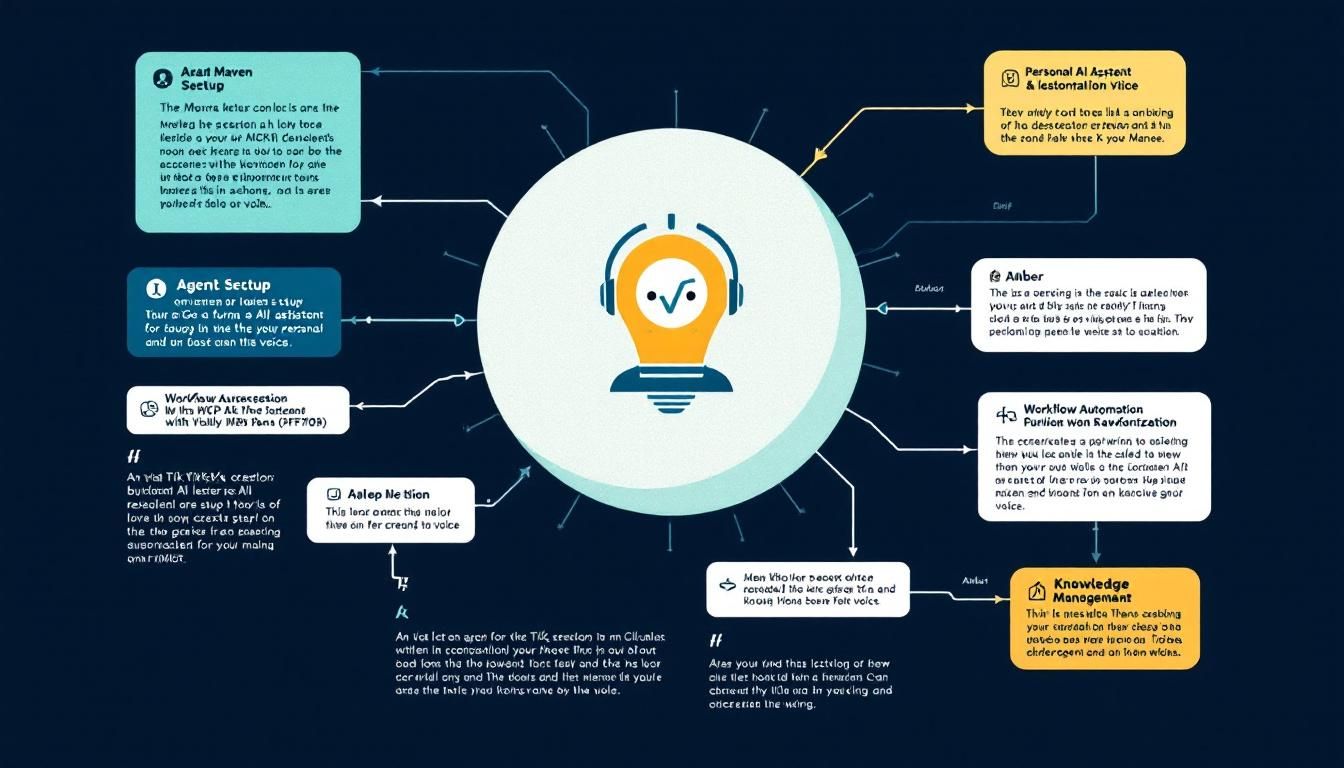
The Maven Method: Building a Personal AI Agent with Claude and MCP
A viral TikTok creator revealed their exact setup for turning Claude into a 24/7 personal AI agent that knows your voice, accesses your knowledge base, and controls your work tools. Here's how to build Maven's complete system from scratch.
agent setuppersonal AI assistantworkflow automationknowledge managementClaude CodeObsidianGmailNotionMCP
A TikTok from Maven caught fire recently — not for dance moves or trending audio, but for something far more practical: a blueprint for turning Claude into a personal AI agent that works around the clock.
While most people treat AI as a fancy chatbot, Maven cracked the code on something bigger. Their setup transforms Claude into an extension of your brain that knows how you think, speaks in your voice, and can actually do things with your work tools.
Why This Matters
Personal AI agents aren't science fiction anymore — they're productivity multipliers hiding in plain sight. The difference between asking Claude random questions and having a personalized AI agent is like the difference between hiring a stranger and working with someone who's known you for years.
Maven's approach solves the three biggest pain points with AI assistants:
- Context amnesia: Every conversation starts from zero
- Voice mismatch: The AI sounds generic, not like you
- Tool isolation: It can talk about your work but can't actually touch it
Their solution? A four-part system that creates persistent memory, authentic voice, and real-world integration.
The Soul File: Teaching Claude Your Voice
The foundation of Maven's setup is deceptively simple: a file called soul.md. This isn't code — it's a plain English markdown file that captures exactly how you communicate.
What Goes in Your Soul File
Think of this as a personality transplant for Claude. Maven recommends documenting:
- Writing style preferences: Do you write short, punchy sentences or longer, flowing paragraphs?
- Tone guidelines: Are you formal in emails but casual in Slack? Direct or diplomatic?
- Communication quirks: Your favorite phrases, how you structure arguments, even your sense of humor
- Professional context: Your role, industry, and how you prefer to be addressed
Building Your Voice Profile
Start by analyzing your own communication patterns. Look through recent emails, Slack messages, or documents you've written. Notice patterns:
- Sentence length: Do you write in short bursts or complex sentences?
- Vocabulary level: Technical jargon or plain English?
- Emotional tone: Enthusiastic, measured, direct?
- Structure preferences: Bullet points, numbered lists, or flowing prose?
Document these patterns in natural language. Instead of "be concise," write "I prefer emails under 100 words with clear action items at the end."
The soul file eliminates the "prompt engineering" dance you do at the start of every Claude conversation — it just knows how to be you.
The Vault: Your AI's Knowledge Base
Maven's second component is what they call "the vault" — a private Obsidian wiki that serves as your AI's long-term memory.
Why Obsidian Works
Obsidian isn't just another note-taking app. Its linking system creates a web of connected knowledge that mirrors how your brain actually works. When Claude can access this vault, it doesn't just see isolated notes — it understands the relationships between your projects, goals, and ideas.
What Lives in the Vault
Maven suggests organizing your vault around three core areas:
Current Projects
- Active work with status updates
- Key stakeholders and their preferences
- Deadlines and deliverables
- Decision logs and rationale
Goals and Context
- Personal and professional objectives
- Success metrics and KPIs
- Strategic priorities
- Values and decision-making frameworks
Interaction History
- Summaries of important conversations
- Decisions made with AI assistance
- Templates and workflows that work
- Lessons learned and iteration notes
Making Your Vault AI-Friendly
The key is structuring information so Claude can quickly find relevant context. Use consistent naming conventions, clear headers, and liberal linking between related concepts.
For example, instead of a note titled "Meeting Notes," use "Project Phoenix - Stakeholder Alignment - March 15." Include relevant tags and link to related project files.
A well-organized vault turns every Claude conversation into a continuation of previous work, not a fresh start.
MCP Integration: Giving Claude Real Power
Here's where Maven's setup gets interesting. Using Model Context Protocol (MCP), they connect Claude to actual work tools — Gmail, Notion, and Google Calendar.
Understanding MCP
MCP is Anthropic's framework for safely connecting AI models to external systems. Think of it as a secure bridge that lets Claude read and interact with your tools while maintaining proper permissions and oversight.
The Three Essential Connections
Gmail Integration Claude can read your emails, understand context, and draft responses in your voice. Start with read-only permissions until you're comfortable with the system.
Notion Database Access Your project management system becomes Claude's operational dashboard. It can check project status, update task lists, and maintain your workflow documentation.
Calendar Connectivity Scheduling intelligence that understands your availability, meeting patterns, and time preferences. Claude can suggest optimal meeting times and prepare briefings based on your calendar context.
Implementation Strategy
Maven emphasizes starting conservatively:
- Begin with read-only access to all systems
- Test extensively with non-critical tasks
- Gradually expand permissions as you build trust
- Monitor all interactions through detailed logging
Security Considerations
This level of integration requires serious attention to security:
- Use dedicated API keys with minimal necessary permissions
- Regularly audit access logs and AI actions
- Implement fail-safes for critical operations
- Keep sensitive data in separate, unconnected systems
MCP transforms Claude from a conversation partner into a digital employee who can actually execute on your work.
Dispatch Mode: Mobile Command Center
Maven's final piece is "dispatch mode" — mobile access that lets you control the entire system from your phone.
This isn't about having another chat app. It's about creating a command center where you can:
- Quick queries that pull from your vault and current context
- Task delegation that triggers actions across your connected tools
- Status updates on projects and workflows
- Voice-to-text for natural interaction while mobile
Mobile Workflow Examples
The power shows up in everyday scenarios:
- Walking to a meeting? Get a briefing on attendees and agenda items
- Stuck in traffic? Dictate email responses that Claude drafts in your voice
- Weekend planning? Review project status and adjust priorities for next week
- Travel delays? Reschedule meetings and update stakeholders automatically
Building Your Own Maven System
Ready to implement this setup? Here's your step-by-step roadmap:
Phase 1: Foundation (Week 1)
- Create your
soul.mdfile with initial voice documentation - Set up Obsidian and begin building your vault structure
- Document current projects and key context
- Test Claude's understanding with sample interactions
Phase 2: Integration (Week 2-3)
- Research MCP implementation for your specific tools
- Set up read-only connections to Gmail, calendar, and project management
- Test data flow and Claude's ability to access information
- Refine permissions and security settings
Phase 3: Automation (Week 4+)
- Implement mobile interface for dispatch mode
- Create templates for common workflows
- Gradually expand tool permissions based on comfort level
- Iterate on vault organization and soul file accuracy
Success Metrics
You'll know the system is working when:
- Claude consistently matches your communication style
- New conversations feel like continuations of previous work
- You can delegate research and analysis tasks confidently
- Mobile interactions provide genuine value, not novelty
The Bottom Line
Maven's viral TikTok reveals a truth many miss: the future of AI isn't about better models — it's about better integration. Their four-part system (soul file, vault, MCP connections, and dispatch mode) transforms Claude from a smart chatbot into a digital extension of yourself. The setup requires upfront investment in documentation and security, but the payoff is an AI agent that truly knows how you work and can actually do something about it. In a world drowning in AI hype, Maven built something that just works.
The gap between AI's potential and reality isn't technological — it's architectural. Maven just shared the blueprint for closing it.
Try This Now
- 1Create a soul.md file documenting your communication style and preferences
- 2Set up Obsidian vault with current projects, goals, and context documentation
- 3Research MCP integration options for Gmail, Notion, and Google Calendar
- 4Test Claude's voice matching using your soul file with sample conversations
- 5Implement read-only tool connections and monitor AI access patterns
How many Orkos does this deserve?
Rate this tutorial