How Anthropic's MCP Apps Turned Claude Into Your Ultimate Workflow Assistant
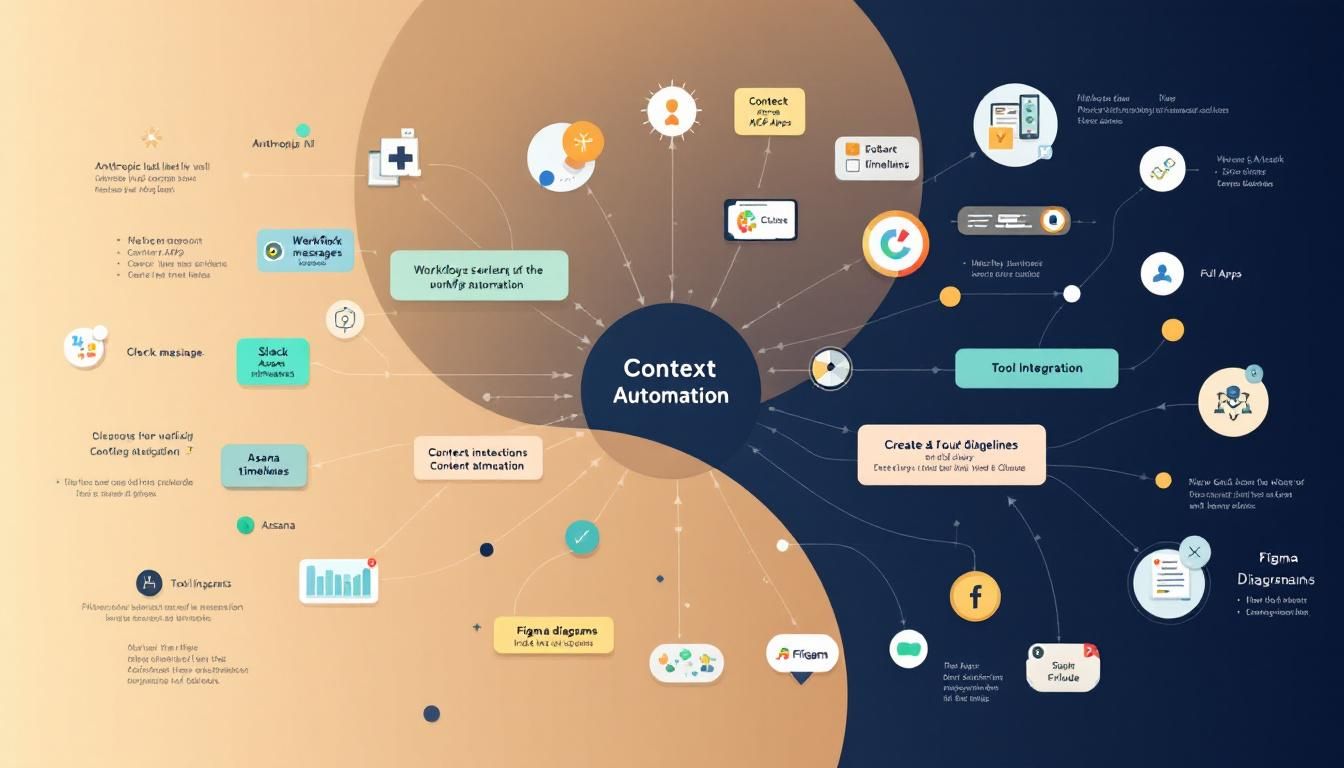
Anthropic's MCP Apps transforms Claude into a workflow orchestrator that provides native UI interfaces for tools like Slack, Figma, and Asana directly within chat conversations, making thousands of single-purpose AI tools obsolete. This breakthrough eliminates context switching by letting you see work happen in real time with actual UI components, while the competitive advantage shifts from technical skills to understanding workflow context.
MCP Appsworkflow automationcontext systemstool integrationbusiness operationsClaudeMCPFigmaSlackAsanaAmplitude
How Anthropic's MCP Apps Turned Claude Into Your Ultimate Workflow Assistant
Anthropic just killed thousands of AI startups with one announcement that's making single-purpose AI tools obsolete overnight. With MCP Apps, Claude isn't just another chatbot—it's become a workflow orchestrator that understands your entire business context and provides actual UI interfaces for your work tools.
What Makes MCP Apps Different
Traditional AI tools make you jump between platforms, losing context at every step. MCP Apps flip this completely—Claude just made every tool in their platform interactive. Now when you connect Claude to Figma and ask it to build a deployment plan, it creates an actual Figma flowchart that you can edit right inside the Claude interface with full UI functionality—not just text descriptions.
The magic isn't in the connections—it's in seeing the work happen in real time while maintaining full context through native interfaces. This isn't just about connections, it's about seeing the work happen in real time.
Key Capabilities That Change Everything
Here's what you can actually do with MCP Apps:
Cross-Platform Workflows: Pull analytics from Amplitude and analyze them how you want, create tasks in Asana based on insights, and send updates through Slack—all without leaving your conversation inside Claude.
Native UI Integration: When you draft a Slack message, you see the actual Slack interface within Claude. Create Figma designs with the real Figma UI, build Asana timelines with native formatting—all rendered directly in your chat.
Real-Time Editing: When Claude creates a Figma diagram or Google Doc, you're not getting a static output. You get live, editable assets that sync back to their native platforms with full interface functionality.
Context Preservation: Unlike switching between tools and losing your train of thought, Claude maintains the full context of your workflow across every connected platform while providing seamless UI transitions.
Why This Matters for Operators and Managers
The barrier to AI adoption just shifted dramatically. For months, operators were saying MCPs are too technical and looks like Anthropic listened—they made MCP adoption dead simple by making the complexity invisible while adding an interface layer that makes AI usage intuitive.
This represents Anthropic's continued leadership in AI innovation—they created the open MCP standard and now extended it with MCP Apps. Just as everything became digitized when the Internet gained popularity, we're now seeing everything become available through AI interfaces.
Now you see what's happening. The barrier isn't technology anymore. It's whether you understand workflow context. And operators are best placed for this because the new competitive advantage isn't coding or technical skills—it's understanding workflow context and interface optimization.
Think of Claude as a colleague who:
- Understands your entire workflow
- Never loses context between tools
- Executes across multiple platforms simultaneously with native UIs
- Learns your specific business processes
- Provides familiar interfaces for every tool
The Strategic Shift
This represents a fundamental change in how we think about AI tools. Instead of:
- Learning separate AI tools for each function
- Managing context switching between platforms
- Dealing with integration headaches
- Working with text-only AI outputs
You now get:
- One conversational interface for everything
- Native UI rendering for all connected tools
- Persistent context across all your tools
- Real-time execution and editing capabilities
Getting Started with Context Systems
Step 1: Audit Your Current Workflow Map out your most common tool-switching patterns. Where do you currently lose context or waste time moving between platforms?
Step 2: Identify High-Impact Connections Start with your most-used tool combinations. Slack + Asana, Figma + Notion, or Amplitude + Google Sheets are common high-value pairings that now offer full UI integration.
Step 3: Design Context-Rich Prompts Instead of simple requests, frame your asks with full business context. "Create a project timeline" becomes "Based on our Q1 goals in Notion, create an Asana timeline that accounts for our current sprint velocity and send updates to the #product channel."
Step 4: Test End-to-End Workflows Don't just test individual connections. Design workflows that span multiple tools and let Claude maintain context throughout the entire process while leveraging native UI components.
Step 5: Optimize Interface Usage Experiment with the native UI elements within Claude. Draft, edit, and format directly in the embedded interfaces to maximize efficiency.
The Competitive Landscape Shift
With Claude Code's established dominance and now MCP Apps' interface innovation, Anthropic continues leading the AI revolution. If 2025 was Gemini's year, 2026 is definitely looking like Claude's year, and those operators who build context systems are about to pull ahead.
The key insight: Context beats code. Technical skills matter less than understanding how to structure workflows, maintain context across complex business processes, and optimize the new AI-native interface paradigm.
Try This Now
- 1Audit your current workflow to identify tool-switching patterns where you lose context
- 2Start with high-impact tool combinations like Slack + Asana or Figma + Notion for MCP Apps integration
- 3Design context-rich prompts that frame requests with full business context rather than simple commands
- 4Test end-to-end workflows that span multiple tools while maintaining context throughout
- 5Experiment with native UI elements within Claude to maximize interface efficiency
How many Orkos does this deserve?
Rate this tutorial