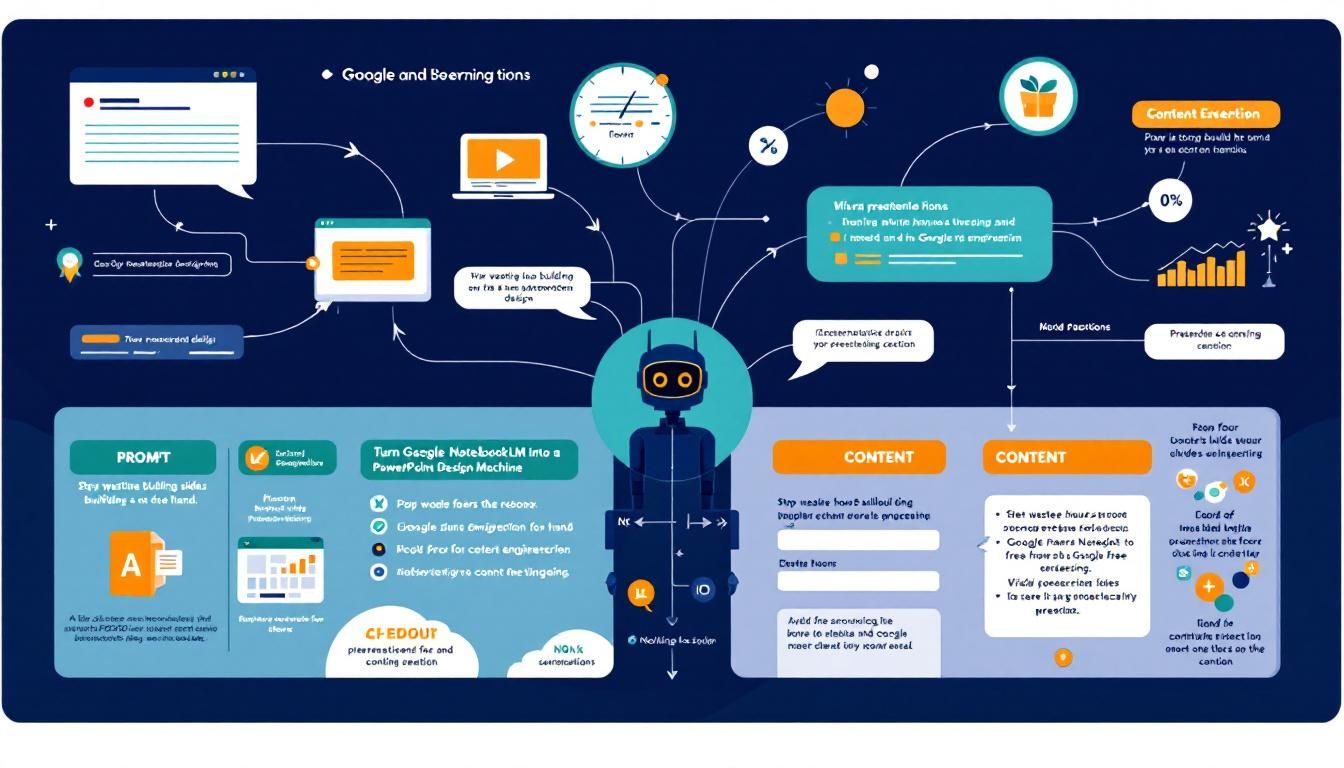
Turn Google NotebookLM Into a PowerPoint Design Machine
Stop wasting hours building slides by hand. A viral prompt technique transforms Google's free NotebookLM into a presentation design powerhouse that creates stunning slides automatically.
presentation designprompt engineeringcontent creationGoogle NotebookLMChatGPT
The average knowledge worker spends 4.5 hours per week creating presentations. Most of that time isn't spent on brilliant insights or compelling narratives — it's wasted on formatting, layout, and fighting with slide templates that never quite look right.
Why This Changes Everything
Presentation design has been stuck in the stone age while AI revolutionized everything else. While ChatGPT writes our emails and Midjourney creates our graphics, we're still manually dragging text boxes around PowerPoint like it's 2003.
But here's what most people missed: Google NotebookLM isn't just a research tool. With the right prompt engineering, it becomes a presentation design machine that can generate visually stunning slides in minutes, not hours.
The secret isn't in the tool — it's in knowing how to talk to it.
This isn't about cutting corners. It's about redirecting your creative energy toward what actually matters: your ideas, your story, and your impact.
The NotebookLM Presentation Hack
Here's the breakthrough: Google NotebookLM has a hidden superpower for slide generation that most users never discover. While everyone else treats it like a glorified research assistant, smart creators are using advanced prompt engineering to turn it into their personal presentation designer.
The process centers around a two-part prompt system that transforms any topic into professionally designed slides. But the magic isn't in the tool itself — it's in the prompt architecture.
The Anatomy of a Viral Slide Prompt
Effective presentation prompts need three critical components:
• Structure specificity — Exact slide types, layouts, and flow
• Visual direction — Color schemes, typography, and design elements
• Content hierarchy — How information should be prioritized and presented
Most people ask AI to "create a presentation about X." That's like asking a chef to "make food." The results are generic, forgettable, and require hours of manual cleanup.
The difference between amateur and professional AI prompting is specificity — not just what you want, but exactly how you want it structured.
Why NotebookLM Works Better Than Alternatives
Google NotebookLM has several advantages over other AI presentation tools:
• Context retention — It remembers your entire project context • Source integration — Pulls from your uploaded documents and research • Design consistency — Maintains visual themes across multiple slides • Export flexibility — Outputs can be easily imported into PowerPoint, Google Slides, or Figma
Unlike Gamma or Tome, which lock you into their platform, NotebookLM gives you portable assets you can use anywhere.
The Two-Part Prompt System
The viral prompt technique uses a two-stage approach that separates structure from customization. Here's how it works:
Part 1: The Foundation Prompt
The first prompt establishes the structural framework:
Create a professional slide deck with the following specifications:
- 8-12 slides total
- Opening hook slide with compelling visual metaphor
- Problem/solution framework
- Data-driven insights with chart recommendations
- Clear action items for audience
- Consistent visual hierarchy throughout
- Speaker notes for each slide
This foundation prompt does the heavy lifting of information architecture. It tells NotebookLM not just what content to include, but how to organize and prioritize it.
Part 2: The Customization Layer
The second prompt adds your specific theme and branding:
Apply these design specifications:
- Color palette: [your brand colors]
- Typography: Modern, clean sans-serif
- Visual style: Minimalist corporate/Tech startup aesthetic
- Include relevant icons and graphics suggestions
- Optimize for large conference room viewing
The two-part system lets you reuse the structural prompt while customizing the aesthetics for different brands, audiences, or contexts.
The Screenshot Technique
Here's the practical workflow:
- Screenshot both prompt parts from your reference source
- Upload to ChatGPT to extract and clean the text
- Combine the prompts into a single comprehensive instruction
- Paste into NotebookLM using the slide deck feature
- Iterate and refine based on the initial output
This screenshot-to-text approach ensures you capture every nuance of effective prompts without manual retyping errors.
From Prompt to Polished Slides
Setting Up Your NotebookLM Workspace
Google NotebookLM works best when you give it context. Before running your presentation prompts:
• Upload source materials — Research docs, company info, previous presentations • Set project parameters — Audience, presentation length, key objectives • Define success metrics — What should the audience do after your presentation?
The Slide Deck Generation Process
- Open NotebookLM and navigate to your project workspace
- Click "Slide Decks" in the right sidebar
- Paste your combined prompt into the generation field
- Review the initial output and identify areas for refinement
- Iterate with follow-up prompts to perfect specific slides
The first generation is never the final product — it's the foundation for intelligent iteration.
Customization and Refinement
Once you have your initial slide structure, use targeted follow-up prompts:
• "Make slide 3 more data-heavy with specific metrics" • "Redesign the closing slide with stronger call-to-action language" • "Add transition suggestions between slides 5 and 6"
Each refinement prompt should be specific about the slide number, element, and desired change.
The Bottom Line
Google NotebookLM combined with advanced prompt engineering transforms presentation creation from a time-consuming design chore into a strategic thinking exercise. The two-part prompt system gives you professional-quality slide structures while maintaining complete customization control. Instead of spending hours on formatting and layout, you can focus on what actually moves the needle: compelling narratives, actionable insights, and audience engagement. The future of presentations isn't about better templates — it's about better prompts.
Try This Now
- 1Screenshot effective presentation prompts and extract text using ChatGPT for reuse
- 2Set up a Google NotebookLM workspace with your source materials before generating slides
- 3Create template two-part prompts (structure + customization) for different presentation types
- 4Test the slide deck feature in NotebookLM with your combined presentation prompt
- 5Develop a library of follow-up refinement prompts for common slide improvements
How many Orkos does this deserve?
Rate this tutorial