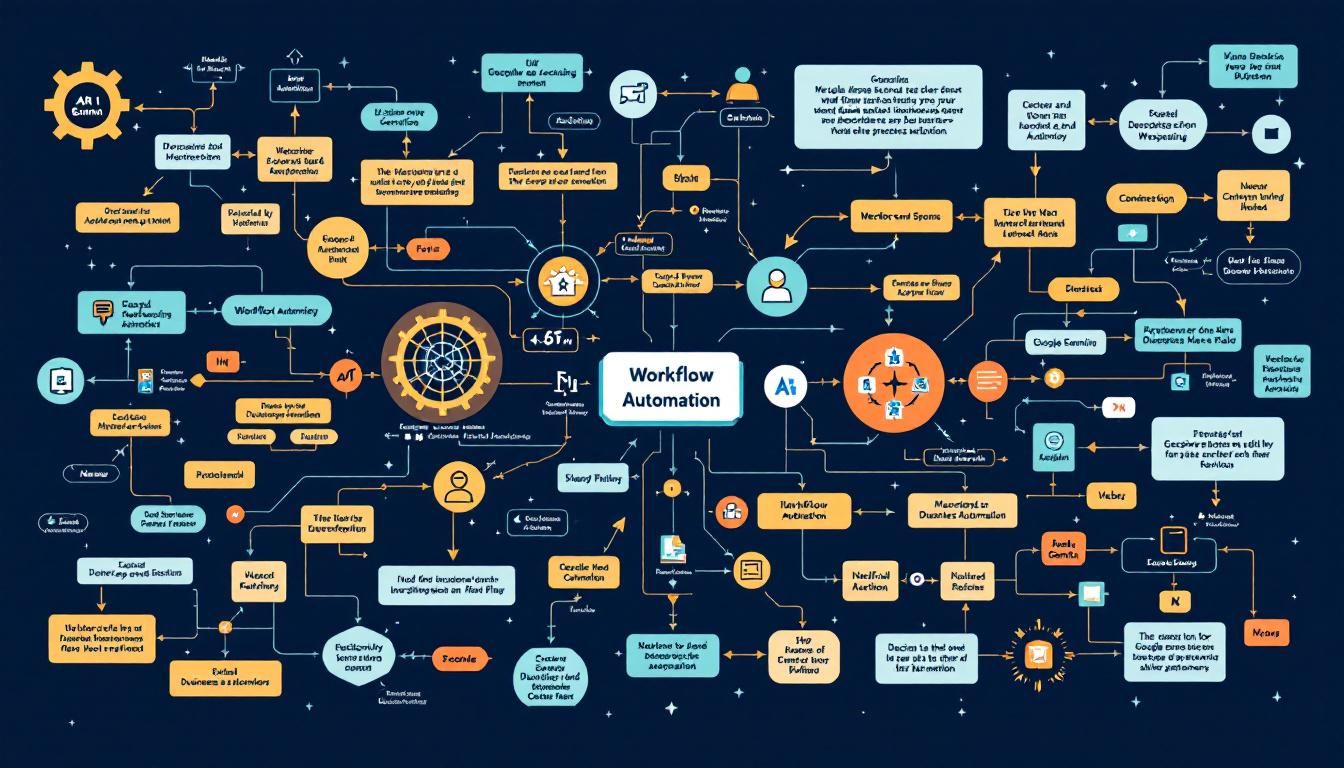
Google Gemini Just Killed Manual Workflow Building
Forget step-by-step automation building. Google's new Gemini feature lets you describe any business workflow in plain English, and it automatically generates a complete, reusable app — no technical skills required.
workflow automationdescribe-and-buildapp generationbusiness process automationGeminiOpal
Google just dropped a workflow automation feature that makes traditional automation tools look like stone knives and bearskins. Instead of dragging and dropping workflow steps like you're playing digital Legos, Gemini now builds complete automations from a single descriptive prompt.
Why This Changes Everything
Most workflow automation has been stuck in the same paradigm for years: you break down your process into individual steps, then manually connect each piece like assembling IKEA furniture. Tools like Zapier, Microsoft Power Automate, and Make all follow this connect-the-dots approach.
The problem? This step-by-step method is tedious, error-prone, and requires you to think like a programmer even when you're not one. You spend more time building the automation than actually using it.
The shift from "build workflows step-by-step" to "describe what you want" represents the same leap we saw from command-line interfaces to graphical user interfaces.
Google's approach flips this entirely. You describe the business outcome you want, and Gemini figures out all the intermediate steps, data processing, and logic flows automatically.
How Describe-and-Build Actually Works
The magic happens through what Google calls "describe-and-build" — a fancy term for telling an AI system what you want instead of how to build it. Here's the process:
The Single Prompt Approach
Instead of mapping out individual steps, you write one detailed prompt describing your entire workflow. For example:
"Take messy inputs like websites, documents, or notes and turn them into a clean professional client report. Analyze the data, extract key insights, identify risks and opportunities, then generate both a detailed report and presentation summary."
That's it. One paragraph replaces hours of workflow mapping.
Under the Hood: Opal Integration
Gemini uses Opal (Google's workflow automation engine) to translate your description into actual automation steps. When you open the advanced editor, you can see the complete workflow Gemini built:
- User input handling
- Data analysis modules
- Insight extraction processes
- Report generation templates
- Output formatting and delivery
The beauty is that you never have to touch the underlying automation unless you want to — Gemini handles the technical translation from idea to execution.
Automatic App Generation
Here's where it gets really interesting: Gemini doesn't just build the workflow — it wraps everything in a reusable app interface. You get:
- Input forms for data collection
- Processing status indicators
- Output previews and downloads
- Sharing capabilities for team use
Real-World Example: Client Reporting System
Let's break down the client reporting example from the demo to see this in action:
The Challenge
Every consulting business faces the same tedious task: transforming scattered client data (meeting notes, website analytics, document fragments) into professional reports and presentations.
Traditional Approach Would Require:
- Manual data collection step
- Analysis and categorization module
- Insight extraction process
- Risk/opportunity identification logic
- Report template population
- Presentation slide generation
- Output formatting and delivery
Gemini's Approach:
One prompt describing the desired outcome → Complete automated system
The generated app handles:
- Input Processing: Accepts websites, documents, and text notes
- Data Analysis: Automatically categorizes and structures information
- Insight Generation: Identifies key patterns and trends
- Risk Assessment: Flags potential issues and opportunities
- Report Creation: Generates professional client-ready documents
- Presentation Summary: Creates slide-ready content
This represents a fundamental shift from "workflow engineering" to "outcome specification" — you focus on what you need, not how to build it.
Getting Started: Practical Steps
Access the Feature
- Open Gemini in your browser
- Look for the "Gems by Google Labs" section
- Select the workflow automation gem
- Start with a descriptive prompt
Writing Effective Workflow Descriptions
The key is being specific about outcomes while letting Gemini figure out the process:
Good prompt structure:
- Input sources: "Using data from [websites/documents/forms]"
- Processing goals: "Analyze for [specific insights/patterns]"
- Output requirements: "Generate [specific deliverables]"
- Quality standards: "Professional/client-ready/branded format"
Example prompt: "Create a competitive analysis system that takes competitor websites and social media profiles as input, analyzes their messaging and positioning, identifies market gaps, and outputs a strategic recommendations report with action items prioritized by impact and effort."
Testing and Iteration
Once Gemini builds your automation:
- Test with real data samples
- Review the advanced editor if outputs need refinement
- Share with team members for feedback
- Iterate the original prompt for improvements
The Bottom Line
Gemini's describe-and-build approach represents the democratization of workflow automation. Instead of requiring technical skills to wire together complex processes, you simply describe business outcomes in plain English. This isn't just a incremental improvement — it's a completely different paradigm that makes powerful automation accessible to anyone who can articulate what they need. The question isn't whether this will change how we build workflows, but how quickly traditional step-by-step automation tools will adapt or become obsolete.
Try This Now
- 1Access Gemini and find the 'Gems by Google Labs' workflow automation feature
- 2Write a detailed prompt describing one repetitive workflow in your business
- 3Test the generated automation with real data samples from your work
- 4Share the resulting app with team members and gather feedback for iteration
How many Orkos does this deserve?
Rate this tutorial