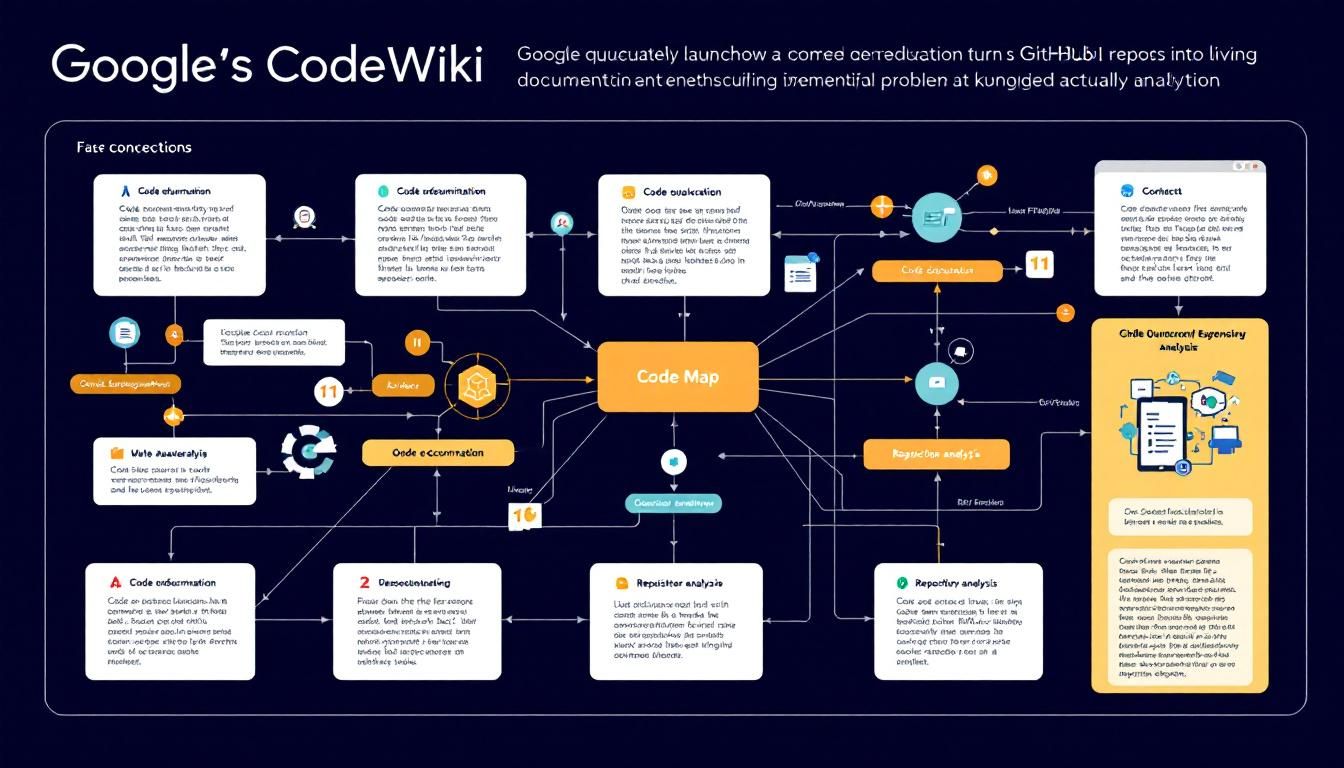
Google's CodeWiki Turns GitHub Repos Into Living Documentation That Actually Works
Google quietly launched CodeWiki, a tool that solves one of software development's most expensive problems: outdated documentation. By simply dropping a GitHub repo URL, Gemini builds a live, interactive wiki complete with auto-generated docs, visual code maps, and a chat agent that explains any file while staying automatically updated.
code documentationcode understandingrepository analysisGeminiCodeWikiGitHub
Google just solved one of the most frustrating problems in software development — and they did it so quietly that most developers haven't even heard about it yet.
Why This Matters: The Multi-Billion Dollar Documentation Problem
Every developer knows the pain. You inherit a codebase, crack open the README, and immediately realize the documentation was last updated when Obama was president. The code has evolved, features have been added and removed, but the docs? They're frozen in time like a digital fossil.
This isn't just annoying — it's expensive. Outdated documentation costs the software industry billions annually in lost productivity. Developers spend 35% of their time just trying to understand existing code, according to Stripe's developer research. New team members take months to become productive. Critical knowledge lives in the heads of developers who might leave next week.
The average developer spends more time reading code than writing it, yet most repositories treat documentation as an afterthought.
That's exactly what Google's new CodeWiki aims to fix.
What CodeWiki Actually Does
CodeWiki isn't another static documentation generator. It's a living, breathing companion for your GitHub repositories that leverages Google's Gemini AI to create three powerful features:
Auto-Generated Documentation That Stays Fresh
Forget manually writing docs that go stale the moment you commit new code. CodeWiki analyzes your entire repository and generates comprehensive documentation automatically. But here's the game-changer: it updates itself as your code evolves.
Every time you push changes, Gemini re-analyzes the modified files and updates the relevant documentation. No more "TODO: update docs" in your commit messages.
Visual Code Maps for Complex Codebases
Remember trying to understand a sprawling React app or a microservices architecture by jumping between files? CodeWiki creates visual code maps that show you how different parts of your system connect.
These aren't just pretty diagrams — they're interactive. Click on a component in the visual map, and you'll jump directly to the relevant code with context about how it fits into the bigger picture.
Conversational Code Explanation
This is where things get interesting. CodeWiki includes a chat agent that can explain any file, function, or code pattern in plain English. Think of it as having a patient senior developer on call 24/7.
Want to understand why a particular algorithm was implemented a certain way? Ask the agent. Confused about how authentication flows through your system? The agent can trace the path and explain each step.
Instead of spending hours reverse-engineering code logic, you can simply ask an AI agent that already understands your entire codebase.
How It Compares to Existing Solutions
The documentation tooling landscape is crowded, but most solutions miss the mark:
- Static generators like GitBook or Notion require manual updates
- Code analysis tools like SonarQube focus on quality, not understanding
- AI coding assistants like GitHub Copilot help write code but don't explain existing systems
CodeWiki sits in a unique sweet spot. It combines the comprehensiveness of manual documentation with the freshness of automated analysis and the accessibility of conversational AI.
The Repository Onboarding Revolution
Think about the last time you joined a new project. You probably:
- Cloned the repo
- Stared at a basic README
- Spent days clicking through files trying to understand the architecture
- Bothered teammates with questions about obvious-to-them patterns
- Made your first meaningful contribution weeks later
With CodeWiki, that same onboarding process becomes:
- Clone the repo
- Open the automatically-generated wiki
- Browse visual maps to understand system architecture
- Chat with the AI agent about specific implementation details
- Start contributing productively in days, not weeks
Getting Started: The Setup Process
The best part about CodeWiki is how simple it is to implement. Here's what the setup looks like:
1. Connect Your GitHub Repository
CodeWiki integrates directly with GitHub, so you don't need to export or migrate anything. Just authenticate and select the repositories you want documented. The setup is as simple as dropping in a GitHub repo URL.
2. Let Gemini Do the Heavy Lifting
Once connected, Gemini AI analyzes your codebase structure, identifies key patterns, and generates the initial documentation automatically. For a typical web application, this process takes minutes, not hours.
3. Customize and Refine
While the auto-generated documentation is comprehensive, you can add context, highlight important architectural decisions, or flag areas that need human insight.
4. Enable Automatic Updates
This is where CodeWiki shines. Enable automatic syncing, and your documentation stays current with every commit. No manual maintenance required.
The tool transforms documentation from a chore developers avoid into a living asset that actually helps them work faster.
Real-World Impact: Beyond Just "Nice to Have"
Let's be honest — developers are skeptical of new tools, especially ones promising to solve documentation problems. We've been burned before by solutions that create more work than they eliminate.
But CodeWiki addresses this by focusing on automatic maintenance. The reason documentation goes stale isn't because developers don't care — it's because manually updating docs is time-consuming and easy to forget.
For Individual Developers
- Understand unfamiliar codebases faster
- Onboard to new projects with confidence
- Ask questions without interrupting teammates
For Engineering Teams
- Reduce time spent explaining code architecture
- Improve knowledge sharing across team members
- Maintain institutional knowledge even as people leave
For Engineering Managers
- Accelerate new hire productivity
- Reduce dependencies on specific team members
- Improve code review quality with better context
The tool essentially creates a persistent knowledge layer on top of your code that grows smarter as your system evolves.
The Bottom Line
Google's CodeWiki represents a fundamental shift in how we think about code documentation. Instead of treating docs as a separate artifact that requires manual maintenance, it makes documentation a natural byproduct of the development process itself. The combination of auto-generated content, visual mapping, and conversational AI creates something genuinely useful — documentation that developers actually want to use. For teams tired of battling stale docs and lengthy onboarding processes, CodeWiki might just be the solution you've been waiting for.
Try This Now
- 1Connect your GitHub repository to CodeWiki by authenticating and selecting repositories to document
- 2Allow Gemini AI to analyze your codebase and generate initial documentation automatically
- 3Customize the auto-generated documentation by adding context and highlighting key architectural decisions
- 4Enable automatic updates to keep documentation current with every new commit
How many Orkos does this deserve?
Rate this tutorial