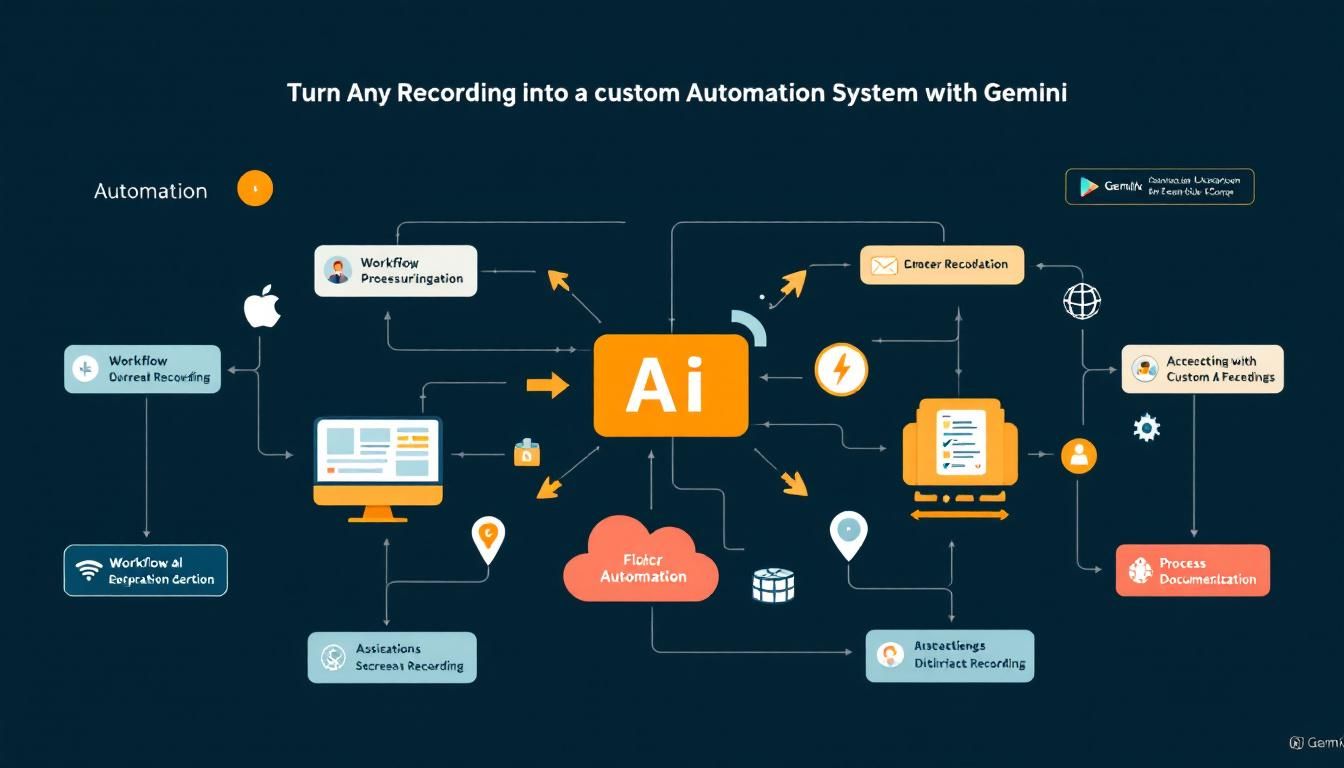
Turn Any Recording Into a Custom Automation System With Gemini
A TikTok creator discovered you can upload screen recordings of repetitive tasks to Gemini, and it will automatically break them down into SOPs, identify automation opportunities, and even create reusable custom Gems. Here's how to set up this workflow optimization system yourself.
automationworkflow optimizationcustom AI assistantsprocess documentationGeminiNotebookLM
Your most valuable asset isn't time—it's the ability to multiply it. And Google's Gemini just unlocked a way to turn any repetitive task into an automated system using nothing more than a screen recording.
Why This Changes Everything
Most people think about AI as a question-and-answer machine. Ask it something, get a response, move on. But the real breakthrough happens when AI becomes your process optimizer—watching how you work, identifying inefficiencies, and designing systems that get smarter over time.
The traditional approach to automation requires you to:
- Document every step manually
- Figure out what's worth automating (spoiler: not everything is)
- Build the actual automation
- Test and refine the system
This process typically takes weeks. Gemini's video analysis capability collapses it into hours.
The most successful professionals aren't those who work hardest—they're those who systematize their repetitive work and focus their energy on high-leverage activities.
The Screen Recording Revolution
Here's how the process works: Record yourself completing any repetitive task, upload the video to Gemini, and watch it transform your raw workflow into a structured system.
But this isn't just about transcription. Gemini analyzes your process through multiple lenses:
Risk Assessment
It identifies which steps are safe to automate and which require human judgment. For example, data entry might be perfect for automation, while final approval decisions should stay manual.
Automation Prioritization
Not all repetitive tasks are worth automating. Gemini ranks opportunities by impact—focusing on steps that happen frequently and consume significant time.
System Architecture
It designs the actual automation system, including tool recommendations and implementation steps. No more guessing which tools to use or how to connect them.
The key insight: By watching you work instead of just listening to your description, Gemini catches inefficiencies you might not even realize exist.
Building Your Automation Planning System
The real magic happens when you turn this into a reusable system using Gemini's custom Gems feature.
Step 1: Create Your Automation Planner Gem
Set up a custom Gem specifically designed for workflow analysis. This becomes your dedicated automation consultant that:
- Understands your specific business context
- Applies consistent evaluation criteria
- Builds institutional knowledge over time
Step 2: Record With Purpose
When capturing your screen recording:
- Narrate your thinking as you work
- Explain decision points and why you make certain choices
- Note pain points or steps that feel inefficient
- Include context about frequency and importance
The commentary is crucial—it gives Gemini insight into not just what you're doing, but why you're doing it.
Step 3: Upload and Analyze
Your custom Gem will process the recording and return:
- Clean SOP documentation with step-by-step procedures
- Risk assessment for each process component
- Automation recommendations ranked by impact
- Implementation roadmap with specific tools and steps
Think of this as having a process optimization consultant who never gets tired, never forgets context, and costs nothing after the initial setup.
Real-World Application: Competitor Analysis
The TikTok example focused on a weekly competitor review process. Here's what Gemini identified:
High-Value Automation Opportunities:
- Automated data collection from competitor websites
- NotebookLM integration for knowledge base creation
- Template generation for consistent reporting
Keep Manual:
- Strategic insights and recommendations
- Quality assessment of findings
- Final report approval
The Gem even provided copy-paste system instructions for setting up the NotebookLM integration—turning a complex technical setup into a simple implementation task.
This isn't just about saving time on one task. It's about building organizational intelligence that improves every time you use it.
Beyond Screen Recording
If video recording isn't practical, you can achieve similar results with detailed written descriptions of your process. The key is providing enough context for Gemini to understand:
- What you're trying to accomplish
- Current step-by-step process
- Pain points and inefficiencies
- Tools and systems involved
While less comprehensive than video analysis, written descriptions still generate valuable automation insights.
The Multiplication Effect
The true power of this approach isn't in automating one task—it's in building a systematic approach to optimization.
Each process you analyze:
- Builds knowledge in your custom Gem
- Improves future recommendations through pattern recognition
- Creates reusable components for similar workflows
- Develops institutional memory that doesn't walk out the door
Your Gem becomes smarter over time, recognizing patterns across your workflows and suggesting increasingly sophisticated optimizations.
The goal isn't to automate everything—it's to free your brain for the work that actually requires human creativity and judgment.
Implementation Strategy
Start small and build momentum:
- Choose one weekly recurring task that takes 30+ minutes
- Record the complete process with narration
- Set up your Automation Planner Gem with clear instructions
- Upload and analyze your first workflow
- Implement the top recommendation and measure impact
- Iterate and expand to additional processes
The compound effect of small optimizations creates massive time savings over months and years.
The Bottom Line
Gemini's ability to analyze video recordings represents a fundamental shift in how we approach workflow optimization. Instead of manually documenting and analyzing processes, you can now upload a screen recording and receive a complete automation strategy. By turning this into a custom Gem, you create a reusable system that gets smarter with each workflow you optimize. The question isn't whether you can afford to implement this system—it's whether you can afford not to multiply your most repetitive work.
Try This Now
- 1Set up a custom Gemini Gem specifically for automation planning and workflow analysis
- 2Record a screen capture of your most time-consuming weekly recurring task with voice narration
- 3Upload your first workflow recording to your Automation Planner Gem for analysis
- 4Implement the highest-impact automation recommendation from your Gemini analysis
- 5Create a NotebookLM knowledge base for any process that involves research or documentation
How many Orkos does this deserve?
Rate this tutorial