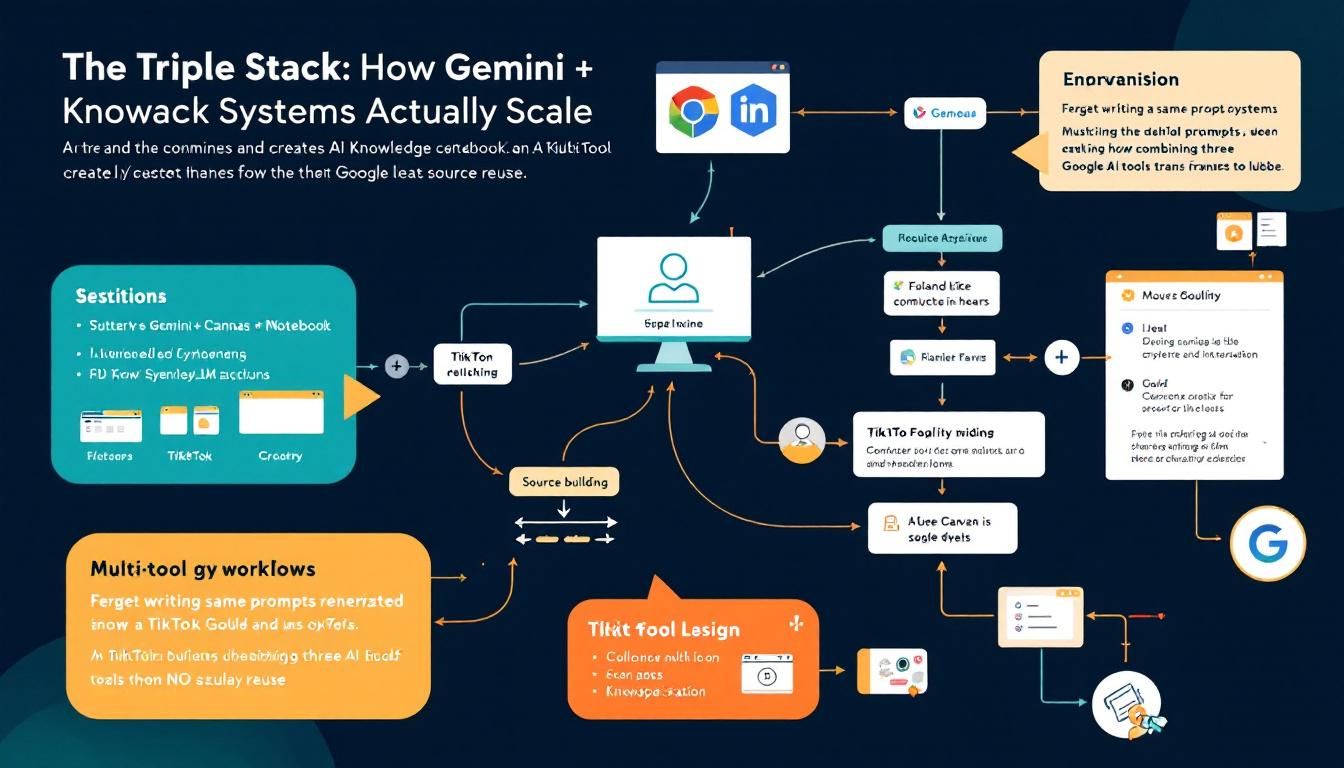
The Triple Stack: How Gemini + Canvas + NotebookLM Creates AI Knowledge Systems That Actually Scale
Forget writing the same prompts over and over. A TikTok creator just revealed how combining three Google AI tools transforms one knowledge source into unlimited outputs — web pages, interactive apps, validation tools — all from the same foundation.
multi-tool workflowsknowledge managementsystem buildingsource reuseGeminiCanvasNotebookLM
A 30-second TikTok just cracked something most AI users struggle with daily: turning scattered knowledge into systematic, reusable outputs. While everyone's obsessing over prompt engineering, The AI Impact stumbled onto something bigger — a three-tool combo that turns knowledge management into a scalable system.
Why This Triple Stack Changes Everything
Most of us are stuck in the prompt hamster wheel. We write brilliant prompts, get great results, then... start over tomorrow. Different task, different prompt, different headache. We're treating AI like a search engine when we should be treating it like infrastructure.
The breakthrough here isn't about any single tool — it's about knowledge projection. Take one curated source of truth and project it into whatever interface you need: structured web pages, interactive apps, validation tools, internal dashboards. Same knowledge, infinite expressions.
"You're not rewriting prompts each time — you're projecting one source into multiple outputs. This isn't about better prompting. It's about building systems from your knowledge."
This matters because knowledge work is fundamentally about reuse and recombination. The companies and individuals who figure out how to systematize their expertise will lap everyone stuck in manual mode.
The Architecture: Three Tools, One System
Here's how the stack works, and why each piece matters:
NotebookLM — Your Knowledge Foundation
NotebookLM serves as your single source of truth. Not just a repository, but a structured, queryable knowledge base that other tools can actually work with. Think of it as your expertise, codified and ready for deployment.
In the example, the creator built a NotebookLM notebook focused on "Claude Skills" — probably containing best practices, templates, examples, and methodologies. This becomes the authoritative source that powers everything downstream.
The key insight: instead of scattering your knowledge across docs, prompts, and mental models, you centralize it in a format that AI can consistently access and apply.
Gemini — The Processing Engine
Gemini handles the transformation logic. It takes your NotebookLM source and shapes it according to whatever output format you need. Web page? Interactive tool? Validation system? Gemini becomes the bridge between your static knowledge and dynamic applications.
What makes this powerful: Gemini isn't just generating content — it's applying your specific methodology and standards to new contexts. Every output inherits the quality and consistency of your original source.
Canvas — The Interface Builder
Canvas provides the interactive workspace where outputs actually get built and refined. Instead of just getting text responses, you're creating functional interfaces — web pages with navigation, interactive tools with real functionality, structured applications that people can actually use.
The magic happens when these three tools work together rather than in isolation.
Real-World Applications: From Theory to Tools
Let's break down the specific examples from the demonstration, because they reveal the true potential:
Building Educational Content at Scale
The creator transformed their Claude Skills notebook into a structured mini-course webpage. Not just a dump of information, but organized, hierarchical content with proper navigation and flow.
What this means practically:
- Take your expertise in any domain
- Structure it once in NotebookLM
- Generate course materials, documentation, or training content on demand
- Every output maintains your quality standards and teaching methodology
Creating Interactive Tools
The "AI Skill Architect" feature lets users input requirements and generate perfectly formatted skill files following the best practices from the original notebook. This isn't just content generation — it's methodology automation.
Practical applications:
- Turn your processes into interactive tools
- Let others apply your methods without needing to understand all the nuances
- Scale your expertise beyond your personal availability
Building Validation Systems
The skill validator tool takes user input and scores it in real-time, identifying weaknesses and suggesting specific improvements. Same knowledge base, totally different application.
This demonstrates something crucial: your expertise can become quality control infrastructure, not just content creation.
"Same notebook, different outputs" — this phrase captures the fundamental shift from manual knowledge work to systematic knowledge deployment.
The Step-by-Step Implementation
Here's how to build your own knowledge projection system:
1. Foundation Setup
- Choose your domain — Pick one area of expertise you want to systematize
- Create your NotebookLM source — Document your methods, best practices, examples, and standards
- Structure for reuse — Organize with clear sections, consistent formatting, and comprehensive coverage
2. Integration Configuration
- Open Gemini and select the Canvas interface
- Add your NotebookLM notebook as a source
- Test the connection — Ask Gemini to summarize or apply concepts from your notebook
3. Output Generation
- Define your output format — Web page, interactive tool, validation system, etc.
- Specify requirements — What functionality do you need? What user experience?
- Generate and refine — Use Canvas to build, test, and iterate
4. System Expansion
- Create multiple outputs from the same source
- Test consistency — Ensure all outputs reflect your standards
- Scale gradually — Add new output types as needs emerge
The key is starting with one well-structured knowledge source and then exploring how many different ways you can project that expertise.
The Strategic Implications
This isn't just a cool technical trick — it's a fundamental shift in how knowledge workers can operate. Instead of being bottlenecked by our personal time and attention, we can create systems that apply our expertise at scale.
For individuals: Your knowledge becomes infrastructure. Write once, deploy everywhere.
For teams: Subject matter experts can create tools that let others apply specialized knowledge without constant consultation.
For organizations: Institutional knowledge becomes systematic and scalable rather than trapped in individual heads.
The companies that figure out knowledge projection will have a massive operational advantage over those stuck in manual mode.
The Bottom Line
The real breakthrough here isn't any individual tool — it's the architecture of connecting them. NotebookLM + Gemini + Canvas creates a knowledge multiplication system that transforms how expertise scales. Instead of rewriting prompts and recreating contexts, you build once and deploy infinitely. This is what systematic AI adoption looks like: not just better outputs, but entirely new operational capabilities. The question isn't whether this approach works — it's whether you'll implement it before your competition does.
Try This Now
- 1Create a NotebookLM notebook documenting one area of your professional expertise with structured best practices and examples
- 2Set up Gemini Canvas integration with your NotebookLM source and generate your first output (start with a simple web page)
- 3Build one interactive tool from your knowledge base using the same source
- 4Test consistency by creating 2-3 different output formats from the same NotebookLM foundation
How many Orkos does this deserve?
Rate this tutorial