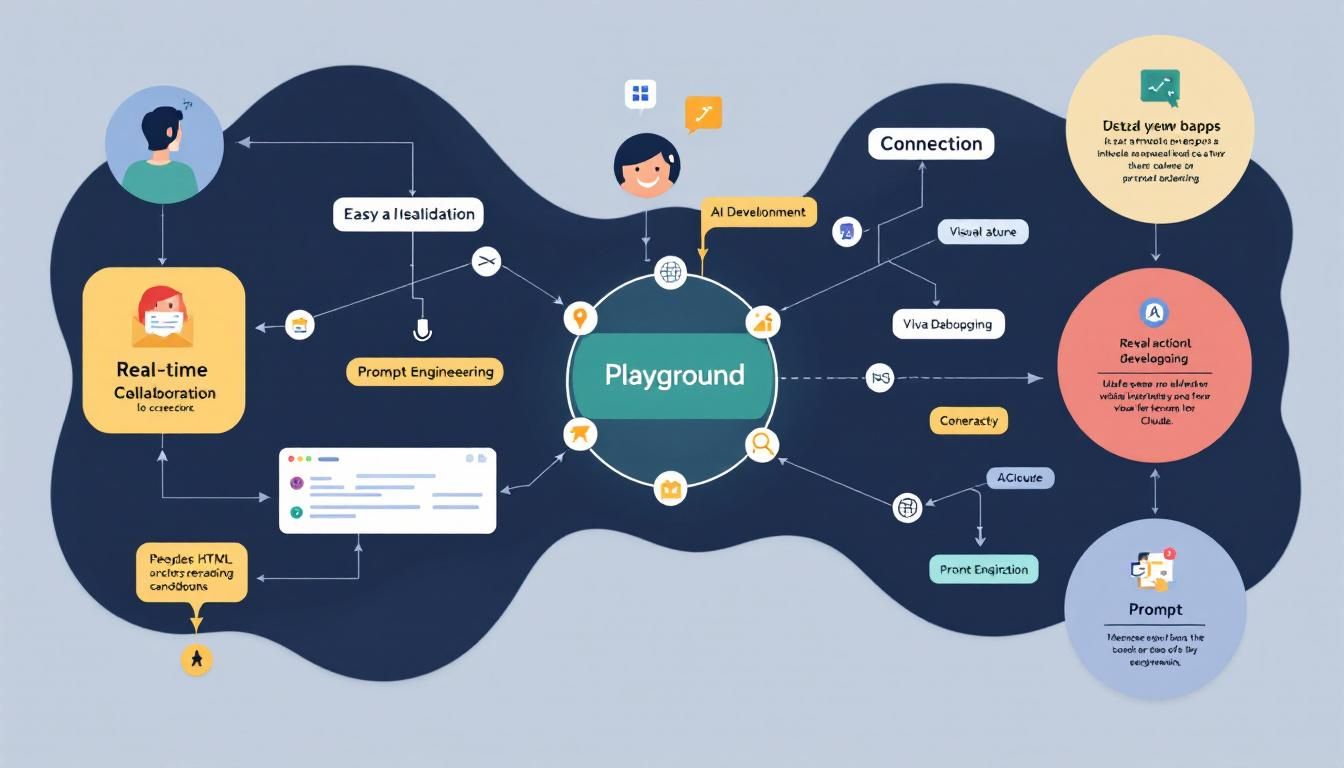
Claude's Playground Feature Turns AI Coding Into Real-Time Collaboration
Anthropic's new Playground feature eliminates the painful cycle of code-screenshot-iterate by creating a collaborative sandbox where you and Claude can build, test, and refine mini web apps in real-time. This brainstorming and troubleshooting dream enables everything from live tool development to interactive image generation refinement—no more context switching between tools.
playground featuresreal-time collaborationinteractive developmentvisual debuggingiterative codingClaude CodeReMotionNano Banana
The screenshot dance is finally over. You know the one—where you code something with Claude, export it to test in a browser, take a screenshot of what's broken, paste it back into Claude, explain the issue, and repeat until your sanity frays.
Claude's new Playground feature just killed that workflow dead.
Why This Changes Everything
Developer productivity tools have a dirty secret: context switching is the silent killer of flow state. Every time you jump between your AI assistant, your code editor, your browser, and your screenshot tool, you're bleeding cognitive overhead.
The traditional AI coding workflow looked like this:
- Describe what you want to Claude
- Get code back
- Copy-paste into your environment
- Run it and discover issues
- Screenshot the problems
- Return to Claude with explanations
- Repeat until it works
Playground collapses this into a single, continuous conversation—a sandbox where you and Claude join forces in a rendered HTML environment. Both you and the AI can see, test, and iterate on solutions in real-time through what feels like a tennis match of coding solutions.
The difference between describing a bug and showing a bug is the difference between playing telephone and having a face-to-face conversation.
How Playground Actually Works
Think of Playground as a shared whiteboard that happens to run code. When you present Claude with a challenge, it can now:
- Render interactive demos in HTML format
- Visualize concepts specific to your problem
- Build mini web apps for testing ideas
- Accept real-time feedback on the rendered output
- Iterate immediately based on your interactions
The magic happens in the feedback loop. Instead of you describing what's wrong, Claude can observe how you interact with the rendered interface. Click on something that doesn't work? Claude sees it. Need to adjust a parameter? Tweak it live and Claude learns from the change—then re-renders it in that same HTML format for another round of refinement.
This isn't just faster—it's a fundamentally different way of collaborating with AI.
Four Killer Use Cases Already Emerging
Interactive Tool Development
Take Claude's ask user question tool—a feature for gathering structured input from users. Previously, optimizing this tool meant a lot of back-and-forth description about question types, flow logic, and user experience.
With Playground, Claude renders a visual representation of that tool where you can:
- Test different question formats live
- Tweak the questions and approach Claude takes in real-time
- See immediately how changes affect the user experience
- Iterate on the methodology without losing context
Live Documentation Editing
Playground excels at collaborative editing of .claud files and other structured documents. Instead of describing formatting changes or structural improvements, you work together on the actual document.
Claude can:
- Pull up markdown files directly in the interface
- Provide inline suggestions as you work
- Highlight inconsistencies in real-time
- Help maintain style consistency across sections
- Enable live editing with back-and-forth refinement
Video Development Assistance
For Remotion developers (the React-based video creation framework), Playground becomes a game-changer. Building programmatic videos usually involves a lot of trial-and-error with timing, positioning, and effects.
Imagine having Claude working alongside you as you build your Remotion video. Claude can:
- Render preview frames as you adjust parameters
- Offer real-time guidance and support on video elements
- Help debug animation sequences interactively
- Provide immediate feedback on visual composition and troubleshooting
Image Generation Refinement
Perhaps most impressively, Playground works with image generation tools like Nano Banana. Instead of describing desired changes in text, you can:
- Point directly to specific aspects of generated images
- Literally pick out elements and tell Claude "change this or change that"
- Walk through prompt editing collaboratively in the playground
- Refine generation parameters with immediate visual feedback
- Show Claude exactly what's working or not working
The ability to point at something and say "change this" rather than describing "the blue element in the upper left quadrant" eliminates an entire layer of communication overhead.
The Technical Implications
Under the hood, Playground represents a significant shift in how AI assistants handle context and feedback. Traditional text-based interactions force everything through the bottleneck of language description. Visual, interactive feedback opens up entirely new channels of communication.
This matters for several reasons:
Reduced Cognitive Load: You spend less mental energy translating visual problems into textual descriptions.
Faster Iteration Cycles: The feedback loop between idea and implementation shrinks from minutes to seconds.
Better Context Preservation: Claude maintains understanding of your project state without you having to re-explain the setup each time.
More Precise Communication: Showing beats telling, especially for visual and interactive elements.
The technology also suggests where AI development tools are heading: toward real-time, collaborative environments where the boundary between human and AI contributions becomes increasingly fluid.
Getting Started With Playground
To make the most of Playground, think in terms of interactive problems rather than static code requests. Instead of asking Claude to "write a function that does X," frame requests as "help me build an interface where users can accomplish Y."
Good Playground candidates:
- Data visualization challenges where you need to see results immediately
- User interface refinements that benefit from live interaction
- Algorithm demonstrations where step-by-step visualization helps
- Configuration tools where parameter changes need immediate feedback
- Educational content that works better with interactive examples
- Brainstorming sessions where concepts need visual exploration
Start simple. Pick a small interface element or tool you've been meaning to build, and ask Claude to create it in Playground. Focus on the interaction patterns rather than pixel-perfect design—you can always refine the aesthetics once the functionality clicks.
The Bottom Line
Playground transforms Claude from a coding assistant into a coding partner. By eliminating the friction between idea, implementation, and feedback, it enables the kind of rapid iteration that separates good developers from great ones.
This brainstorming and troubleshooting dream points toward a future where AI collaboration feels less like giving instructions to a very smart intern and more like pair programming with a colleague who happens to process information at superhuman speed.
For developers tired of the screenshot shuffle, Playground isn't just a nice-to-have—it's a glimpse of how AI-assisted development should work.
Try This Now
- 1Try Playground with a simple interactive element rather than requesting static code
- 2Focus on visual/interactive problems that benefit from live iteration and feedback
- 3Frame requests as building interfaces for user tasks rather than writing isolated functions
- 4Start with tools like ask user questions, .claud file editing, or image generation refinement
- 5Experiment with pointing at specific elements for changes rather than describing them textually
How many Orkos does this deserve?
Rate this tutorial