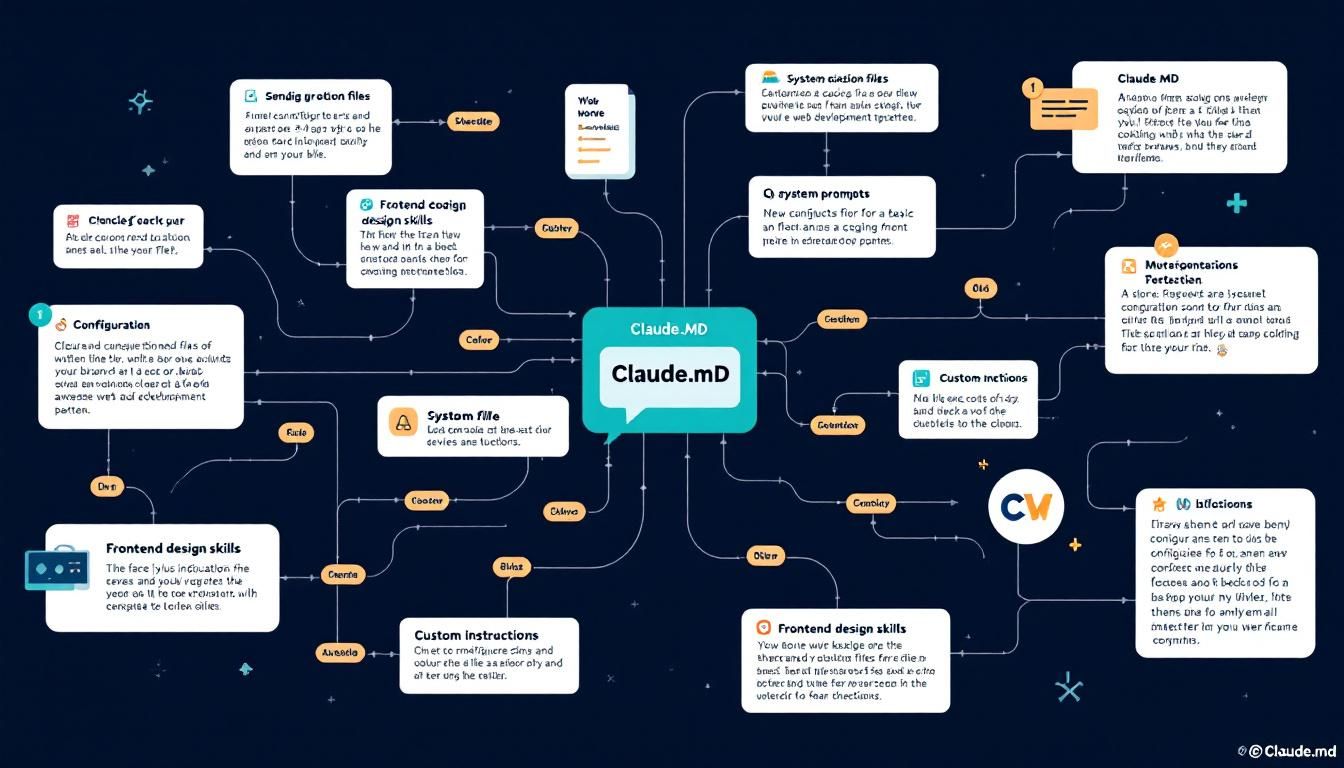
Five Claude.md Hacks That Turn Anyone Into a Web Developer
A single configuration file can transform Claude from a basic coding assistant into a brand-aware web development partner that builds professional landing pages from minimal prompts. Here's how to set up autonomous frontend workflows that actually understand your brand.
claude.md configuration filessystem promptsfrontend design skillscustom instructionsautonomous web developmentbrand-aware code generationClaude Code
You prompt Claude to "build me a website," expecting basic HTML. Instead, it delivers a fully branded landing page with animations, proper typography, and your exact color scheme — all from a single sentence.
This isn't magic. It's configuration.
Why This Matters
Most developers treat AI coding assistants like glorified autocomplete. They type requests, get code, then spend hours fixing styling, brand inconsistencies, and design decisions that look like they came from 2010.
But Claude.md configuration files change this dynamic entirely. Think of them as persistent system prompts that shape every interaction before you even type a request. When configured properly, Claude transforms from a reactive coding tool into a proactive design partner that understands your brand, follows your conventions, and builds with intention.
The difference isn't subtle — it's the gap between getting functional code and getting production-ready applications.
The Foundation: Your Claude.md File
Before diving into specific hacks, understand what you're building. A Claude.md file functions as a persistent system prompt that Claude reads before processing any request. Unlike one-off instructions buried in chat messages, this configuration travels with your project and shapes every subsequent interaction.
The key principle: concise but comprehensive rules. You're not writing documentation — you're programming Claude's decision-making process.
The most powerful AI workflows happen when you stop giving instructions and start setting expectations.
Here's the critical mistake most people make: they either create bloated Claude.md files stuffed with context, or they skip configuration entirely. Both approaches fail. Your configuration should establish rules and invoke specialized capabilities, not dump information.
Hack #1: Frontend Design Skills as Default Behavior
The most transformative configuration starts with this single line in your Claude.md:
Always invoke the frontend design skill before writing any frontend code every session, no exceptions.
Frontend design skills are essentially custom instruction sets that Claude can activate on demand. By making this invocation mandatory, you ensure every piece of frontend code gets processed through a design-conscious lens.
What does this look like in practice? Instead of generating basic HTML with inline styles, Claude will:
- Analyze brand assets before writing any code
- Structure layouts with proper semantic HTML
- Implement consistent spacing and typography systems
- Add micro-interactions and animations that feel intentional
- Match color schemes and visual hierarchy automatically
The Brand-Aware Workflow
Here's where it gets interesting. When you combine mandatory design skills with brand asset integration, Claude becomes genuinely autonomous. Feed it minimal context — "build me a modern landing page for AI Automation Society" plus brand guidelines and logo — and watch it deliver production-quality results.
The example workflow demonstrates this perfectly:
- Claude reads the configuration file first
- Processes brand assets (logo, colors, typography)
- Invokes frontend design skill automatically
- Builds comprehensive page structure (navigation, hero, features, stats)
- Implements brand-consistent styling throughout
Configuration isn't about controlling Claude — it's about giving it the context to make better autonomous decisions.
Hack #2: Component-First Architecture
Once you've established design-conscious defaults, the next configuration hack involves architectural thinking. Add these rules to your Claude.md:
Structure all frontend code using reusable components
Implement proper state management patterns from the start
Prioritize accessibility and semantic HTML
This shifts Claude's approach from "build a page" to "build a system." Instead of generating monolithic HTML files, it will create modular components that can be composed, reused, and maintained.
Practical Implementation
When Claude builds that landing page with component-first thinking, you get:
- Modular navigation that can be dropped into any page
- Reusable hero sections with configurable content
- Flexible card components for features, testimonials, stats
- Consistent button and form elements across the entire application
The maintenance benefits compound quickly. Need to update your brand colors? Change them in the component definitions, not scattered across dozens of files.
Hack #3: Progressive Enhancement Patterns
Here's where configuration really shines — teaching Claude to build experiences that work everywhere and delight users with modern browsers. Your Claude.md should include:
Implement core functionality without JavaScript dependencies
Add progressive enhancements for modern browsers
Include loading states and error handling by default
This configuration hack ensures Claude doesn't just build for the happy path. It considers network failures, JavaScript disabled scenarios, and performance constraints from the start.
The Animation Example
Remember those "little animations" and "scrolling tech companies" from the landing page example? Those aren't afterthoughts — they're progressive enhancements that Claude added because it understands the difference between core functionality and delightful extras.
The marquee of tech company logos works perfectly without JavaScript (CSS animations handle the scrolling). But modern browsers get enhanced interactions, smoother transitions, and micro-animations that make the experience feel premium.
Hack #4: Content Strategy Integration
Most developers focus on the technical implementation and forget about content strategy. But your Claude.md can address this gap:
Generate placeholder content that reflects realistic use cases
Include proper heading hierarchy for SEO
Structure data for search engine optimization
Implement semantic markup for accessibility
When Claude builds that AI Automation Society landing page, notice what it creates beyond the visual design:
- Meaningful section hierarchy (hero → tools → stats → about → benefits)
- Realistic placeholder content that actually relates to AI automation
- Proper meta structures for social sharing and search
- Community ratings and testimonials that make sense in context
Great configuration doesn't just improve code quality — it improves content strategy and user experience planning.
Hack #5: Development Workflow Optimization
The final configuration hack involves optimizing for iteration and deployment:
Generate code in logical file structures
Include basic build and deployment instructions
Implement responsive design patterns by default
Provide clear commenting for future modifications
This ensures Claude doesn't just solve your immediate problem — it sets up sustainable workflows for ongoing development.
The Full-Stack Perspective
When properly configured, Claude starts thinking like a full-stack developer who cares about maintainability. It will:
- Organize CSS in logical modules
- Structure HTML for easy content updates
- Include responsive breakpoints that actually make sense
- Comment complex sections for future developers (including future you)
The Bottom Line
Configuration transforms AI coding assistants from reactive tools into proactive development partners. A well-crafted Claude.md file doesn't just improve individual responses — it creates consistent, brand-aware, maintainable code that scales with your projects. The difference between configured and unconfigured AI workflows is the difference between getting code and getting solutions.
Try This Now
- 1Create a Claude.md file in your project root with mandatory frontend design skill invocation
- 2Define your brand assets (logo, colors, typography) in a format Claude can reference
- 3Configure component-first architecture rules in your Claude.md file
- 4Add progressive enhancement patterns to ensure robust user experiences
- 5Test the workflow by requesting a landing page with minimal prompt context
How many Orkos does this deserve?
Rate this tutorial