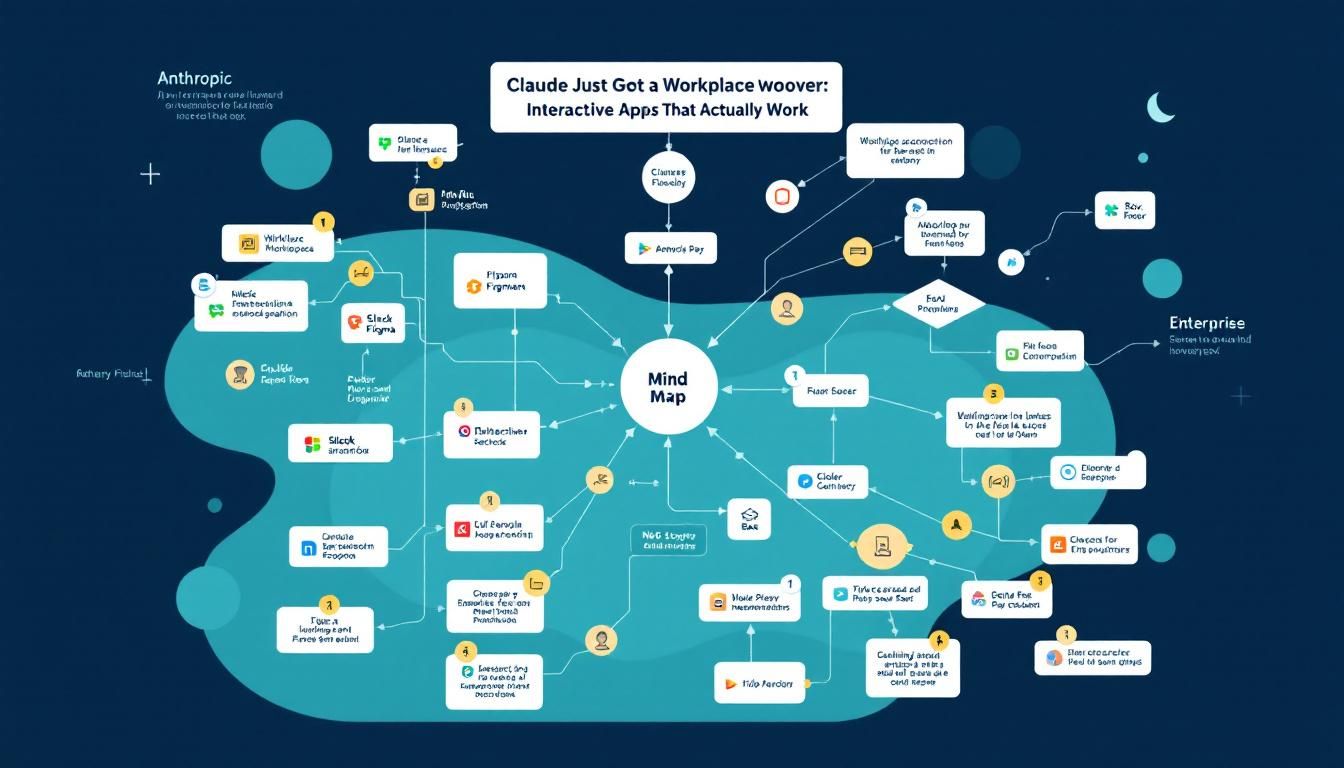
Claude Just Got a Workplace Makeover: Interactive Apps That Actually Work
Anthropic just turned Claude into a workplace powerhouse with interactive apps for Slack, Figma, and Box built right into the chat interface. This isn't just another AI integration—it's a fundamental shift in how we'll interact with our work tools.
AI news and announcementsworkplace integrationenterprise AI adoptionClaude
Claude isn't just a chatbot anymore. It's becoming the central nervous system of your digital workplace.
Anthropic just launched interactive apps within Claude's interface, letting you send Slack messages, edit Figma designs, and access Box files without ever leaving your AI conversation. This isn't another half-baked AI integration—it's a glimpse into how work might actually get done in 2026.
Why This Changes Everything
Most AI workplace integrations feel like demo theater. You get a chatbot that can "read" your emails or "analyze" your calendar, but the moment you need to actually do something, you're back to tab-switching between a dozen different apps.
Claude Apps breaks that cycle entirely. Instead of Claude telling you what to do, it can actually do it—sending that Slack message, updating that presentation, pulling data from your cloud storage—all while maintaining the conversational flow that makes AI assistants useful in the first place.
The real breakthrough isn't the individual integrations—it's that Claude can now orchestrate multi-step workflows across different tools without losing context.
This matters because the average knowledge worker switches between apps 1,100 times per day, according to RescueTime data. Each context switch costs mental energy and breaks flow state. Claude Apps could collapse that app-switching madness into a single, intelligent interface.
What's Actually Available Right Now
The launch lineup reads like a greatest hits of workplace productivity:
- Slack - Send messages, create channels, manage conversations
- Canva - Generate and edit designs directly in Claude
- Figma - Access and modify design files
- Box - Pull files and documents from cloud storage
- Clay - Manage customer data and outreach campaigns
- Salesforce - Coming soon for CRM management
Each app runs as a logged-in instance within Claude's interface, meaning you're not dealing with read-only snapshots or limited API access. You get the full functionality of each tool, powered by Claude's intelligence.
The Technical Foundation That Makes It Work
Behind the scenes, this runs on the Model Context Protocol (MCP), an open standard that Anthropic introduced in 2024. Think of MCP as the universal translator that lets AI models talk directly to external applications.
OpenAI launched a similar system in October 2024, but Claude Apps feels more polished out of the gate. The integration quality suggests Anthropic spent serious time working with partners to get the user experience right, rather than just rushing to market with basic API connections.
MCP isn't just another API standard—it's the infrastructure that could make AI assistants genuinely useful for complex work tasks.
The Cowork Connection
Here's where things get really interesting. Claude Cowork, Anthropic's agentic AI tool launched last week, will soon integrate with these apps. Imagine assigning Claude a task like "Update our Q1 marketing materials with the latest product features and share them with the design team."
With Apps integration, Cowork could:
- Pull the latest product specs from Box
- Update marketing graphics in Figma
- Generate social media versions in Canva
- Share everything via Slack with relevant team members
- Log the updates in Salesforce
All from a single conversational request.
The Security Reality Check
Of course, giving an AI agent access to your workplace tools raises obvious security concerns. Anthropic's safety documentation for Cowork is refreshingly honest about the risks:
"Be cautious about granting access to sensitive information like financial documents, credentials, or personal records. Consider creating a dedicated working folder for Claude rather than granting broad access."
This isn't fearmongers—it's practical advice. Agentic AI systems can be unpredictable, and a poorly scoped permission could lead to Claude accidentally sharing sensitive data or making unwanted changes.
The smart play is to start with limited access and expand gradually as you build confidence in how Claude handles your specific workflows.
What This Means for Your Daily Work
The immediate impact will be felt most by teams already using Claude for content creation, analysis, and project management. Instead of copying and pasting between Claude and your other tools, you'll work in a single, unified interface.
Content creators can now generate copy in Claude, create accompanying visuals in Canva, and share drafts via Slack—all without breaking conversational flow.
Project managers can analyze data in Claude, update project files in Box, and communicate findings through Slack, maintaining context throughout the entire workflow.
Sales teams can research prospects with Claude, update lead information in Salesforce (coming soon), and coordinate outreach through integrated communication tools.
The Limitations You Should Know
Claude Apps is only available to paid subscribers—Pro, Max, Team, and Enterprise plans. Free users are locked out entirely, which makes sense from a business perspective but limits adoption potential.
The app selection is also heavily skewed toward enterprise workflows. If you're not working in a traditional business environment, the current integrations might not add much value to your Claude experience.
The Bottom Line
Claude Apps represents the first serious attempt to make AI assistants genuinely productive for complex, multi-step work. By bringing workplace tools directly into the conversational interface, Anthropic is betting that the future of productivity isn't about better individual apps—it's about intelligent orchestration across all your tools. The execution feels solid, the partner integrations run deep, and the upcoming Cowork integration could make this the productivity breakthrough that AI has been promising for years. Just don't hand over the keys to your entire digital workspace on day one.
Try This Now
- 1Visit claude.ai/directory to enable apps if you have a Claude Pro, Max, Team, or Enterprise subscription
- 2Set up a dedicated workspace folder in Box or similar cloud storage for Claude to access safely
- 3Test Claude Apps with low-stakes tasks before integrating into critical workflows
- 4Review Anthropic's Cowork safety documentation before granting broad permissions to AI agents
How many Orkos does this deserve?
Rate this tutorial