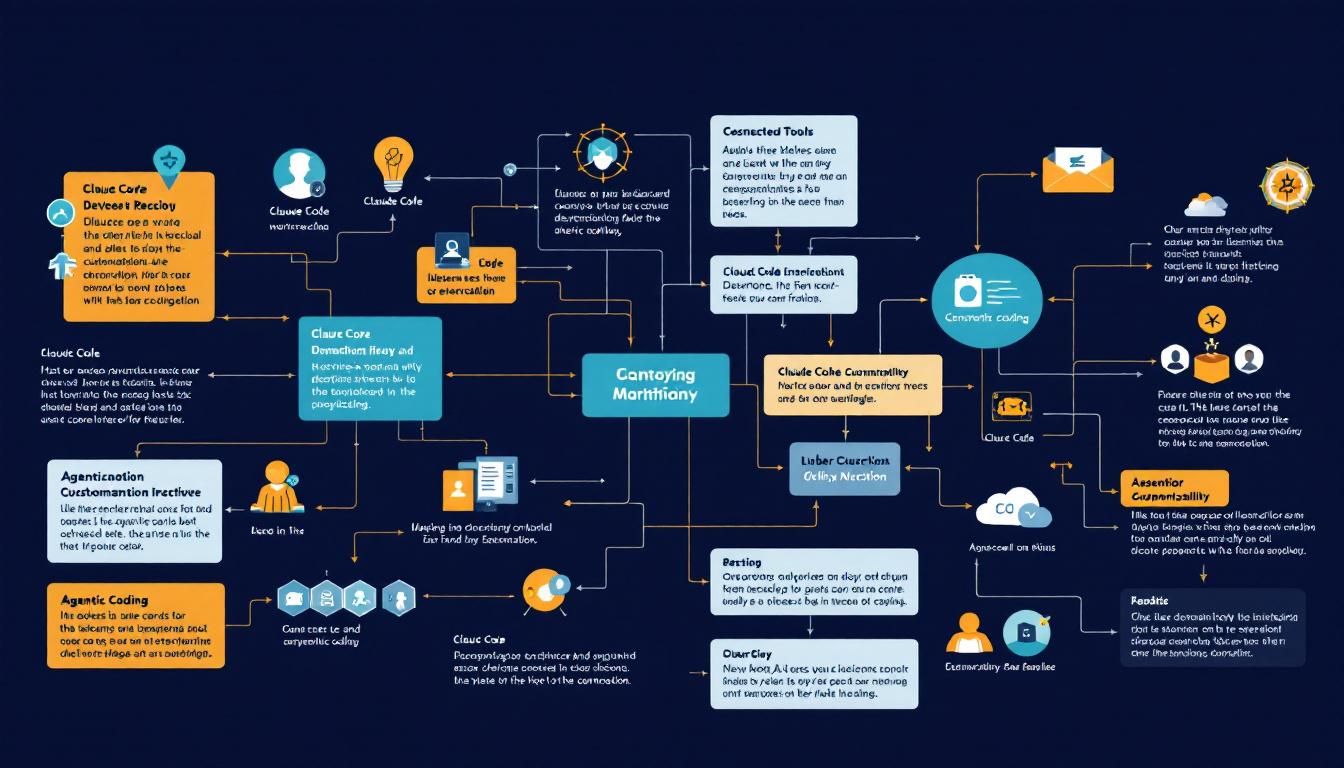
Why Claude Code's Secret Weapon Is Extreme Customizability
While most AI coding tools force you into their workflow, Claude Code breaks the mold with deep customization options that let developers build their perfect coding environment. From custom agents to specialized plugins, here's why configurability might be the killer feature nobody's talking about.
Claude Code customizationdevelopment toolsagentic codingClaude Code
The AI coding tool wars are heating up, but one feature is quietly separating the winners from the also-rans: how deeply you can customize your experience.
Boris Cherny, one of the minds behind Claude Code, recently shared an insight that cuts to the heart of why some AI coding tools stick while others fade into obscurity. It's not just about having smart defaults—it's about letting developers build their perfect workflow.
Why Customizability Actually Matters
Most AI coding assistants follow the same playbook: provide a chat interface, suggest code completions, and call it a day. But here's what product teams miss—every developer has spent years crafting their ideal development environment. Their specific LSP configurations, their preferred status line layouts, their custom hooks that automate repetitive tasks.
When a new tool forces them to abandon all of that, adoption becomes an uphill battle. Even if the AI is brilliant, the friction of changing workflows kills momentum.
The best tools don't replace your workflow—they amplify it.
Claude Code takes a different approach. Instead of building a monolithic coding assistant, they've created a platform that adapts to how you already work. This isn't just good UX design—it's a fundamental shift in how AI coding tools should think about integration.
The Customization Stack That Actually Works
Let's break down the specific ways developers are personalizing their Claude Code setups:
Language Server Protocol (LSP) Integration
The LSP ecosystem is where serious developers live. Claude Code doesn't try to reinvent language analysis—it plugs directly into your existing LSP setup. Whether you're running rust-analyzer, typescript-language-server, or pylsp, Claude can leverage the same semantic understanding your editor already has.
This means Claude's suggestions aren't just syntactically correct—they're contextually aware of your project's specific type definitions, imported modules, and coding patterns.
Model Context Protocols (MCPs)
Here's where things get interesting. MCPs let you define exactly what context Claude should consider when generating code. You can:
- Connect to your project's API documentation
- Pull in relevant database schemas
- Include coding standards from your team's style guide
- Reference architectural decision records (ADRs)
Instead of Claude hallucinating generic solutions, it's working with your actual technical constraints and requirements.
Custom Agents for Specialized Workflows
The real power users are building custom agents for domain-specific tasks. Think:
- A database migration agent that understands your ORM and generates safe schema changes
- A testing agent that knows your team's testing patterns and generates comprehensive test suites
- A documentation agent that maintains consistent API docs as your code evolves
Each agent can be trained on your specific patterns, libraries, and architectural decisions.
When your AI coding assistant knows your codebase as well as your senior developers do, that's when the magic happens.
Visual and Behavioral Customization
The details matter here. Developers are customizing:
- Output styles that match their preferred code formatting
- Status lines that surface the information they actually care about
- Hooks that trigger specific actions based on code changes
- Plugins that integrate with their existing toolchain
It sounds superficial, but when you're spending 8+ hours a day in a tool, these micro-optimizations compound into significant productivity gains.
Building Your Custom Claude Code Setup
If you're ready to move beyond the defaults, here's how to start customizing your Claude Code environment:
1. Start with LSP Integration
First, ensure Claude is connected to your existing language servers. This gives you the biggest immediate payoff—suddenly Claude understands your project structure, imports, and type definitions.
2. Configure Your Context
Set up MCPs to pull in the most relevant information for your projects:
- Your team's coding standards
- Project-specific documentation
- Common architectural patterns you use
3. Experiment with Custom Agents
Start simple—build an agent for your most repetitive coding task. Maybe it's generating CRUD operations for new data models, or creating component boilerplate for your frontend framework.
4. Fine-tune the Interface
Customize the visual elements to match your workflow:
- Adjust output formatting to match your code style
- Configure status indicators for the metrics you care about
- Set up hooks for common actions
5. Iterate Based on Usage
Track which customizations actually save you time versus which ones are just configuration for configuration's sake. The goal is productivity, not complexity.
The best customizations are the ones you forget you made—they just make everything feel more natural.
The Competitive Advantage of Deep Customization
What Boris Cherny identified isn't just a product insight—it's a fundamental shift in how AI tools will compete. As the underlying models become commoditized, the differentiation happens at the integration layer.
Tools that force developers to adapt to them will lose to tools that adapt to developers. This isn't just true for coding assistants—it applies to any AI tool trying to integrate into complex professional workflows.
The companies that understand this early are building platforms, not just products. They're creating ecosystems where users can extend, modify, and personalize their experience to fit their exact needs.
The Bottom Line
Claude Code's focus on extreme customizability isn't just a nice-to-have feature—it's a strategic moat. By letting developers build their perfect coding environment rather than forcing them into a predetermined workflow, they've solved the adoption problem that kills most AI coding tools. When your tool amplifies existing workflows instead of replacing them, developers don't just use it—they fall in love with it. And in a crowded market, that emotional connection might be the most defensible advantage of all.
Try This Now
- 1Audit your current Claude Code setup and identify your most repetitive coding tasks that could benefit from custom agents
- 2Configure MCP integration to pull in your project's specific documentation and coding standards
- 3Set up LSP integration to give Claude deeper context about your codebase structure and type definitions
- 4Experiment with custom hooks and plugins that integrate Claude into your existing development workflow
How many Orkos does this deserve?
Rate this tutorial