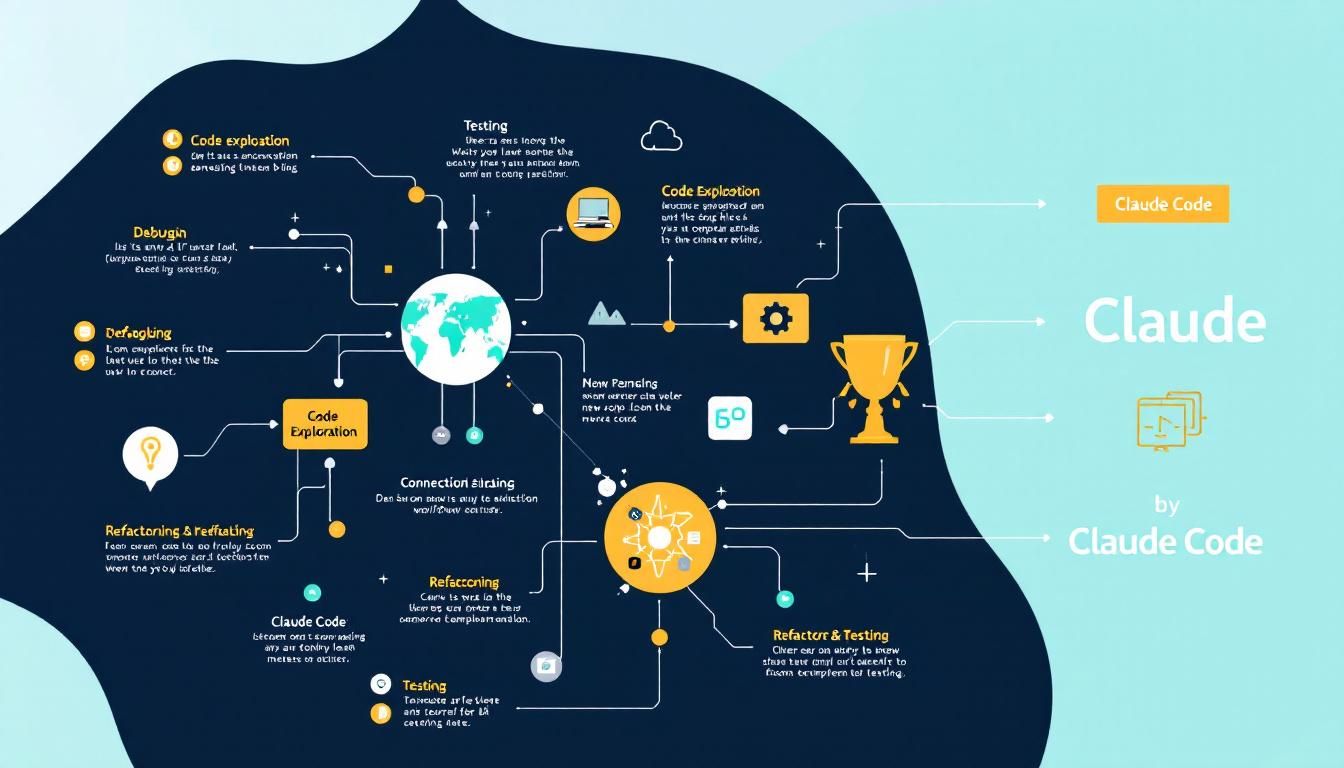
How Claude Code Transforms Your Development Workflow: From Bug Fixes to Refactoring
Claude Code isn't just another AI coding assistant — it's a complete workflow transformation. From understanding new codebases in minutes to managing parallel sessions with Git worktrees, here's how L3 developers are using it to work smarter, not harder.
code explorationdebuggingrefactoringtestingdocumentationgit workflowssession managementClaude Code
Your terminal cursor blinks, waiting. You've just been assigned to a legacy codebase with 200,000 lines of undocumented code, three different authentication systems, and a bug that only happens on Tuesdays. Sound familiar?
Claude Code changes this entire equation. Instead of spending days spelunking through files and grepping for clues, you can understand, debug, and refactor code at the speed of conversation.
Why This Matters for L3 Developers
As an L3 developer, you're expected to navigate complex codebases, architect solutions, and mentor others. But you're also drowning in context switching — jumping between bug fixes, code reviews, and feature development. The cognitive overhead of constantly rebuilding mental models of different codebases is exhausting.
Claude Code addresses this head-on by serving as your persistent coding partner that understands context, remembers conversations, and can work across your entire development workflow. It's not just about generating code — it's about understanding systems, planning changes safely, and maintaining the kind of code quality that separates senior developers from the rest.
The difference between good developers and great ones isn't just technical skill — it's the ability to quickly understand and improve complex systems. Claude Code amplifies this superpower.
Mastering Codebase Exploration
The hardest part of any development task isn't writing code — it's understanding the existing code. Claude Code excels at this discovery process.
Getting Your Bearings Fast
Start with the big picture:
cd /path/to/unfamiliar-project
claude
Then ask the right questions:
give me an overview of this codebaseexplain the main architecture patterns used herewhat are the key data models?how is authentication handled?
The key is moving from broad to specific. Don't dive into implementation details until you understand the system's mental model.
Finding Needle-in-Haystack Code
Instead of grep archaeology, describe what you're looking for:
find the files that handle user authenticationtrace the login process from front-end to databaseshow me where error messages are defined
Claude Code doesn't just find files — it explains relationships and data flow, giving you the context that grep can't provide.
Pro tip: Install code intelligence plugins for your language stack. They give Claude precise "go to definition" and "find references" capabilities, turning it into a supercharged code navigator.
Strategic Bug Fixing and Refactoring
The Bug Fix Workflow That Actually Works
Stop playing error message bingo. Here's the systematic approach:
- Share context immediately:
I'm seeing an error when I run npm test(include the full error output) - Get strategic options:
suggest a few ways to fix the @ts-ignore in user.ts - Apply with confidence:
update user.ts to add the null check you suggested - Verify immediately: Let Claude run the tests to confirm the fix
The magic is in step 2 — getting multiple solution paths before committing to one. This is how senior developers think, and Claude Code makes this approach accessible for every bug.
Refactoring with Surgical Precision
Refactoring legacy code is where Claude Code really shines. It can see patterns across your entire codebase and suggest modernization strategies:
find deprecated API usage in our codebasesuggest how to refactor utils.js to use modern JavaScript featuresrefactor utils.js to use ES2024 features while maintaining the same behavior
The last point is crucial — Claude Code understands backward compatibility and can modernize code without breaking existing functionality.
Plan Mode: Your Safety Net for Complex Changes
Plan Mode is Claude's "measure twice, cut once" feature. It's essential for any change that could have ripple effects:
When to use Plan Mode:
- Complex refactoring across multiple files
- Architecture changes
- When you're unsure about the full impact of a change
- Working with unfamiliar codebases
How to use it:
claude --plan-mode
Or ask: plan how to migrate from Redux to Zustand without breaking existing features
Claude Code will show you the complete change plan before touching any files. You can review, adjust, and then execute with confidence.
Plan Mode transforms risky refactoring into predictable engineering. It's the difference between cowboy coding and professional software development.
Advanced Workflow Patterns
Session Management That Makes Sense
Claude Code remembers context across sessions, but you need to organize this properly:
Name your sessions meaningfully:
Auth system refactor - Phase 1Bug investigation - payment flowPerformance optimization - database queries
Use the session picker to resume context exactly where you left off. This is game-changing for complex, multi-day projects.
Parallel Development with Git Worktrees
Here's where Claude Code gets really powerful. You can run parallel sessions using Git worktrees:
git worktree add ../feature-branch feature-branch
cd ../feature-branch
claude
Now you have isolated Claude Code sessions for different features or experiments. Each maintains its own context without interference.
Worktree cleanup is automatic — Claude Code tracks and cleans up temporary worktrees to prevent your filesystem from getting cluttered.
Testing and Documentation Integration
Claude Code excels at the boring-but-essential work:
write comprehensive tests for the user authentication modulegenerate API documentation for the payment endpointscreate a README for the new microservice architecture
It understands your existing patterns and maintains consistency across your documentation and test suites.
Unix-Style Utility Usage
For automation and CI/CD integration, Claude Code works as a standard Unix utility:
# Code review in CI
git diff HEAD~1 | claude "review this diff for security issues"

# Documentation generation
find . -name "*.py" | claude "generate API docs" > api-docs.md

# Code quality checks
claude "find potential performance bottlenecks" --format json > performance-report.json
This makes Claude Code part of your infrastructure, not just your development environment.
The Bottom Line
Claude Code isn't just another AI coding tool — it's a complete workflow transformation. By combining deep code understanding, persistent session management, safe planning modes, and Unix-style automation, it addresses the real challenges L3 developers face: context switching overhead, legacy code archaeology, and the cognitive load of maintaining multiple complex systems. The developers who master these workflows aren't just coding faster — they're thinking at a higher level, making better architectural decisions, and shipping more reliable software. The question isn't whether AI will change how we develop software — it's whether you'll adapt your workflows to leverage it effectively.
Try This Now
- 1Install Claude Code and set up your first session with `claude` in an active project directory
- 2Configure Plan Mode as default for complex refactoring work using `claude --plan-mode`
- 3Set up Git worktrees for parallel development: `git worktree add ../feature-branch feature-branch`
- 4Integrate Claude Code into your CI/CD pipeline with `git diff HEAD~1 | claude "review this diff"`
- 5Install code intelligence plugins for your language stack to enable precise navigation capabilities
How many Orkos does this deserve?
Rate this tutorial