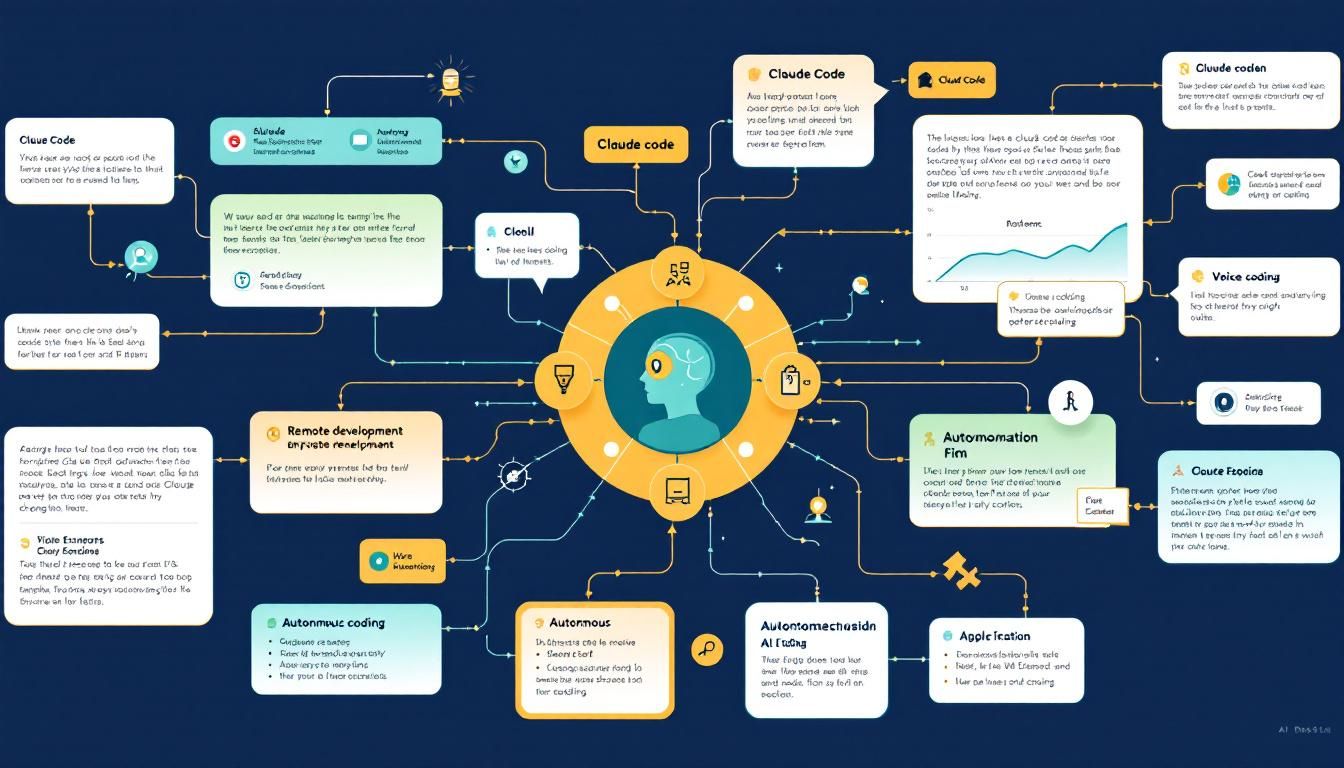
Claude Code Just Shipped 4 Game-Changing Features That Redefine AI Development
Anthropic just dropped four major Claude Code updates on a Friday afternoon that collectively transform how we think about AI-assisted development. From voice coding to remote sessions spawned from your phone, these aren't incremental improvements—they're a fundamental shift toward truly autonomous AI development workflows.
Claude Code featuresvoice codingremote developmentautonomous AI codingautomated setupClaude Code
Anthropic just pulled a classic Big Tech move: dropping four major product updates on a Friday afternoon like it's no big deal. But these aren't your typical "we fixed some bugs" releases—Claude Code just fundamentally changed what AI-assisted development looks like.
The speed alone should make you pay attention. Four substantial features, shipped simultaneously, each addressing a different friction point in the developer workflow. This isn't just product iteration—it's Anthropic making a statement about where AI coding is heading.
Why This Friday Drop Matters
Most companies ship incrementally. Add a button here, optimize a feature there. Anthropic just demonstrated something different: the ability to simultaneously advance multiple aspects of the AI development experience without breaking existing workflows.
These four features work together to create something larger than their individual parts—a vision of autonomous AI development where the traditional barriers between human intent and code execution start to dissolve.
The real story isn't any single feature—it's how they combine to eliminate the friction points that still make AI coding feel like "AI assistance" rather than true collaboration.
Max Effort Mode: When You Need Claude's Full Brain
The first feature addresses a fundamental limitation in current AI interactions: token budgets and reasoning shortcuts. Max Effort Mode changes the game by removing Claude's safety nets.
Here's how it works:
- Type
\effortin your Claude Code session - Set the parameter to
max - Claude stops optimizing for speed and starts optimizing for accuracy
What this means in practice: instead of Claude giving you a "good enough" solution to preserve tokens, it will reason through problems as long as necessary. Complex algorithmic challenges, architectural decisions, debugging sessions that require deep context analysis—Max Effort Mode tells Claude to use whatever computational resources it needs.
The Strategic Implications
This feature signals something important about Anthropic's approach to AI development tools. While competitors focus on making AI faster and cheaper, Anthropic is betting that developers will pay for thoroughness.
Max Effort Mode isn't just about better answers—it's about changing the economic model of AI assistance from "tokens as a constraint" to "results as the priority."
Consider the use cases: complex refactoring jobs, performance optimization challenges, or those gnarly debugging sessions where you need an AI that won't give up after the first few attempts. This is Claude saying "I'll think as long as you need me to."
Voice Mode: Coding by Speaking
The second feature tackles one of the most persistent friction points in AI coding: the constant context switching between thinking and typing. Voice Mode for Claude Code lets you literally speak your development needs.
Instead of typing out complex requirements or debugging requests, you can now:
- Describe the feature you want to build
- Explain the bug you're encountering
- Walk through architectural decisions out loud
- Give feedback on generated code conversationally
Beyond Convenience: Changing How We Think About Code
Voice interaction isn't just about speed—it changes how you approach problems. When you're speaking rather than typing, you naturally provide more context, explain your reasoning, and think through edge cases out loud.
This mirrors how senior developers already work: they talk through problems. Voice Mode makes Claude a participant in that conversation rather than just a recipient of carefully crafted prompts.
Voice Mode transforms Claude from a sophisticated autocomplete tool into something closer to a pair programming partner who happens to be an AI.
Remote Session Spawning: Your Coding Environment, Everywhere
The third feature solves a problem that's uniquely modern: developers who work across devices and locations. Remote Session Spawning lets you fire up a full Claude Code development environment from your phone.
Here's the workflow:
- Away from your computer? Open the Claude mobile app
- Trigger a new remote coding session
- Claude spins up a fresh development environment in the cloud
- Start coding as if you never left your desk
The Bigger Picture: Location-Independent Development
This isn't just about convenience—it's about fundamentally changing where and when development work happens. Got an idea during your commute? Spin up a session and prototype it. Client meeting generates new requirements? Start implementing immediately.
Remote Session Spawning makes development work ambient. It removes the friction of being "at your development machine" as a prerequisite for productive coding.
When your development environment follows you instead of anchoring you to a specific device, the boundary between "coding time" and "everything else time" starts to blur.
Automated Setup Scripts: Zero-Friction Development
The fourth feature addresses every developer's least favorite task: environment setup. Setup Scripts for Claude Code automatically prepare your development environment before you even start coding.
Every new session now includes:
- Automated dependency installation
- Pre-configured development environments
- Your preferred settings and configurations
- Ready-to-code state from the moment you connect
Eliminating Development Friction
Environment setup isn't just tedious—it's a creativity killer. The mental overhead of installing dependencies, configuring tools, and setting up your workspace creates a barrier between having an idea and testing it.
Setup Scripts remove that barrier entirely. Every Claude Code session starts in a state of immediate productivity.
This feature works especially well with Remote Session Spawning. You can literally go from "having an idea on your phone" to "working in a fully configured development environment" in under a minute.
Setup Scripts don't just save time—they eliminate the friction that prevents experimental development and rapid prototyping.
The Integrated Experience: How These Features Work Together
While each feature is useful individually, their real power emerges when you use them together:
- Spawn a remote session from anywhere
- Automated setup gets your environment ready instantly
- Voice Mode lets you describe what you want to build conversationally
- Max Effort Mode ensures Claude gives you thoroughly reasoned solutions
This creates a development workflow that's genuinely different from traditional coding:
- Location independent
- Voice-driven when helpful
- Automatically configured
- Computationally unlimited when you need depth
The Bottom Line
Anthropic just demonstrated something important about the future of AI development tools: instead of optimizing individual features, they're reimagining entire workflows. Voice Mode changes how you communicate with AI, Remote Sessions change where you code, Setup Scripts eliminate configuration overhead, and Max Effort Mode removes computational constraints. Together, they create a development experience that feels less like "AI assistance" and more like AI partnership. The Friday afternoon drop timing? That's just Anthropic showing off how fast they can ship when they're firing on all cylinders.
Try This Now
- 1Try Max Effort Mode with \effort max on your next complex debugging session in Claude Code
- 2Test Voice Mode for describing feature requirements instead of typing detailed prompts
- 3Set up automated setup scripts for your most common development environments
- 4Experiment with Remote Session Spawning for mobile development workflow
How many Orkos does this deserve?
Rate this tutorial