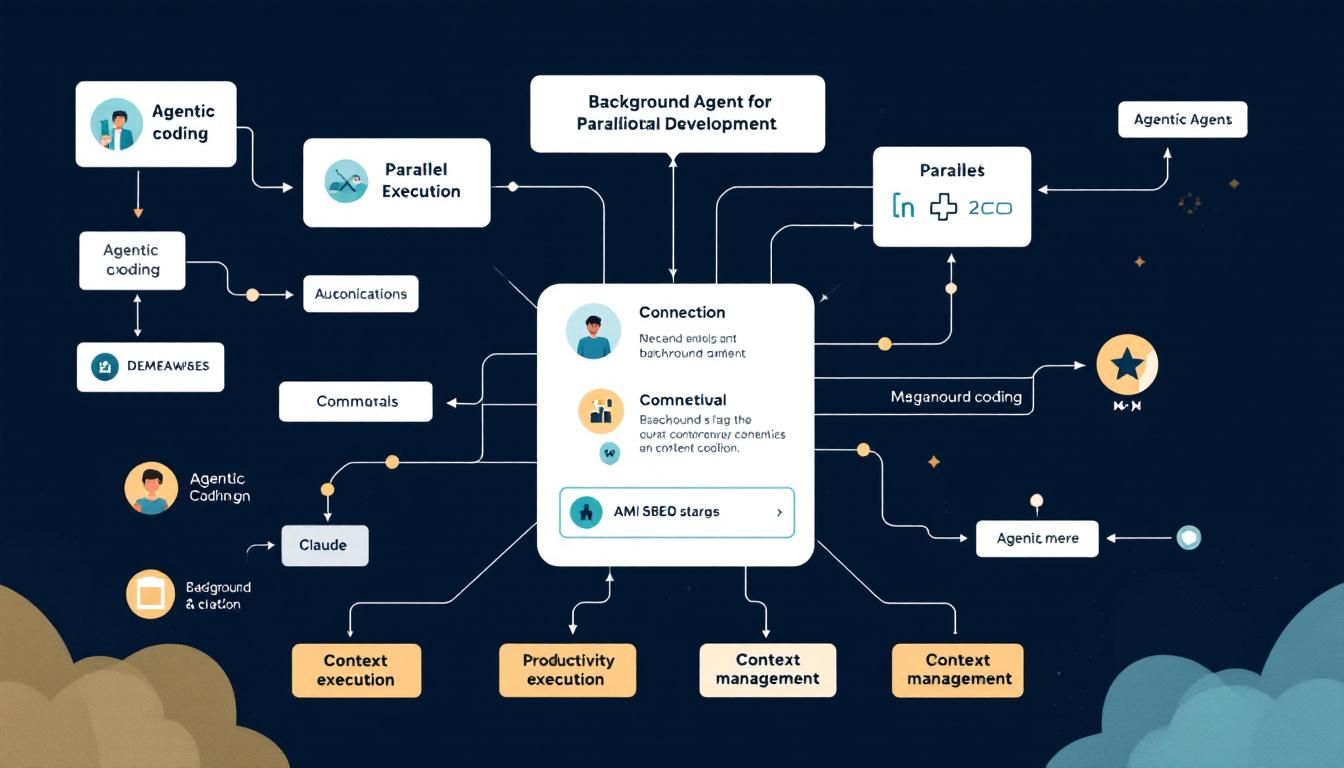
Four Game-Changing Ways to Use Claude's Background Agents for Parallel Development
Background agents in Claude aren't just a nice-to-have feature—they're a productivity multiplier that can transform how you approach complex coding tasks. Here's how to orchestrate multiple AI agents to handle research, testing, and monitoring while you focus on the core implementation.
agentic codingbackground agentsparallel executioncontext managementautomated testingClaude Code
Your main coding agent just hit a wall trying to understand a sprawling legacy codebase while simultaneously researching best practices for the feature you're building. Sound familiar? You're not alone—and you're definitely not using Claude's background agents to their full potential.
Most developers treat AI coding assistants like a single-threaded process: ask question, get answer, implement, repeat. But Claude Code's background sub-agents unlock true parallel processing for development workflows, letting you orchestrate multiple AI agents working on different aspects of your project simultaneously.
Why Background Agents Are a Developer's Secret Weapon
Think of background agents as your personal development team that never sleeps. While your main agent focuses on implementation, these sub-agents can be quietly gathering context, monitoring systems, extracting insights, and even writing tests in parallel.
The key insight here isn't just about multitasking—it's about cognitive load distribution. Instead of context-switching between research, implementation, testing, and monitoring, you can delegate each concern to a specialized agent that maintains focus on its specific domain.
The most productive developers aren't those who code fastest—they're those who orchestrate their tools most effectively.
Here are the four use cases that will fundamentally change how you approach complex development tasks.
1. Context Priming and Parallel Research
The Problem: You're about to implement a new feature, but first you need to understand how the existing codebase works, research best practices, and find reference implementations. Doing this sequentially kills momentum and fragments your focus.
The Solution: Deploy multiple background agents as your research team:
- Agent 1: Crawls your existing codebase to understand current patterns, architecture decisions, and integration points
- Agent 2: Scours documentation and Stack Overflow for best practices related to your feature
- Agent 3: Searches GitHub for reference implementations and examines their approach
How This Works in Practice
Let's say you're adding OAuth authentication to an existing Node.js application. While you grab coffee, your background agents are:
- Context Agent: Analyzing your current auth middleware, user models, and session handling
- Documentation Agent: Pulling together OAuth 2.0 flow documentation and security considerations
- Reference Agent: Finding well-implemented OAuth integrations in similar Node.js projects
By the time you're ready to code, your main agent has a comprehensive brief on exactly how to implement OAuth in a way that's consistent with your existing architecture and follows industry best practices.
Context priming transforms your main agent from a general-purpose assistant into a domain expert for your specific project.
2. Memory Extraction Before Context Limits
The Problem: You're deep into a complex implementation discussion with Claude, building up valuable context about decisions, trade-offs, and approaches. Then you hit the context window limit and lose all that accumulated knowledge.
The Solution: Deploy a memory extraction agent before you reach the limit.
This background agent reviews your entire conversation thread and distills the key information into a structured memory file:
- Architecture decisions and the reasoning behind them
- Code patterns that were established
- Trade-offs that were discussed
- Implementation notes and gotchas discovered
- Next steps and pending tasks
Memory File Structure Example
# Session Memory: E-commerce Cart Refactor

## Key Decisions
- Chose Redis over in-memory storage for cart persistence
- Implementing optimistic locking to handle concurrent updates
- Using event sourcing pattern for cart state changes

## Established Patterns
- All cart operations return CartResult<T> type
- Validation happens at service layer, not controller
- Cart events are published to EventBus for analytics

## Implementation Notes
- Cart expiry handled by Redis TTL, not application logic
- Race condition edge case in cart.updateQuantity() - needs atomic operation
- Consider implementing cart merging for anonymous -> authenticated user flow

## Next Steps
- [ ] Implement CartService.merge() method
- [ ] Add integration tests for concurrent cart updates
- [ ] Set up event handlers for cart analytics
This memory file becomes the foundation for your next session, allowing seamless continuation of complex projects.
3. Live Server Log Monitoring
The Problem: You're testing a new feature locally, but constantly switching between your code editor and terminal to check server logs breaks your flow and makes it easy to miss important error messages or performance issues.
The Solution: Deploy a log monitoring agent as a background task that watches your server output and surfaces relevant information proactively.
Smart Log Analysis
This isn't just passive log watching—your background agent actively analyzes log patterns:
- Error Detection: Immediately flags new errors or exceptions
- Performance Monitoring: Notices slow queries or response times
- Pattern Recognition: Identifies recurring issues or anomalies
- Context Awareness: Connects log events to the feature you're currently working on
Real-World Example
[LOG AGENT] 🚨 New error detected:
TypeError: Cannot read property 'id' of undefined
at UserController.updateProfile (controllers/user.js:45)

[LOG AGENT] 📊 Performance alert:
Database query taking 2.3s (avg: 120ms)
Query: SELECT * FROM users WHERE email = ?

[LOG AGENT] ✅ Success pattern:
5 consecutive successful API calls to /api/profile/update
Response times: 95ms, 102ms, 88ms, 99ms, 91ms
Your main agent can then correlate these log insights with the code you're writing, catching issues before they become bugs.
Live log monitoring transforms passive debugging into proactive issue prevention.
4. Background Test Writing
The Problem: Writing comprehensive tests often gets deprioritized because it feels like it slows down feature development. You're focused on implementation logic, and switching mental modes to think about test cases breaks your flow.
The Solution: While your main agent focuses on feature implementation, a background testing agent writes unit tests, integration tests, and edge case scenarios in parallel.
Parallel Test Development
As you build each component or function, your background agent is simultaneously:
- Analyzing your implementation to understand the expected behavior
- Identifying edge cases and potential failure modes
- Writing comprehensive test suites that cover both happy path and error scenarios
- Generating test data and mock objects as needed
Example: E-commerce Cart Feature
While you implement CartService.addItem(), your background agent generates:
// Unit tests
describe('CartService.addItem', () => {
  it('should add new item to empty cart', async () => {
    // Test implementation
  });

  it('should increase quantity for existing item', async () => {
    // Test implementation
  });

  it('should throw error when adding out-of-stock item', async () => {
    // Test implementation
  });

  it('should handle race conditions with optimistic locking', async () => {
    // Test implementation
  });
});

// Integration tests
describe('Cart API Integration', () => {
  it('should persist cart changes across requests', async () => {
    // Test implementation
  });
});
By the time you finish implementing the feature, you have a complete test suite ready for review and refinement.
Background test writing ensures quality doesn't sacrifice velocity—you get both simultaneously.
Orchestrating Your AI Development Team
The real power emerges when you combine these approaches. Picture this workflow:
- Morning Setup: Deploy context and research agents to prep for a new feature
- Active Development: Code with your main agent while background agents write tests
- Testing Phase: Log monitoring agent watches for issues while you iterate
- Session End: Memory extraction agent preserves all insights for tomorrow
Best Practices for Agent Orchestration
- Clear Agent Roles: Give each background agent a specific, focused responsibility
- Regular Check-ins: Periodically review what your background agents have discovered
- Progressive Enhancement: Start with one background agent and add more as you get comfortable
- Context Sharing: Ensure agents can access shared context files and project information
The Bottom Line
Background agents transform Claude from a single AI assistant into a coordinated development team. Instead of sequential task switching, you get parallel processing across research, implementation, testing, and monitoring. This isn't just about working faster—it's about working smarter, maintaining deeper context, and building better software through sustained focus on each aspect of development. The developers who master agent orchestration won't just ship features quicker; they'll ship better features with fewer bugs and stronger architectural foundations.
Try This Now
- 1Set up your first background agent for context priming on your current project using Claude Code
- 2Create a memory extraction template to preserve important session context before hitting token limits
- 3Deploy a log monitoring agent for your next local development session to catch issues proactively
- 4Implement parallel test writing by having a background agent generate test suites while you code features
How many Orkos does this deserve?
Rate this tutorial