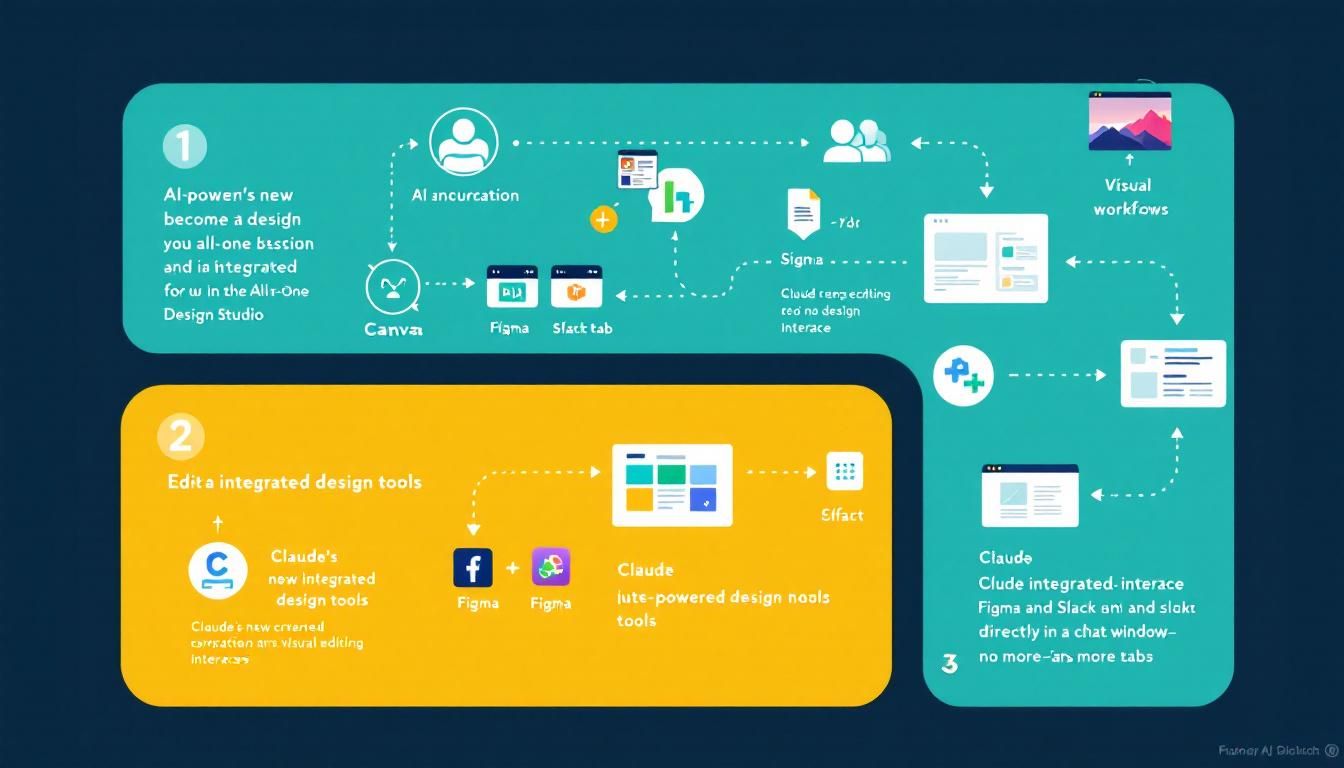
Claude Just Became Your All-in-One Design Studio
Claude's new integrated design interface lets you edit Canva, Figma, and Slack directly in the chat window—no more tab-switching hell. This changes everything for busy professionals trying to build creative projects efficiently.
AI-powered design toolsintegrated workflowsvisual editing interfacesClaudeCanvaFigmaSlack
The era of juggling fifteen browser tabs while working on a design project just ended.
Claude has quietly rolled out what might be the most practical AI update of 2024: native integration with design tools that lets you create, edit, and iterate without ever leaving the conversation. No more copying links, switching tabs, losing your train of thought, and starting over.
Why This Changes Everything for Time-Strapped Creators
If you've ever tried to build something creative while working a full-time job, you know the enemy: context switching. You're in the zone, making progress on a carousel design, then Claude spits out a Canva link. You click it, wait for it to load, make your edit, come back to Claude, and... what were you talking about again?
This friction kills momentum. Research shows it takes an average of 23 minutes to fully refocus after a task interruption. When you're squeezing creative work into evenings and weekends, those lost minutes add up to lost projects.
The difference between a shipped project and an abandoned one often comes down to reducing friction, not adding features.
The traditional workflow looked like this:
- Ask Claude to create a design
- Get a text response with a link
- Click link, wait for Canva/Figma to load
- Make changes in the external tool
- Return to Claude to explain what you changed
- Repeat 5-10 times per project
Each iteration burned 3-5 minutes of pure overhead. For a simple social media carousel, you'd waste 20+ minutes just on tab management.
The New Integrated Design Experience
Claude's updated interface embeds live design tools directly in the chat window. When you ask for a Canva carousel or Figma mockup, instead of getting a link, you get the actual editing interface.
Here's what the new workflow looks like:
- Request: "Create a 5-slide carousel about AI productivity tips"
- Live Preview: Claude generates the carousel and displays it in-chat
- Visual Editing: Drag elements, change fonts, adjust colors directly in the preview
- Voice Commands: Say "make the headline bigger" and watch it happen in real-time
- Instant Iteration: No page loads, no context loss, no mental friction
The magic isn't just in the embedded tools—it's in the seamless conversation flow. You can draft content, design visuals, preview Slack messages, and create Asana tasks all within a single conversation thread.
Think of it as having a design studio that speaks your language and remembers every decision you've made.
Supported Integrations
The current toolkit includes:
- Canva: Full editing for social media posts, presentations, and marketing materials
- Figma: Wireframing, prototyping, and UI design with live collaboration
- Slack: Message previews and formatting before sending
- Asana: Task creation and project management integration
Each integration maintains the native functionality you're used to, but wrapped in Claude's conversational interface.
Real-World Impact: From Hours to Minutes
Let's walk through a practical example. Say you're building a product launch campaign:
Old Process (45+ minutes):
- Brief Claude on the campaign (5 minutes)
- Get Canva link, create initial designs (15 minutes)
- Return to Claude for copy suggestions (5 minutes)
- Back to Canva for text updates (10 minutes)
- Create Slack announcement separately (10 minutes)
- Set up Asana tasks in another tab (10+ minutes)
New Process (15 minutes):
- Brief Claude: "Create a product launch campaign with social posts, Slack announcement, and project tasks"
- Review and edit all materials in the chat window
- Make real-time adjustments through conversation
- Deploy everything from a single interface
The time savings are obvious, but the cognitive load reduction is the real win. Your brain stays in creative mode instead of constantly shifting between "conversation mode" and "tool-switching mode."
The Creative Flow Advantage
When you eliminate friction, something interesting happens: you iterate more. Instead of settling for "good enough" because making changes is painful, you refine until it's actually good.
One user reported going from 2-3 design iterations per project to 8-10, simply because iteration became effortless. The quality improvement was dramatic.
Creativity thrives when the tools get out of the way. This integration doesn't just save time—it unlocks ideas you wouldn't have pursued when every change required a context switch.
Getting Started: What You Need to Know
The integrated design studio is currently available for:
- Claude Pro subscribers ($20/month)
- Team plan users
- Enterprise customers
Free tier users still get the old link-based workflow. Given the computational overhead of embedding live design tools, this tiering makes sense.
Setting Up Your First Integrated Project
Start Specific: Instead of "help me design something," try "create a LinkedIn carousel about remote work productivity with our brand colors"
Use Visual Language: Describe layouts, color schemes, and typography preferences upfront to get better initial results
Iterate in Real-Time: Don't overthink your requests—the real-time preview makes it easy to course-correct
Leverage the Conversation Memory: Reference earlier decisions ("use the same font as the previous slide") instead of starting from scratch
Chain Actions: "After we finish this design, create a Slack message to announce it and add a follow-up task to our project board"
The key is treating Claude like a creative partner who happens to have direct access to your design tools, rather than a search engine that returns links.
The Bottom Line
Claude's integrated design studio represents a fundamental shift from "AI that talks about your work" to "AI that does your work alongside you." By eliminating the friction between ideation and execution, it transforms how quickly you can move from concept to finished project. For anyone trying to build creative projects around a busy schedule, this isn't just a nice-to-have feature—it's the difference between shipping and abandoning your ideas. The future of AI tools isn't smarter responses; it's seamless integration that keeps you in flow state while the work gets done.
Try This Now
- 1Upgrade to Claude Pro to access the integrated design studio features
- 2Test the workflow by creating a simple Canva social media post directly in Claude chat
- 3Set up a multi-step project (design + Slack preview + Asana task) to experience the seamless workflow
- 4Document your current design workflow time to measure improvement after switching to integrated tools
How many Orkos does this deserve?
Rate this tutorial