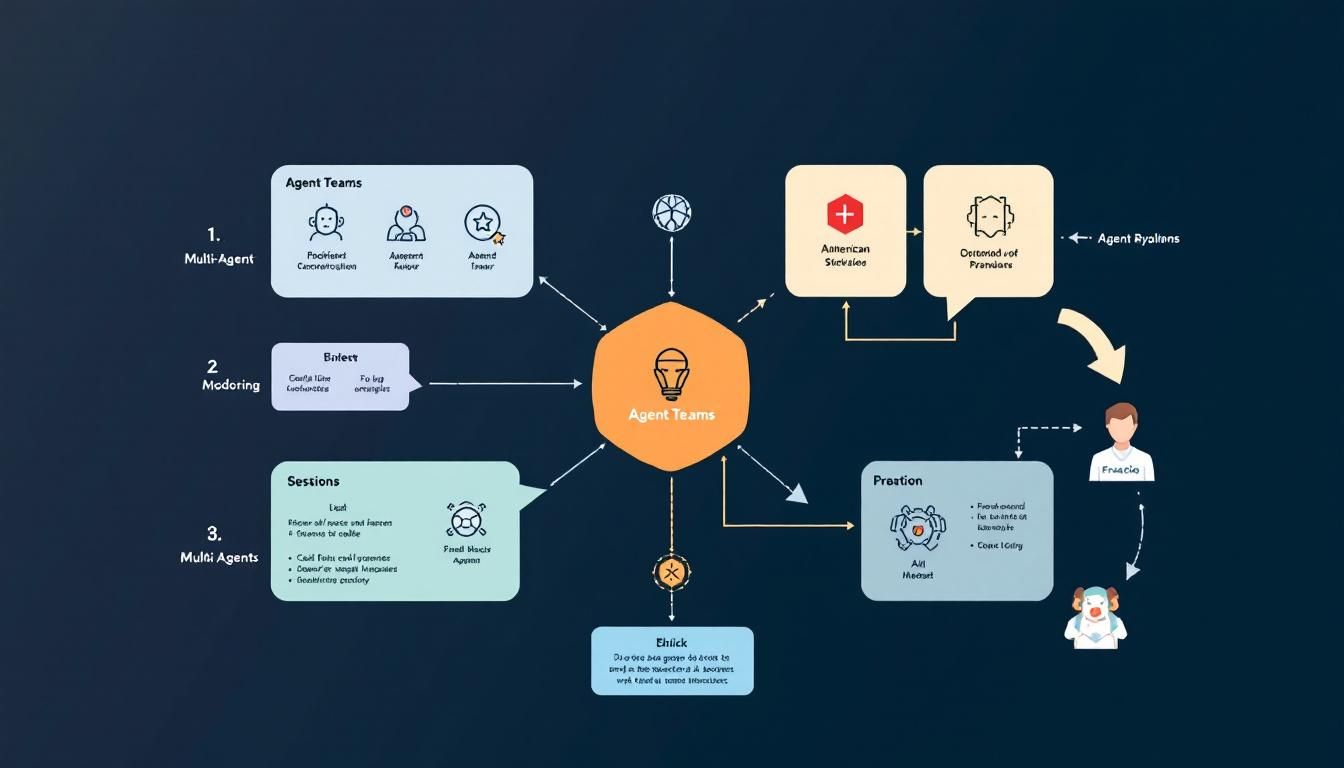
Claude's Agent Teams Are About To Change How You Build Software
Anthropic's Claude Code now offers experimental agent teams that enable multiple specialized AI agents to work in parallel, communicate directly with each other, and maintain persistent task management across sessions. Unlike subagents that work sequentially within one session, teammates operate independently with their own context windows while coordinating through shared tasks and inter-agent messaging.
multi-agent orchestrationagent teamsClaude Codeagent collaborationtask delegationClaude Code
Your AI coding assistant just learned how to manage a development team.
Claude Code's new agent teams feature isn't another incremental update — it's a fundamental shift from "AI that helps you code" to "AI that coordinates entire development workflows." While most developers are still figuring out how to use a single AI assistant effectively, Anthropic is already solving the next problem: what happens when your AI agents need to collaborate like human developers do?
Why Agent Teams Matter More Than You Think
Here's the thing about software development: it's inherently collaborative, even when you're working solo. Your frontend needs to talk to your backend. Your API changes need to propagate through your documentation. Your tests need to reflect your business logic updates.
Traditional AI coding assistants treat each interaction as isolated. You ask ChatGPT to write a React component, then separately ask it to create an API endpoint, then manually ensure they work together. It's like having brilliant interns who never talk to each other.
The breakthrough isn't that Claude can spawn multiple agents — it's that these agents can coordinate, delegate, and communicate while maintaining context across an entire project.
This matters because real software projects aren't linear. They're webs of interdependent tasks that require constant communication and adjustment. Agent teams finally bring AI assistance closer to how development actually works.
How Claude's Orchestration Actually Works
The architecture behind Claude Code's agent teams is more sophisticated than typical multi-agent setups. Instead of just running parallel processes, there's a clear hierarchy with built-in coordination mechanisms.
The Team Lead Architecture
At the center sits a team lead that acts like a technical project manager. This isn't just a task dispatcher — it's actively managing the workflow:
- Task decomposition: Breaking down complex requests into manageable chunks
- Agent assignment: Matching tasks to specialized teammates based on their configured roles
- Progress monitoring: Tracking completion status and identifying blockers
- Conflict resolution: Managing when agents need to coordinate on overlapping work
- Results synthesis: Coordinating outputs from multiple teammates into cohesive deliverables
- Active delegation: Strategic distribution of tasks across team members with appropriate context
Unlike subagents that work within a single session and only report back to the main agent, teammates operate in their own context windows and can communicate directly with each other and with you.
Persistent Task Management
The real innovation is in the tasks list system, which powers agent collaboration through Claude Code's tasks feature. Unlike temporary chat conversations or simple to-do lists, these tasks are stored as concrete files in your task folder within your .cloud directory. This means:
- Persistence across sessions: Your agent team can pick up exactly where they left off
- Version control integration: Tasks become part of your project's history
- External visibility: You can inspect, modify, or debug the task queue directly
- Structured data: Tasks contain metadata about dependencies, status, and agent assignments
- Task claiming: Teammates can claim specific tasks and update their status independently
Tasks aren't just reminders — they're persistent data structures that maintain project context across time and agent interactions.
Inter-Agent Communication
Here's where it gets interesting. Agents on the same team can directly message each other during execution. This is fundamentally different from deploying separate sub agents that work in isolation. Imagine this workflow:
- Frontend teammate starts building a user dashboard component
- Realizes it needs user authentication data from the API
- Messages the backend teammate directly: "I need user role information in the
/meendpoint" - Backend teammate updates the endpoint and responds with the new schema
- Frontend teammate adjusts its implementation accordingly
- You can interact with either teammate directly without going through the lead
This happens automatically, without you manually coordinating between separate AI conversations. Instead of isolated agents working independently, you get specialized teammates that can collaborate and coordinate through direct communication.
Setting Up Your First Agent Team
Claude Code makes agent team configuration surprisingly straightforward, though it requires enabling experimental features first.
1. Enable Agent Teams
Agent teams are experimental and disabled by default. Enable them by adding CLAUDE_CODE_EXPERIMENTAL_AGENT_TEAMS to your settings.json file or environment variables:
{
  "CLAUDE_CODE_EXPERIMENTAL_AGENT_TEAMS": true
}
2. Start Your First Team
Once enabled, you can request agent teams directly in your conversation:
"I need to build a user management system. Can you coordinate a team to handle the frontend, backend, and testing components in parallel?"
Claude will automatically:
- Analyze the request for parallelizable work
- Spawn appropriate teammates with specialized roles
- Create a shared task list for coordination
- Begin delegating work while maintaining oversight
3. Control Team Display and Interaction
You have several options for managing team visibility:
- Choose display modes: Configure how much detail you see from teammate activities
- Direct teammate communication: Talk to individual team members without going through the lead
- Task assignment: Manually assign specific tasks to particular teammates
- Plan approval: Require your approval before teammates execute their planned work
- Quality gates: Set up hooks to enforce standards and review points
4. Specify Team Composition
You can influence team structure by being specific about:
- Teammate specializations (frontend, backend, testing, documentation, security)
- Model selection for different teammates based on task requirements
- Context sharing preferences for how much background each teammate needs
- Communication patterns between team members
The goal isn't to remove you from the development process — it's to elevate you from coding individual features to architecting systems and making strategic decisions.
Best Practices for Agent Teams
Agent teams are most effective when you understand their strengths and structure work appropriately.
When to Use Agent Teams
Agent teams excel at:
- Research and review: Multiple teammates investigating different approaches simultaneously
- Parallel code review: Different teammates reviewing separate components or using different criteria
- Competing hypotheses: Testing multiple solutions to the same problem
- Component isolation: Frontend, backend, and testing work that can proceed independently
- Documentation and implementation: One teammate building features while another maintains docs
Size Tasks Appropriately
- Give teammates enough context to work independently without constant check-ins
- Avoid file conflicts by clearly defining ownership boundaries
- Wait for teammates to finish critical dependencies before starting dependent work
- Start with research and review tasks that benefit from parallel exploration
Monitor and Steer
- Check task progress regularly through the persistent task system
- Intervene when needed by talking directly to specific teammates
- Coordinate handoffs between teammates working on dependent components
- Clean up teams by shutting down teammates when their work is complete
Real-World Impact: Beyond the Demo
Agent teams aren't just a cool technical demo — they solve genuine pain points in AI-assisted development:
Context Switching Elimination
Right now, using AI for complex projects means constantly switching between conversations, re-explaining context, and manually coordinating between different AI sessions. Agent teams maintain shared context automatically while allowing direct interaction with specialists.
True Parallel Development
Unlike subagents that work sequentially within a single session, agent teams enable genuine parallel work. Your frontend teammate and backend teammate can make progress simultaneously, communicating as needed without bottlenecking through a single coordinator.
Consistency Across Components
When teammates can communicate directly and share task context, they're more likely to use consistent naming conventions, error handling patterns, and data structures without you having to enforce those standards manually.
Specialized Expertise
Each teammate operates in its own context window, allowing for deeper specialization. Your security-focused teammate can maintain awareness of threat models while your performance teammate focuses on optimization strategies.
Agent teams transform AI from a productivity tool into a development methodology — one where coordination and communication happen automatically while preserving your ability to guide and direct the process.
The Bottom Line
Claude Code's agent teams represent a maturation of AI-assisted development from helpful autocomplete to genuine collaboration. Instead of managing multiple disconnected AI conversations or waiting for sequential subagent execution, you're orchestrating a persistent development team that maintains context, coordinates work in parallel, and handles the tedious parts of keeping complex projects synchronized.
The real breakthrough isn't the individual agents — it's the communication and task management infrastructure that lets them work together effectively while preserving your ability to interact with specialists directly. With experimental features enabled and proper task structuring, these teams can tackle complex development workflows that previously required careful manual coordination.
For developers ready to move beyond prompt engineering individual features, agent teams offer a glimpse into what development workflows might look like when AI handles not just the coding, but the coordination too — while keeping you in control of the strategic decisions.
Try This Now
- 1Enable experimental agent teams by adding CLAUDE_CODE_EXPERIMENTAL_AGENT_TEAMS to your settings.json
- 2Structure requests to identify parallelizable work like research, review, or component development
- 3Configure team display modes and communication preferences for your workflow
- 4Set up task boundaries and file ownership to avoid conflicts between teammates
- 5Monitor team progress through the persistent task system and intervene with direct teammate communication when needed
How many Orkos does this deserve?
Rate this tutorial