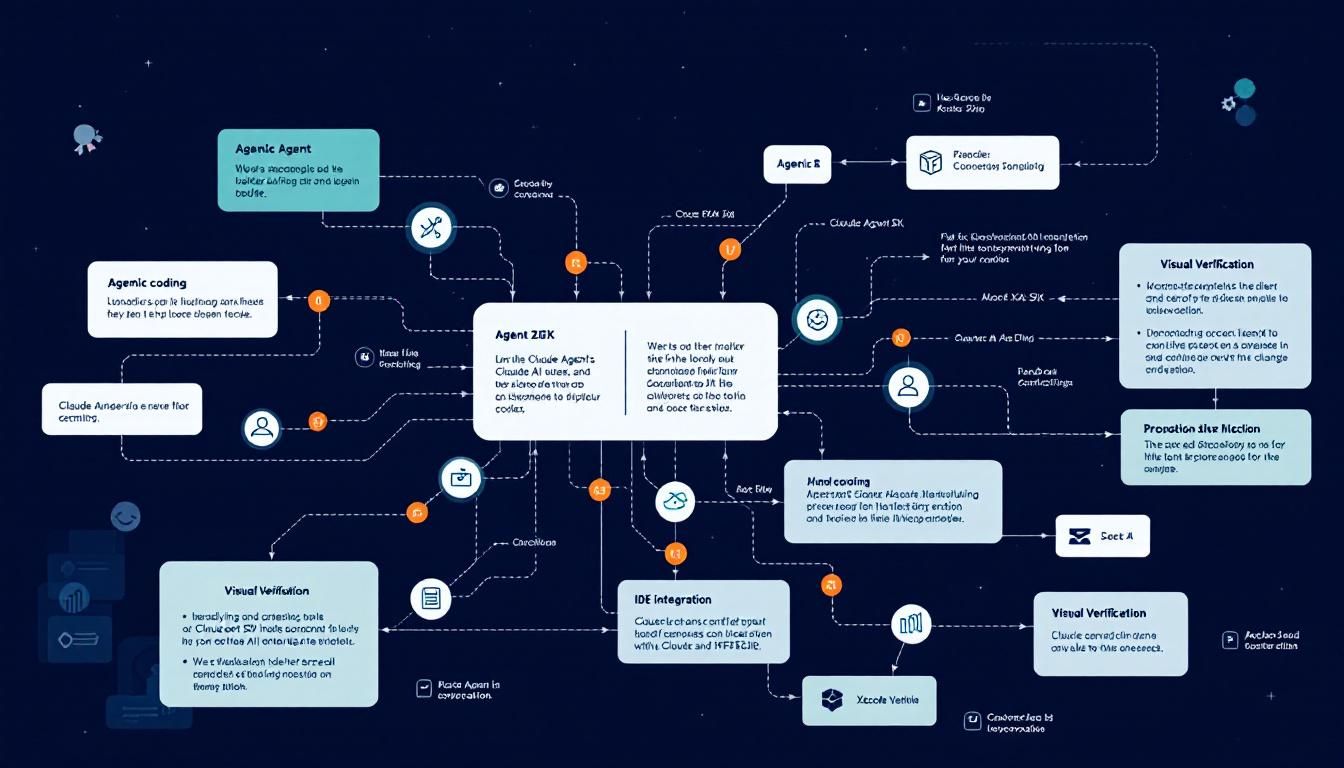
Claude Agent SDK Transforms Xcode: Autonomous AI Coding Arrives in Apple's IDE
Apple's Xcode 26.3 just got a game-changing upgrade: full Claude Agent SDK integration that lets AI autonomously build, debug, and iterate on your iOS apps without supervision. This isn't just code completion—it's AI that can see your UI previews, understand your entire project architecture, and work toward goals instead of following instructions.
agentic codingautonomous AI developmentIDE integrationvisual verificationproject-wide reasoningClaude CodeXcodeClaude Agent SDK
Apple just pulled the covers off something that changes the game for iOS development: Claude Agent SDK is now natively integrated into Xcode 26.3, bringing truly autonomous AI coding to Apple's flagship development environment.
This isn't the basic Claude integration that shipped in September. That version could help with individual coding tasks—write a function here, debug an issue there. The new integration is fundamentally different: it's AI that can work independently on complex, multi-file projects while you grab coffee.
Why This Changes Everything for iOS Development
Most AI coding tools today are sophisticated autocomplete systems. You ask, they respond. You review, you iterate. It's still fundamentally human-driven development with AI assistance.
Claude Agent SDK in Xcode flips this dynamic entirely. Instead of giving Claude specific instructions, you give it goals. Instead of working on isolated code snippets, it reasons across your entire project. Instead of guessing whether UI changes look right, it actually captures and analyzes Xcode Previews to verify its work visually.
The shift from "help me write this function" to "build me this feature" represents a fundamental evolution in how we'll collaborate with AI on software projects.
For solo developers and small teams building iOS apps, this could be transformative. The cognitive overhead of keeping an entire app's architecture in your head while implementing new features is substantial. Now Claude can shoulder that mental load.
Four Capabilities That Redefine AI-Assisted Development
Visual Verification Through Preview Integration
Here's where things get genuinely impressive: Claude can now capture Xcode Previews to see what the interfaces it's building actually look like in practice.
When building SwiftUI views, the visual output is everything. You can write syntactically perfect code that renders as an unusable mess. Traditional AI coding tools are blind to this—they can write SwiftUI code, but they can't see whether a VStack arrangement actually looks good or whether color choices create readability issues.
Claude Agent changes this equation entirely:
- It builds the initial SwiftUI implementation
- Captures the Preview to see the actual visual result
- Identifies visual issues or design inconsistencies
- Iterates on the code until the interface matches design intent
This visual feedback loop means Claude can deliver higher-quality UI implementations on the first try, reducing the back-and-forth that typically dominates SwiftUI development.
Project-Wide Architectural Reasoning
Building iOS apps means juggling SwiftUI, UIKit, Swift Data, Core Data, CloudKit, and dozens of other frameworks. Each has its own patterns, constraints, and integration points.
Claude Agent doesn't just work with the currently open file—it explores your entire project structure first. Before writing a single line of code, it maps out:
- How your data models connect to your views
- Where business logic lives versus presentation logic
- Which architectural patterns you're following
- How different frameworks integrate in your specific setup
This holistic understanding means Claude makes changes that fit your app's architecture, not generic solutions that might break your existing patterns.
True Autonomous Task Execution
The most profound shift: you can give Claude a goal instead of step-by-step instructions.
Instead of: "Add a UserDefaults property wrapper to this view, then create a toggle that updates it, then make sure the state persists across app launches."
You say: "Add a dark mode toggle to the settings screen."
Claude then:
- Analyzes your current settings implementation
- Determines where dark mode state should be stored
- Identifies which views need to respond to theme changes
- Implements the toggle UI in your existing design language
- Tests the implementation and iterates if needed
When Claude hits an unfamiliar API or framework pattern, it searches Apple's documentation directly rather than making assumptions based on training data.
The ability to work toward goals rather than follow instructions transforms Claude from a very smart coding assistant into something approaching a junior developer.
Model Context Protocol Integration
For developers who prefer working in Claude Code via CLI, Xcode 26.3 exposes its capabilities through the Model Context Protocol (MCP). This means you can:
- Trigger Xcode Preview captures from your terminal
- Access project structure information without opening the IDE
- Coordinate between command-line workflows and visual verification
This flexibility matters for teams with diverse development workflows or developers who split time between Xcode and other tools.
What This Means for Development Workflows
The implications extend beyond individual productivity gains. This level of AI autonomy starts to reshape how we think about software development cycles.
For Solo Developers: You can focus on high-level product decisions and user experience while Claude handles implementation details across multiple files and frameworks. The mental overhead of context-switching between architectural thinking and detailed implementation gets dramatically reduced.
For Small Teams: One senior developer can provide architectural guidance while Claude handles implementation work that might otherwise require additional junior developers. This could be particularly powerful for startups where engineering resources are scarce.
For Learning: Junior developers can observe how Claude breaks down complex features into implementation steps, providing a real-time masterclass in iOS development patterns and Apple framework integration.
We're moving from "AI that helps you code faster" to "AI that can take ownership of entire feature implementations." The productivity implications are staggering.
Getting Started with Claude Agent in Xcode
Xcode 26.3 is available as a release candidate for Apple Developer Program members starting today, with a broader App Store release coming soon.
The integration works through the same interface as previous Claude implementations in Xcode, but with expanded capabilities when you enable Agent mode. You'll need:
- An active Apple Developer Program membership
- Xcode 26.3 or later
- A Claude Pro or Claude for Work subscription
The visual verification features work immediately with any SwiftUI project using Xcode Previews. For MCP integration, you'll need to configure the connection between Claude Code and your Xcode installation.
The Bottom Line
Apple's integration of Claude Agent SDK into Xcode represents the first mainstream implementation of truly autonomous AI coding in a major IDE. The combination of visual verification, project-wide reasoning, and goal-oriented task execution creates something qualitatively different from existing AI coding tools. We're not just getting faster autocomplete—we're getting AI that can take ownership of feature implementation from concept to completion. For iOS developers, especially solo practitioners and small teams, this could fundamentally change the economics of app development by dramatically amplifying individual productivity while maintaining code quality through visual feedback loops.
Try This Now
- 1Sign up for Apple Developer Program access to download Xcode 26.3 release candidate
- 2Upgrade your Claude subscription to Pro or Claude for Work to access Agent SDK features
- 3Test Claude Agent on a small SwiftUI feature to experience visual verification workflow
- 4Configure Model Context Protocol integration if you use Claude Code CLI
- 5Document your current project architecture to help Claude Agent understand your codebase structure
How many Orkos does this deserve?
Rate this tutorial