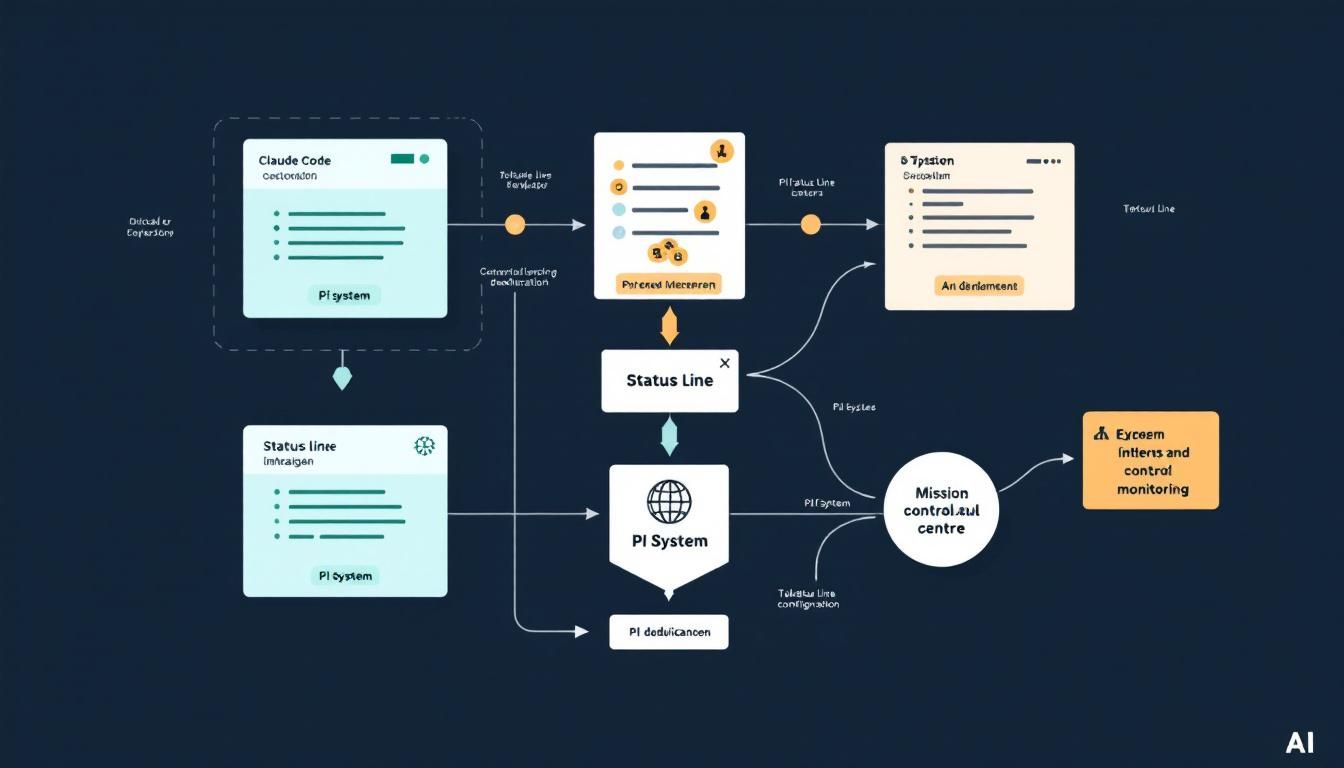
Building a Power User Status Line for Claude Code with the PI System
A seasoned Claude Code developer reveals how the PI System transforms the default interface into a mission control center, tracking everything from token usage to GitHub activity in real-time. This isn't just customization—it's turning your AI workspace into a professional-grade development environment.
Claude Code customizationPI Systemstatus line configurationtoken usage monitoringdevelopment environment setupClaude CodeOpusPI SystemGitHub
The default Claude Code interface tells you almost nothing about what's happening under the hood. You're flying blind on token usage, context limits, and system resources—until you discover what power users have been quietly building.
Why Your Status Line is Mission Critical
Most developers treat their AI interface like a basic chat window. But when you're running Opus 4.6 through Claude Code 2.1.34 for serious development work, you need visibility into what's actually happening. How much context do you have left? What's your real token burn rate? How many workflows and hooks are active?
Without this information, you're essentially coding with your eyes closed. The PI System changes that completely.
The PI System enhances Claude Code "by a factor of 20" according to seasoned users—and the custom status line is where that power becomes visible.
What the PI System Brings to Claude Code
The PI System, created by Daniel Meisler, transforms Claude Code from a simple AI chat interface into a comprehensive development environment. Think of it as the difference between Notepad and VS Code—same basic function, completely different league of capability.
Here's what a properly configured PI System status line reveals in real-time:
Core System Metrics
- Location awareness - Know where your session is running
- Active skills, workflows, and hooks - See exactly what capabilities are loaded
- PI version tracking - Ensure you're running the latest system updates
- Remaining context - Critical for managing long development sessions
Development Integration
- GitHub activity monitoring - Track commits, PRs, and repository changes
- Memory usage in the PI system - Understand resource consumption
- Agent and plugin status - See what's active in your workspace
- MCP (Model Context Protocol) tracking - Monitor protocol usage
Financial Intelligence
- Token usage over time - Track consumption patterns across months
- Cost projection - See what you'd pay at API rates vs subscription
- Usage pattern analysis - Understand your development habits
For developers on Claude Pro ($20/month) hitting limits, seeing real token costs often justifies jumping to Claude for Work ($30/month per user) or building custom solutions.
The Economics of Heavy Claude Usage
One of the most eye-opening features is token cost tracking. The status line shows exactly what your usage would cost at API rates versus subscription pricing. For power users, this reveals some striking economics:
Subscription vs API Math
- Claude Pro: $20/month with usage limits
- Claude for Work: $30/month per user with higher limits
- API pricing: Pay-per-token, can get expensive fast
- Power user reality: Heavy Opus users often exceed $200/month in API value
Usage Pattern Insights
The status line tracks token consumption over months, not just individual sessions. This longitudinal view helps you:
- Identify usage spikes - See when you're burning through context
- Optimize workflows - Find which tasks consume the most tokens
- Plan subscription needs - Make informed decisions about upgrading
- Track efficiency gains - See how the PI System reduces redundant queries
Many power users discover they're getting thousands of dollars in AI value for a $20-30 monthly subscription—making the investment in proper tooling a no-brainer.
"I exceed [the API cost equivalent] quite a lot every single month. But for $200, you get full access. And I've yet to hit the limits on Opus."
Setting Up Your Development Environment
Getting this level of visibility requires moving beyond the basic Claude interface. Here's the practical path:
1. Upgrade Your Claude Code Version
Ensure you're running Claude Code 2.1.34 or later. The morning updates often include critical improvements for power users.
2. Implement the PI System
- Search for Daniel Meisler's PI System - This isn't hidden, but it's not mainstream yet
- Follow the installation guide - The system integrates directly with Claude Code
- Configure your preferences - Set up which metrics matter for your workflow
3. Customize Your Status Line
The default PI System comes with standard metrics, but power users customize based on their needs:
- Development teams: Emphasize GitHub integration and collaborative metrics
- Solo developers: Focus on personal productivity and cost tracking
- Researchers: Prioritize context management and memory usage
- Business users: Highlight cost efficiency and usage patterns
4. Monitor and Iterate
The real value emerges over time as you see patterns in your usage. Most users start by watching token consumption, then gradually expand to track workflows, memory usage, and development velocity.
The transition from basic Claude to a PI System setup feels like upgrading from a bicycle to a Tesla—same destination, completely different experience.
The Bottom Line
The PI System's custom status line transforms Claude Code from a simple AI chat into a professional development environment with full visibility into performance, costs, and capabilities. For serious users running Opus 4.6 daily, this isn't just a nice-to-have—it's essential infrastructure. The ability to track real token usage, monitor system resources, and integrate with development workflows justifies the setup effort within days. Most power users discover they're extracting far more value than they're paying for, making informed decisions about scaling their AI-powered workflows.
Try This Now
- 1Search for Daniel Meisler's PI System and review the installation documentation
- 2Update to Claude Code version 2.1.34 or latest to ensure compatibility
- 3Set up token usage tracking to understand your real API cost equivalent
- 4Configure status line metrics based on your primary use case (development, research, or business)
- 5Monitor usage patterns for 2-3 weeks to identify optimization opportunities
How many Orkos does this deserve?
Rate this tutorial