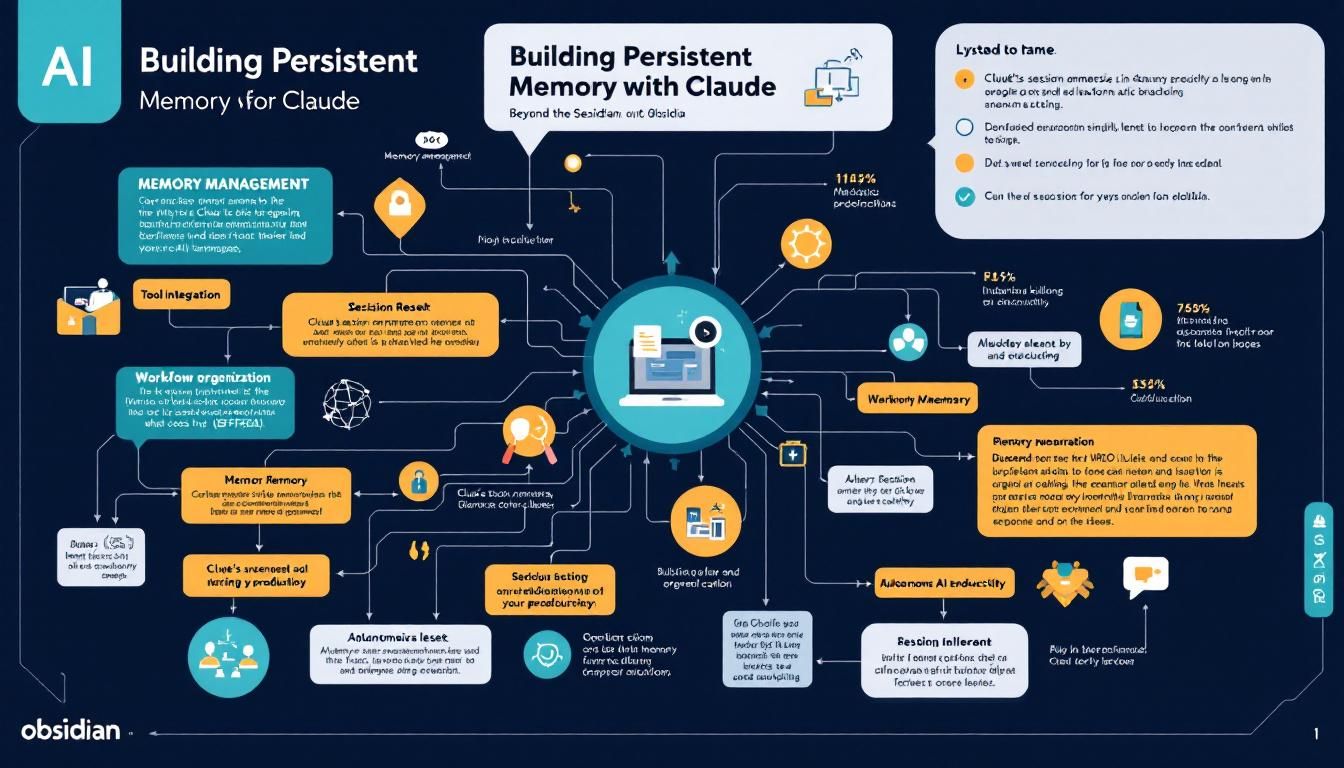
Building Persistent Memory for Claude with Obsidian: Beyond the Session Reset
Claude's session amnesia is killing your productivity, but there's a surprisingly elegant fix that costs nothing and transforms how AI remembers your context. Here's how Obsidian creates the persistent memory layer that Claude desperately needs.
memory managementworkflow organizationtool integrationautonomous AI enhancementClaude CodeObsidian
Every Claude session feels like Groundhog Day. You explain your project structure again. You re-establish context. You watch your AI assistant forget everything the moment you close that browser tab.
This isn't just annoying — it's a fundamental limitation that keeps Claude from becoming the persistent personal assistant it should be.
Why Memory Matters More Than You Think
The problem with Claude's session-based memory isn't just inconvenience. It's architectural. Each conversation exists in isolation, forcing you to rebuild context from scratch every single time. This works fine for one-off coding questions, but completely breaks down when you need an AI that understands your ongoing projects, daily workflows, and accumulated knowledge.
Traditional solutions like OpenAI's memory features promise persistence but deliver frustratingly shallow recall. They remember surface-level preferences while missing the deeper connections between your ideas, projects, and evolving thought processes.
The gap between AI capability and AI memory is where most productivity gains get lost. Solving memory unlocks everything else.
This is where Obsidian enters the picture — not as another note-taking app, but as the missing memory infrastructure that Claude needs to become truly useful.
The Obsidian-Claude Symbiosis
Obsidian is fundamentally an orchestration layer for markdown files, but that undersells what it actually enables. Think of it as a filing cabinet that automatically shows you how different pieces of information connect.
Here's the key insight: Obsidian excels at showing relationships between notes, but manually creating those relationships is tedious. Claude excels at understanding context and generating structured content, but forgets everything between sessions.
The symbiotic relationship works like this:
- You give Claude unstructured thoughts, project ideas, and daily brain dumps
- Claude transforms those into properly formatted, interconnected Obsidian notes
- Obsidian visualizes the connections and maintains the knowledge graph
- You gain insights from seeing your thoughts mapped and connected
- Claude gets better context from organized, linked information in future sessions
This isn't just about better organization — it's about creating a compound effect where each interaction improves the next one.
Beyond the Black Box Problem
Most AI memory solutions create black boxes. You dump information in, but you can't see how it's organized or connected. With the Obsidian approach, your knowledge remains transparent and portable. You own the markdown files. You can see the connections. You're not locked into any vendor's ecosystem.
Obsidian serves as both the memory layer for Claude and a knowledge visualization system for you — solving two problems with one elegant solution.
The Spectrum: From Chaos to Over-Engineering
Before diving into implementation, it's worth understanding where this approach fits in the broader landscape of AI memory solutions.
On one extreme: You have the "papers on the ground" approach — dumping everything into unorganized files and hoping Claude's intelligence compensates for the mess. This works to some degree, but creates a black box that neither you nor Claude can navigate efficiently.
On the other extreme: You have full RAG (Retrieval-Augmented Generation) implementations with embeddings, vector databases, and complex retrieval pipelines. This is the "Library of Congress" approach — incredibly powerful but overkill for most individual users and requiring significant technical overhead to build and maintain.
The sweet spot: Obsidian represents the "organized filing cabinet" — structured enough to provide clear benefits, simple enough to actually use consistently. It's what most L3 practitioners actually need: persistent, organized, visual memory that requires minimal maintenance.
The Free Lunch Principle
This solution represents one of those rare "free lunch" improvements. You're not paying additional tokens, you're not changing how you interact with Claude, and you're not adding complex infrastructure. You're simply adding an organizational layer that benefits both you and your AI assistant.
Setting Up Your Memory Infrastructure
Initial Setup
- Download Obsidian from
obsidian.md— it's completely free - Create your vault — this is just a folder where your organized notes will live
- Choose your location wisely — put the vault wherever you typically store your Claude projects
- Open your terminal in the vault directory
- Start Claude in that same directory
The Critical Configuration File
The magic happens in your claude.md file. This acts as a persistent system message that tells Claude how to handle your Obsidian integration:
# Project Context
All markdown files in this project follow Obsidian conventions.

## Key Requirements:
- Use double brackets [[like this]] for internal links
- Create connection between related concepts
- Organize information hierarchically
- Maintain consistent tagging and categorization
Folder Structure That Scales
Your vault should reflect how you actually think and work:
daily-notes/— Daily thoughts, meetings, quick capturesprojects/— Ongoing work with clear outcomesresearch/— Deep dives and learning notespeople/— Context about colleagues, contacts, relationshipsinbox/— Quick capture before proper organization
The folder structure isn't just organization — it's a reflection of your cognitive workflow that Claude can learn and optimize.
Leveraging Existing Resources
The Obsidian-Claude integration has an active community. Search GitHub for "Obsidian Claude skills" to find pre-built prompts and configurations. Better yet, ask Claude to research current best practices and implement them — this is exactly the kind of meta-improvement that demonstrates the system's power.
Making It Work in Practice
Daily Workflow Integration
The real test isn't setup — it's sustained use. Here's how to make this system stick:
Morning routine: Start each day by asking Claude to review yesterday's notes and identify connections or follow-ups. This primes both you and Claude with relevant context.
Project work: Instead of starting fresh, ask Claude to pull relevant background from your existing notes. "Based on my previous research on [topic], help me tackle [new challenge]."
End-of-day capture: Dump everything — meeting notes, random ideas, project updates — and let Claude organize it into proper Obsidian format with appropriate links.
The Compound Effect
The real magic happens after a few weeks of consistent use. Your vault becomes a living representation of your thinking, and Claude gains genuinely useful context about your work patterns, preferences, and knowledge domains.
Unlike traditional AI memory that feels superficial, this approach captures the actual structure of your thoughts and projects. Claude doesn't just remember that you prefer certain coding patterns — it understands how those patterns fit into your broader project architecture and goals.
The Bottom Line
Obsidian transforms Claude from a stateless question-answering system into a persistent thinking partner with genuine memory. The setup is simple, the ongoing cost is zero, and the benefits compound over time. You get better organization of your own thoughts while giving Claude the contextual foundation it needs to provide genuinely useful assistance. This isn't about revolutionary change — it's about eliminating the friction that keeps you from getting full value from AI assistance. Sometimes the best improvements are the ones that feel obvious in hindsight.
Try This Now
- 1Download Obsidian and create a vault in your primary Claude projects directory
- 2Set up folder structure with daily-notes, projects, research, and inbox directories
- 3Create a claude.md file specifying Obsidian markdown conventions and linking requirements
- 4Establish a daily routine of dumping thoughts to Claude for Obsidian organization
- 5Search GitHub for 'Obsidian Claude skills' repositories to enhance your setup
How many Orkos does this deserve?
Rate this tutorial