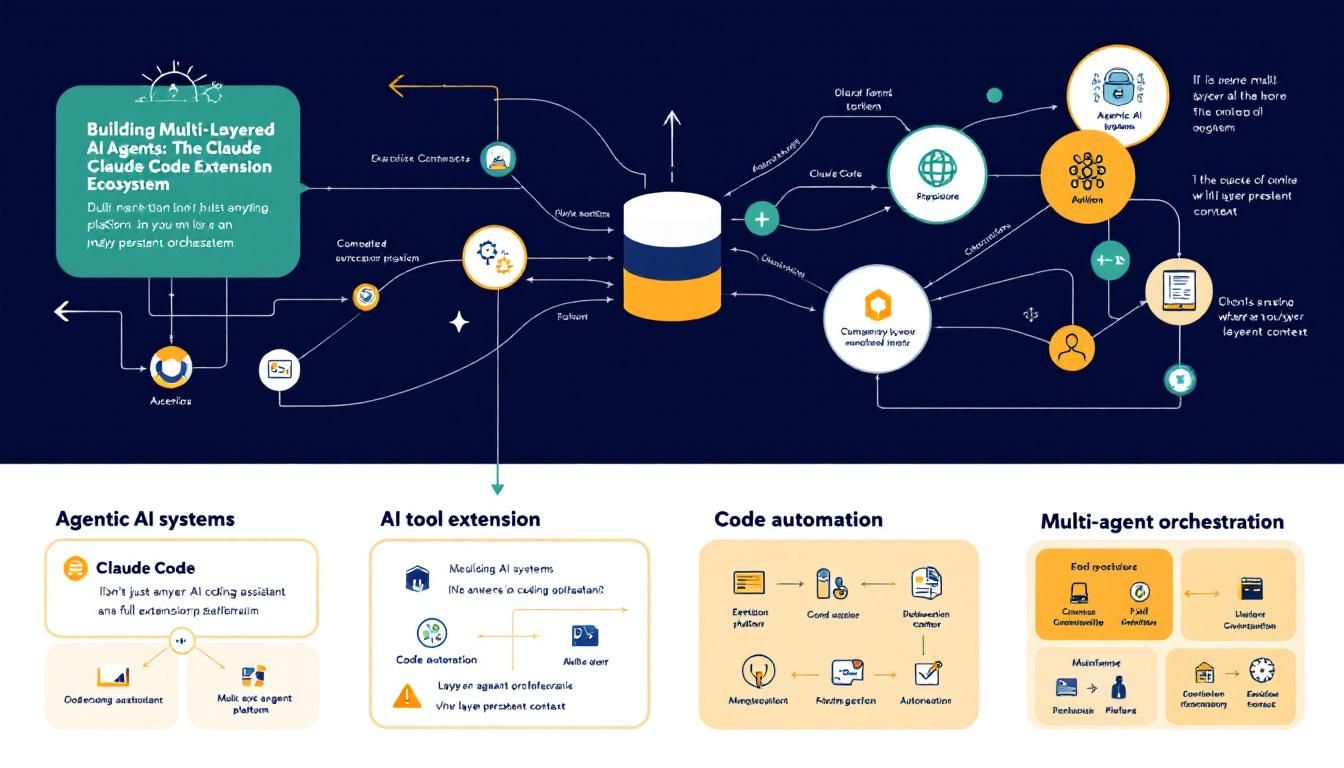
Building Multi-Layered AI Agents: The Claude Code Extension Ecosystem
Claude Code isn't just another AI coding assistant—it's a full extension platform where you can layer persistent context, isolated subagents, external integrations, and deterministic automation. Here's how to architect sophisticated agentic systems that actually scale.
Agentic AI systemsAI tool extensionCode automationMulti-agent orchestrationClaude Code
Most developers think of AI coding tools as glorified autocomplete. Claude Code flips that assumption on its head—it's actually a sophisticated agentic platform where you can build layered, extensible AI systems that handle everything from project conventions to complex multi-step workflows.
Why This Matters
The difference between a basic AI assistant and a truly useful agentic system comes down to architecture. You need persistent context that remembers your project's quirks, isolated workers that can tackle specialized tasks without cluttering your main conversation, and seamless connections to the external services your code actually depends on.
Claude Code gives you six distinct extension types that plug into different parts of the agentic loop. Understanding when and how to use each one is the difference between fighting your AI tools and having them genuinely accelerate your development workflow.
The magic happens when you stop thinking of AI as a single assistant and start architecting it as a coordinated system of specialized agents, each with clear boundaries and responsibilities.
The Extension Hierarchy: From Context to Automation
The Claude Code extension system operates on multiple layers, each serving a distinct purpose in your development workflow:
CLAUDE.md: Your Persistent Project Brain
CLAUDE.md files create persistent context that Claude sees in every session. Think of this as your project's constitution—the fundamental rules and conventions that should never be forgotten.
- Use for: Coding standards, build commands, "always do X" rules
- Example: "Use
pnpmnotnpm. Run tests before committing. Never hardcode API keys." - Keep it focused: Under 500 lines. If it's growing beyond that, you're probably mixing persistent context with reference material that belongs in skills
The beauty of CLAUDE.md is its layered approach. You can have user-wide conventions, project-specific rules, and even subdirectory-specific context that loads as you work in different parts of a monorepo.
Skills: Reusable Knowledge and Workflows
Skills are the workhorses of the extension system. These markdown files contain knowledge, workflows, or instructions that Claude can reference or execute on demand.
/review → Runs your code review checklist
/deploy → Executes deployment workflow
/api-docs → Loads API reference patterns
Skills come in two flavors:
- Reference skills: Knowledge Claude uses throughout your session (API style guides, architectural patterns)
- Action skills: Specific workflows you trigger with
/<name>commands
Skills solve the "I explained this yesterday" problem. Package your best practices once, invoke them anywhere.
Subagents: Isolated Workers with Specialized Context
Here's where things get sophisticated. Subagents run their own agentic loops in isolated contexts, then return summarized results to your main conversation.
Imagine you need to research how authentication works across 50 files in your codebase. A subagent can:
- Read through all those files
- Analyze patterns and inconsistencies
- Return a clean summary with recommendations
- Keep your main context window uncluttered
Subagents excel at:
- Context isolation: Heavy research that would overwhelm your main conversation
- Parallel work: Multiple specialized agents tackling different aspects of a problem
- Specialized expertise: Agents with specific skills and knowledge pre-loaded
External Integration and Automation Layers
MCP: Bridging to External Services
Model Context Protocol (MCP) connections give Claude superpowers by integrating external services directly into the agentic loop.
- Query your production database
- Post updates to Slack channels
- Control browser automation
- Access internal APIs
MCP servers provide the capability to interact with external systems. But here's the key insight: you'll often pair MCP with skills that teach Claude how to use those capabilities effectively.
Example combo: An MCP server connects to your database, while a skill contains your data model, common query patterns, and which tables to use for different tasks.
Hooks: Deterministic Automation
Hooks run outside the agentic loop entirely—they're deterministic scripts that execute on specific events. No LLM reasoning, no context consumption, just reliable automation.
- Run ESLint after every file edit
- Auto-format code on save
- Trigger builds when certain files change
- Update documentation when APIs change
Use hooks when you need predictable, fast automation that doesn't require AI reasoning.
Think of hooks as your "muscle memory" automation—the routine tasks that should happen automatically without any cognitive overhead.
Architectural Patterns: How Features Layer and Combine
The real power emerges when you combine these extensions strategically. Here are proven patterns:
The Reference Stack
- CLAUDE.md: Core project conventions and "never do this" rules
- Reference skills: Detailed API docs, architectural patterns, team processes
- Action skills: Invokable workflows like
/deploy,/review,/release
This gives you persistent context plus on-demand access to detailed knowledge without cluttering your working memory.
The Research Pattern
- Subagent with specialized skills loaded: Analyzes complex codebases or requirements
- MCP integration: Pulls data from external systems
- Main agent: Receives clean summaries and makes decisions
Perfect for tasks like "analyze our authentication implementation across all microservices" or "research how our competitors handle this API pattern."
The Automation Pipeline
- Hooks: Handle deterministic tasks (linting, formatting, basic validation)
- Skills: Provide workflows for complex multi-step processes
- MCP: Execute external actions (deploy, notify, update systems)
This creates end-to-end automation while keeping the AI reasoning focused on the parts that actually need intelligence.
Context Cost Management
Every extension affects your context window differently:
- CLAUDE.md: Always loaded (manage size carefully)
- Skills: Loaded on demand or when relevant
- Subagent work: Isolated—only summaries affect main context
- MCP data: Brought in as needed
- Hooks: Zero context cost (run externally)
The strategic insight: Use subagents for heavy lifting that would otherwise consume your context window. Let them do the detailed work while keeping your main conversation focused and efficient.
The Plugin Distribution Layer
Plugins package multiple extensions into installable units. A single plugin might include:
- Skills for common workflows
- Hooks for automation
- Subagent configurations
- MCP server connections
Plugin skills are namespaced (/my-plugin:review) so you can install multiple plugins without conflicts. Marketplaces make it easy to discover and distribute these packaged solutions.
Use plugins when you want to:
- Reuse the same setup across multiple repositories
- Distribute your workflow to team members
- Package domain-specific expertise for different types of projects
The Bottom Line
Claude Code's extension system transforms AI from a simple assistant into an architectural platform. Start with CLAUDE.md for your core project conventions, add skills for repeatable workflows, and introduce subagents when you need specialized workers or context isolation. MCP integrations and hooks round out the system with external connectivity and deterministic automation. The result isn't just smarter autocomplete—it's a genuinely extensible development environment where AI agents handle increasingly sophisticated tasks while staying focused, efficient, and predictable.
Try This Now
- 1Create a CLAUDE.md file with your project's core conventions and coding standards (keep it under 500 lines)
- 2Build your first skill as a markdown file with a common workflow you repeat, then invoke it with /<skill-name>
- 3Set up a subagent for a research-heavy task that would normally clutter your main conversation context
- 4Identify one external service you use regularly and explore MCP server options to integrate it with Claude Code
- 5Install a hook script to automate one deterministic task like linting or formatting on file changes
How many Orkos does this deserve?
Rate this tutorial