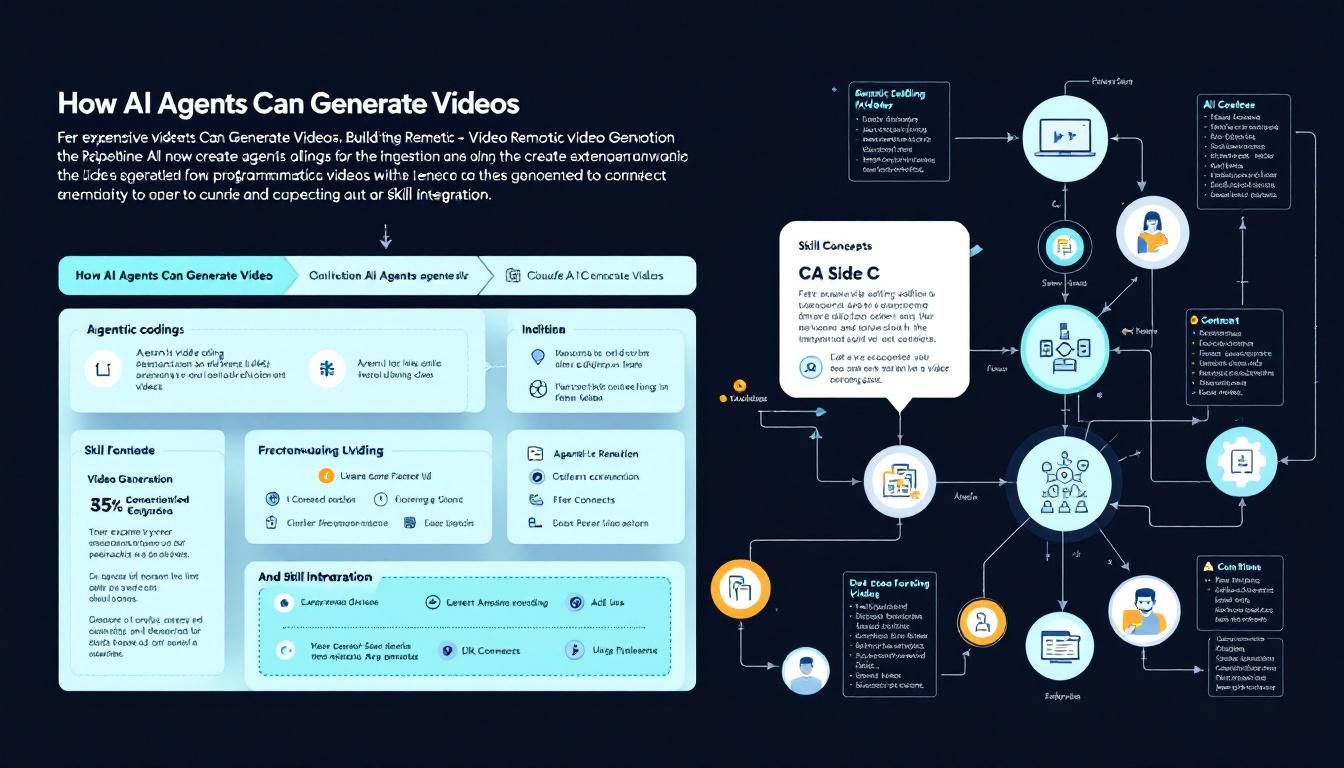
How AI Agents Can Generate Videos: Building the Remotion + Claude Pipeline
Forget expensive video editing software—AI agents can now create programmatic videos using code. Here's how to connect Claude with Remotion to build a video generation pipeline that turns code into compelling visual content.
agentic codingvideo generationskill integrationClaude CodeRemotionGitHub
The most interesting AI applications aren't happening in isolation. They're emerging from the collision of different technologies, where coding agents meet video generation tools to create something entirely new.
Why Agentic Video Generation Changes Everything
We're witnessing a fundamental shift in how content gets created. Traditional video production involves expensive software, manual editing, and hours of timeline manipulation. But what if your AI agent could write code that directly generates videos?
That's exactly what's happening when developers connect Claude with Remotion—a React-based video creation framework. Instead of dragging and dropping elements in Premiere Pro, you're writing JavaScript that programmatically builds videos. And now, AI agents can write that code for you.
This isn't just about automation—it's about making video creation as scalable and systematic as any other software development process.
The implications are massive. Marketing teams can generate hundreds of personalized videos. Educators can create dynamic content that adapts to different learning styles. Developers can build video features directly into their applications without touching traditional video editing tools.
Understanding the Remotion Framework
Remotion transforms video creation from a manual craft into a programmable system. Think of it as "React for videos"—you write components, compose scenes, and render everything programmatically.
Here's what makes Remotion powerful:
- Code-based composition: Videos are defined in JavaScript/TypeScript
- React ecosystem: Leverage existing React components and libraries
- Parametric generation: Change variables to create infinite variations
- Precise timing control: Frame-perfect animations and transitions
- Asset integration: Pull in data from APIs, databases, or files
A typical Remotion video might start with a simple component:
export const MyVideo = () => {
  return (
    <div style={{flex: 1, backgroundColor: 'white'}}>
      <h1>Hello World</h1>
    </div>
  );
};
But it scales to complex compositions with multiple scenes, animations, and data-driven content. The key insight is that once video becomes code, it becomes scalable.
When video creation becomes programmable, it stops being a bottleneck and starts being a superpower.
Setting Up Claude for Video Generation
Connecting Claude to Remotion isn't just about installing a package—it's about creating a skill system that lets your AI agent understand video creation patterns and generate appropriate code.
The process involves several key components:
Installing the Remotion Skill
- Access the Remotion GitHub repository to understand the framework's structure and capabilities
- Create a skill definition that teaches Claude about Remotion's API and best practices
- Test the integration with simple video generation tasks
- Iterate on complexity as the agent learns video creation patterns
The "skill" referenced in the source content is essentially a structured knowledge base that helps Claude understand:
- Remotion's component architecture
- Common video creation patterns
- Animation timing and easing functions
- Asset handling and data integration
- Rendering and export workflows
Training the Agent on Video Concepts
Claude needs to understand more than just Remotion syntax. Effective video generation requires knowledge of:
- Visual design principles: Color theory, typography, composition
- Animation timing: Easing curves, duration, and pacing
- Narrative structure: How scenes flow and connect
- Technical constraints: Frame rates, resolutions, and performance
The best AI-generated videos come from agents that understand both the technical framework and the creative principles of video design.
Building Your First AI-Generated Video
Once Claude has the Remotion skill installed, you can start generating videos through natural language prompts. Here's how the workflow typically unfolds:
Step 1: Define Your Video Requirements
Instead of opening a video editor, you describe what you want:
"Create a 30-second video introducing our new product. Include animated text overlays, a color scheme matching our brand, and smooth transitions between three key features."
Step 2: Let Claude Generate the Code
The AI agent translates your requirements into Remotion code:
- Creates the main composition structure
- Defines individual scenes and transitions
- Implements animations and timing
- Handles styling and visual elements
Step 3: Iterate and Refine
This is where agentic coding shines. You can ask Claude to:
- "Make the transitions smoother"
- "Add a subtle background animation"
- "Change the color scheme to match our winter campaign"
- "Export versions in different aspect ratios"
Each request becomes a code modification, applied systematically and consistently.
Step 4: Render and Deploy
Remotion handles the heavy lifting of video rendering, while your agent can even automate the export process for different platforms and formats.
The magic happens when iteration speed collapses from hours to minutes—your agent can generate, test, and refine video concepts faster than traditional workflows.
Advanced Integration Patterns
Once you have the basic Remotion + Claude pipeline working, several advanced patterns become possible:
Data-Driven Video Generation
Connect your video generation to databases, APIs, or spreadsheets. Claude can write code that:
- Pulls customer data to create personalized videos
- Generates social media content from blog posts
- Creates data visualizations with animated charts
- Builds product demos with real inventory data
Multi-Modal Content Pipelines
Combine video generation with other AI capabilities:
- Text generation: Claude writes scripts and generates videos
- Image synthesis: Integrate with DALL-E or Midjourney for custom visuals
- Voice synthesis: Add AI-generated narration to your videos
- Music generation: Include procedural soundtracks
Scaling Across Platforms
Since everything is code-based, you can systematically generate content for:
- Different aspect ratios (Instagram Stories, YouTube, TikTok)
- Various durations (15-second ads vs. 2-minute explainers)
- Multiple languages and localization requirements
- A/B testing with systematic variations
When video creation becomes as systematic as any other development process, it scales with the same principles: version control, automated testing, and continuous deployment.
The Bottom Line
Agentic video generation represents a fundamental shift from manual content creation to programmable media production. By connecting Claude's coding capabilities with Remotion's video framework, you're not just automating existing workflows—you're unlocking entirely new approaches to content creation that scale systematically and iterate rapidly. The teams that master this integration won't just create videos faster; they'll create videos that were impossible to produce economically through traditional methods. Start with simple text animations, master the basic patterns, then scale into data-driven, personalized, and multi-platform content that adapts as quickly as your code can run.
Try This Now
- 1Explore the Remotion GitHub repository to understand the framework's capabilities and examples
- 2Set up Claude with Remotion skills by following the integration workflow described
- 3Create your first AI-generated video using simple text and animation prompts
- 4Experiment with data-driven video generation by connecting to APIs or databases
- 5Build a multi-platform content pipeline that generates videos for different aspect ratios and durations
How many Orkos does this deserve?
Rate this tutorial