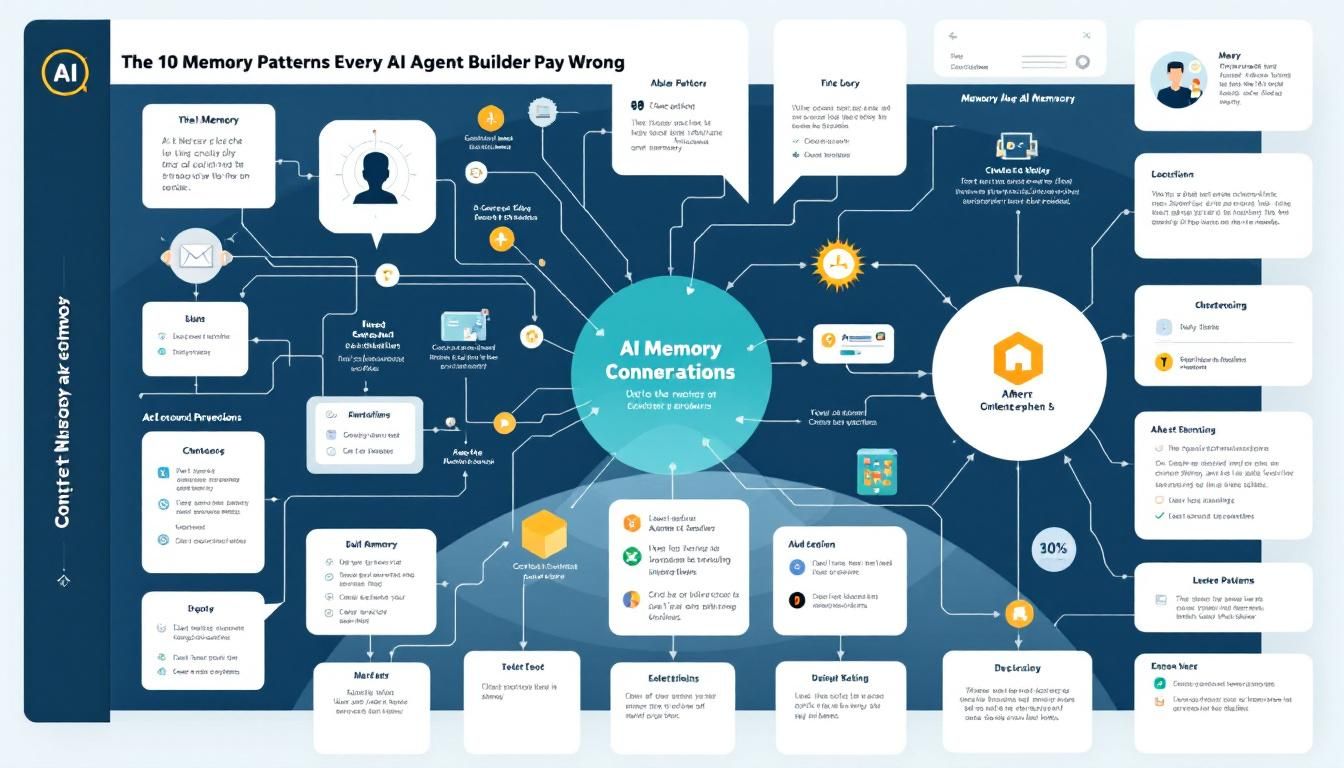
The 10 Memory Patterns Every AI Agent Builder Gets Wrong
Most AI agents fail because developers treat chat logs as memory and stuff everything into context windows. Here's how industry leaders like OpenAI and Microsoft actually architect agent memory—and why your approach is probably backwards.
AI agent memorymemory architecturecontext managementagent design patternsOpenAImem0
Your AI agent remembers everything and learns nothing. Sound familiar?
Most developers building AI agents make the same fundamental mistake: they treat memory as an afterthought, dump chat logs into context windows, and wonder why their agents get confused or expensive at scale. Meanwhile, the teams at OpenAI, Microsoft, and Mem0 have quietly converged on a completely different approach—one that most builders completely overlook.
Why Agent Memory Actually Matters
Here's the uncomfortable truth: context windows aren't memory. They're expensive, degrading attention mechanisms that get worse as they get longer. Every token you add dilutes the model's focus on what actually matters.
Context rot is real—and it's killing your agent's performance. When you stuff 32K tokens of chat history into GPT-4 and expect it to remember what happened three conversations ago, you're not building memory. You're building confusion.
Real memory isn't about storage capacity—it's about intelligent extraction, consolidation, and retrieval of meaningful artifacts.
The best agent builders think of memory as an architecture problem, not a database problem. They design systems that help models remember smarter, not just more.
The Three-Layer Memory Architecture
Forget everything you think you know about agent memory. The pattern that actually works looks nothing like a chat log.
Short-Term Memory: The Working Buffer
Your short-term memory handles immediate context—the current conversation, active tasks, and temporary state. This lives in your context window, but it's ruthlessly curated.
Key principles:
- Maximum 2-4K tokens
- Real-time eviction rules
- Focus on active goals and immediate context
- Gets cleared or consolidated frequently
Medium-Term Memory: Session Artifacts
Medium-term memory stores extracted insights from recent sessions—learned preferences, recurring patterns, and session summaries. This is where most builders go wrong by storing raw transcripts instead of meaningful artifacts.
What goes here:
- User preferences discovered in recent sessions
- Patterns in user behavior or requests
- Consolidated summaries of completed tasks
- Temporary hypotheses about user needs
Long-Term Memory: Persistent Knowledge
Your long-term memory contains durable facts, established procedures, and validated insights. This is your agent's permanent knowledge base—but it's not a dumping ground.
Storage criteria:
- Facts confirmed across multiple sessions
- Established procedures that work
- User preferences that persist over time
- Domain knowledge that remains relevant
Each memory layer needs different storage mechanisms and different eviction rules—trying to use one approach for everything is where most agents break down.
The Three-Pipeline Pattern
Industry leaders don't just store memories—they process them through a consistent pipeline that transforms raw interactions into useful knowledge.
Pipeline 1: Extraction
Extraction pulls meaningful artifacts from raw conversations. This isn't about saving everything—it's about identifying what's worth remembering.
The LLM itself should drive this process:
- "What new facts did I learn about this user?"
- "What patterns emerged in this conversation?"
- "What procedures worked or failed?"
- "What goals or preferences became clear?"
Pipeline 2: Consolidation
Consolidation merges new insights with existing knowledge. This is where your agent develops persistent understanding instead of fragmentary notes.
Key consolidation patterns:
- Merge conflicting user preferences (newer usually wins)
- Identify recurring behavioral patterns
- Validate temporary hypotheses with new evidence
- Archive outdated information without deleting it
Pipeline 3: Retrieval
Retrieval surfaces relevant memories when needed. This isn't keyword search—it's contextual relevance matching.
Effective retrieval strategies:
- Semantic similarity for factual queries
- Temporal relevance for recent patterns
- Goal-based filtering for task-relevant memories
- Confidence scoring for uncertain information
The magic happens in consolidation—this is where disconnected interactions become coherent understanding.
The Three Types of Memory That Matter
Not all memories are created equal. The most effective agents distinguish between three distinct types of knowledge, each with different storage and retrieval patterns.
Semantic Memory: Facts and Knowledge
Semantic memory stores factual information—user preferences, domain knowledge, established facts. This is your "what is true" memory.
Examples:
- "User prefers Python over JavaScript"
- "Company uses Slack for internal communication"
- "Project deadline is March 15th"
Storage pattern: Key-value pairs, knowledge graphs, or structured databases with confidence scores.
Episodic Memory: What Happened When
Episodic memory captures specific events and interactions—the story of what happened, when, and in what context.
Examples:
- "User seemed frustrated when discussing the API integration on Tuesday"
- "Successfully helped user debug authentication issue using OAuth flow"
- "User mentioned being on vacation next week during our morning standup"
Storage pattern: Timeline-based records with contextual metadata and emotional annotations.
Procedural Memory: How Things Get Done
Procedural memory stores successful processes, workflows, and problem-solving approaches—your "how to" knowledge.
Examples:
- "When user reports login issues, first check API status, then verify credentials"
- "User prefers code examples before explanations"
- "Debug sessions work better with step-by-step walkthroughs"
Storage pattern: Conditional workflows, decision trees, or process templates with success metrics.
Mixing these memory types in the same storage system is like putting your cookbook recipes, family photos, and tax documents in the same filing cabinet—technically possible, but practically useless.
Building Memory That Actually Works
Here's how to implement these patterns without over-engineering your first version:
Start Simple: File-Based Memory
Don't build a complex vector database on day one. File-based memory often outperforms fancy tooling because it's debuggable, portable, and fast.
Simple implementation:
/memories
  /semantic
    user_preferences.json
    domain_facts.json
  /episodic
    session_summaries.json
    interaction_timeline.json
  /procedural
    workflows.json
    problem_solving_patterns.json
Let the Model Manage Itself
The biggest breakthrough in agent memory is letting the LLM decide what to store, update, and forget. Your job is to provide the infrastructure, not make the decisions.
Effective prompting patterns:
- "Based on this conversation, what should I remember about this user?"
- "How does this new information change what I previously knew?"
- "What from my current memories is relevant to this new request?"
Keep Agents Stateless
Your agent code should be completely stateless. All memory, context, and state should live in external stores that can be inspected, modified, and debugged independently.
This means:
- No global variables or class-level state
- All context loaded fresh for each interaction
- Memory operations explicitly logged and trackable
- Easy to reset, replay, or debug specific interactions
Instrument Everything
Memory problems are silent killers. Noisy memory—storing irrelevant information or retrieving the wrong context—degrades performance without obvious errors.
Track these metrics:
- What gets stored after each interaction
- What gets retrieved for each request
- Memory storage growth over time
- Retrieval relevance scores
- Context window utilization
Start with simple files and explicit logging—you can always add sophistication, but you can't debug what you can't see.
The Bottom Line
Effective agent memory isn't about storing more—it's about remembering smarter. The teams building production AI agents have moved far beyond chat logs and context stuffing. They architect memory as layered systems with intelligent extraction, typed storage, and contextual retrieval. Most importantly, they let the models themselves decide what's worth remembering, rather than trying to engineer those decisions upfront. Start simple, instrument everything, and let your agent's memory evolve based on what actually works in practice.
Try This Now
- 1Audit your current agent's memory approach—are you storing chat logs or extracted artifacts?
- 2Implement a three-layer memory architecture with different eviction rules for each layer
- 3Set up instrumentation to track what your agent stores and retrieves using simple logging
- 4Create separate storage for semantic facts, episodic events, and procedural workflows
- 5Add LLM-driven extraction prompts that let the model decide what to remember
How many Orkos does this deserve?
Rate this tutorial